A website that sells your digital products and grows your list.
Checkout, free sign-ups, a membership and discount codes on the page you already share, instead of a pile of apps to sign in to.
Free to start. No credit card needed.
- A shop app
- A link in bio
- A sign-up page
- A membership platform
- A discount code app
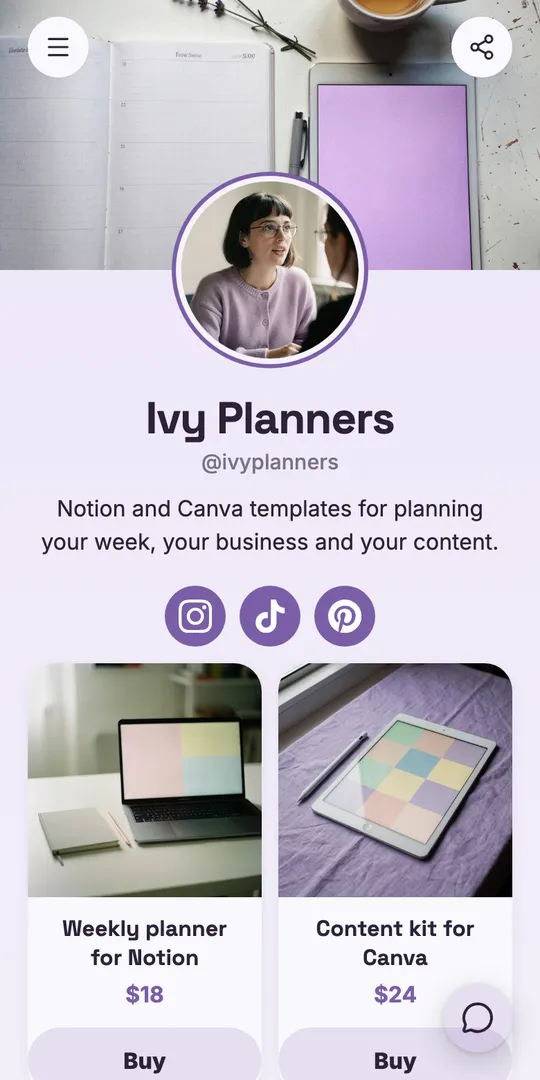
Each tool, and the block that does its job.
Sell, grow your list and run a membership from the page you already share.
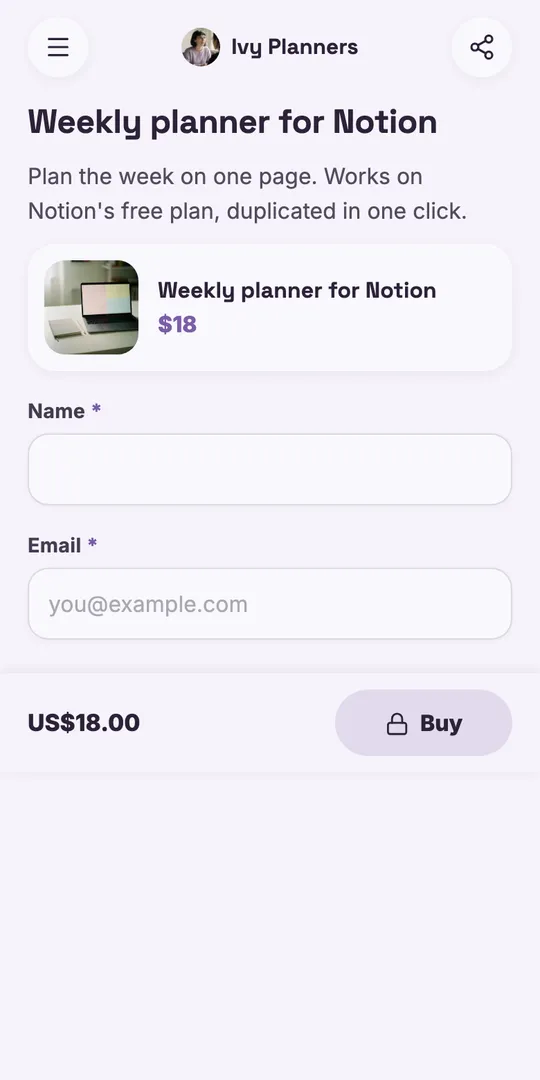
Instead of a shop app
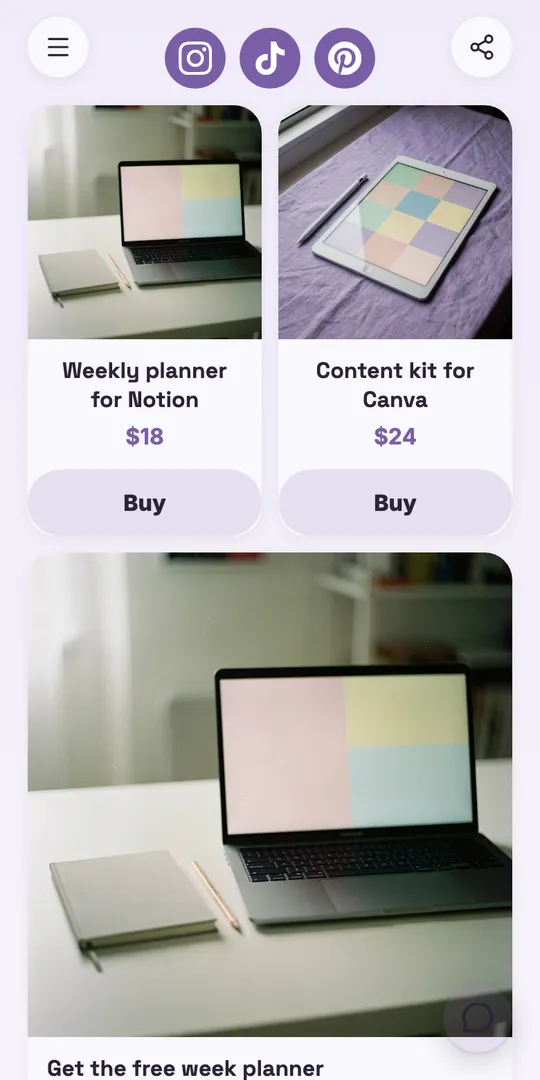
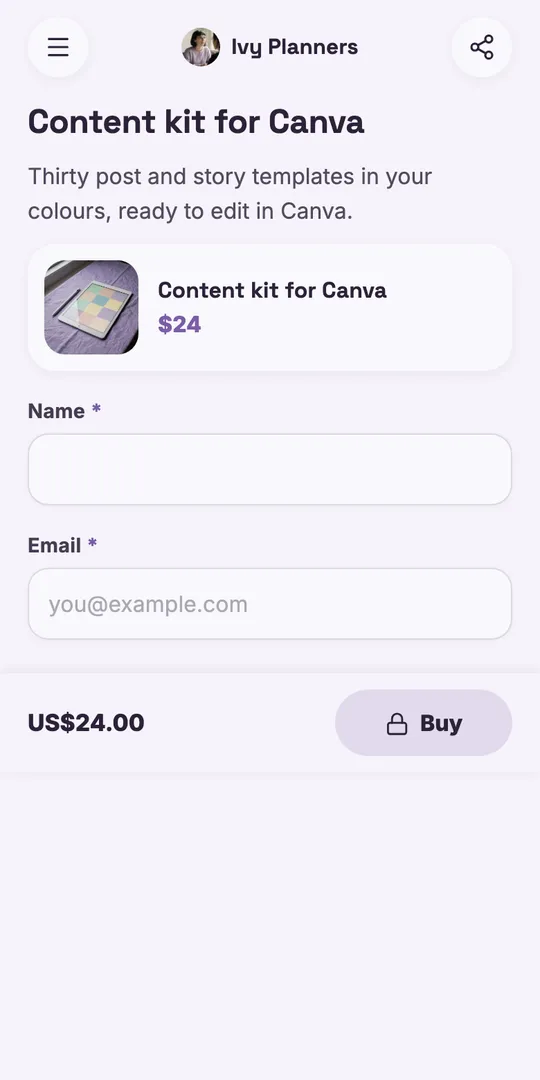
Checkout on your page, and the file is theirs the moment they pay.
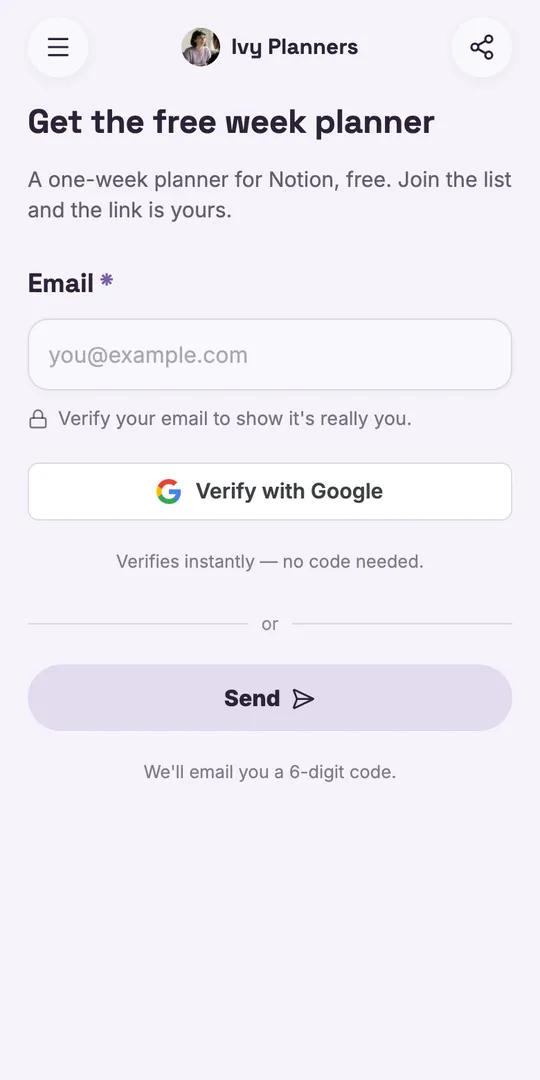
Instead of a sign-up page
A free planner for an email, checked as real, sent on to Kit or Mailchimp.
Instead of a membership platform
A monthly club that bills every month, through your own Stripe.
Instead of a discount code app
A code people copy with one tap, right beside what it is for.
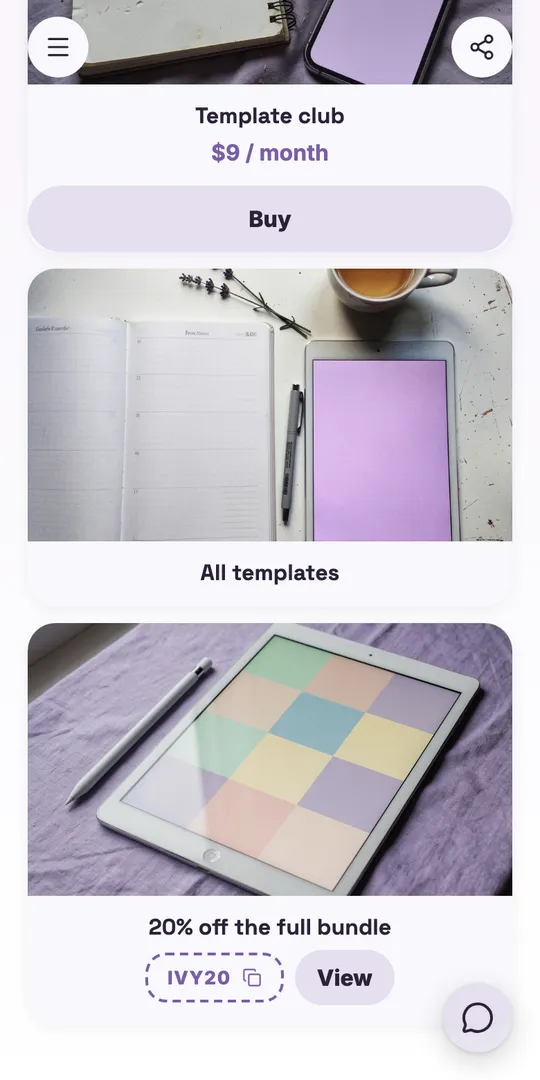
Instead of a link in bio
Every template on one page, sorted into collections.
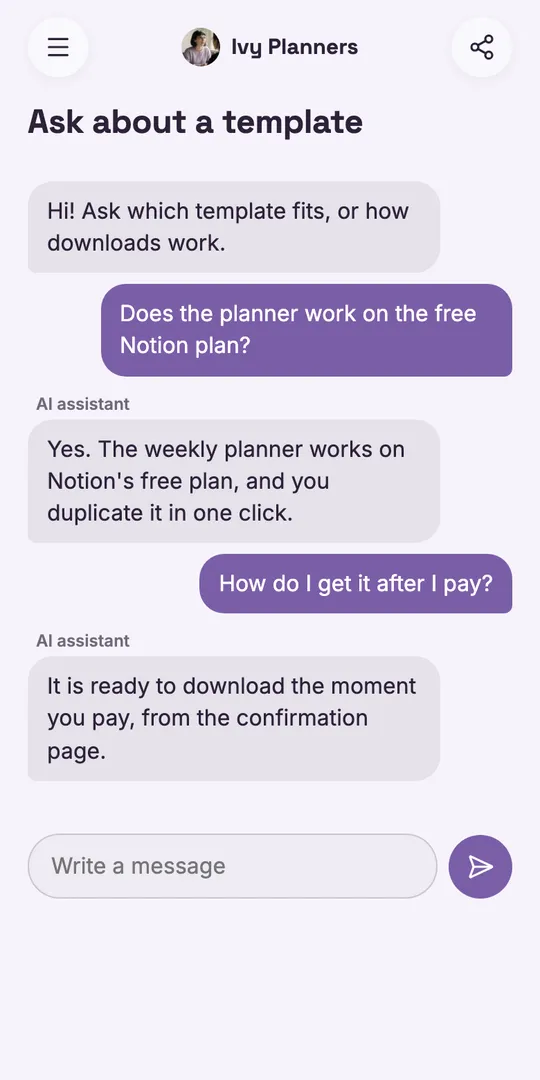
Instead of answering DMs
The AI answers which template fits and how downloads work.
Start from a template.
Pick one, then change anything on it.
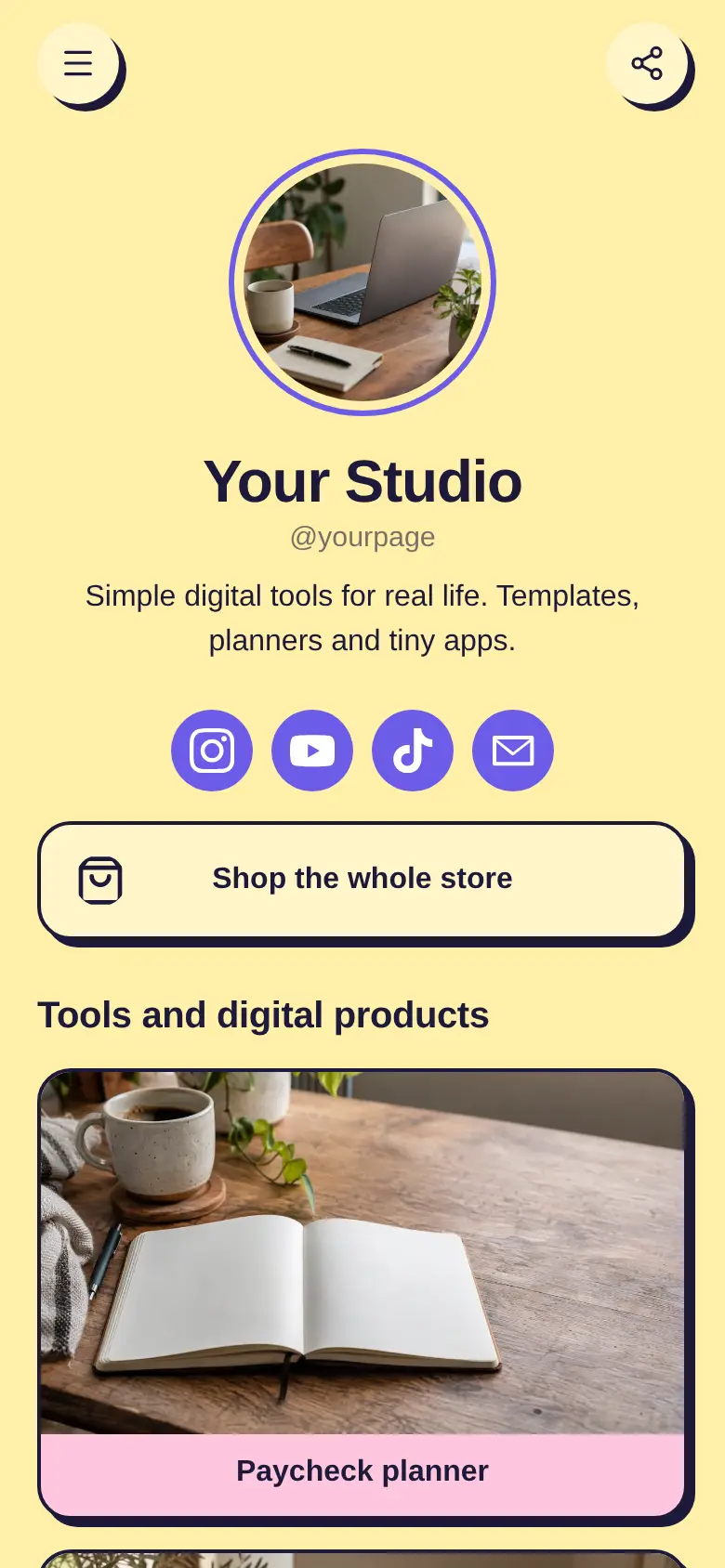
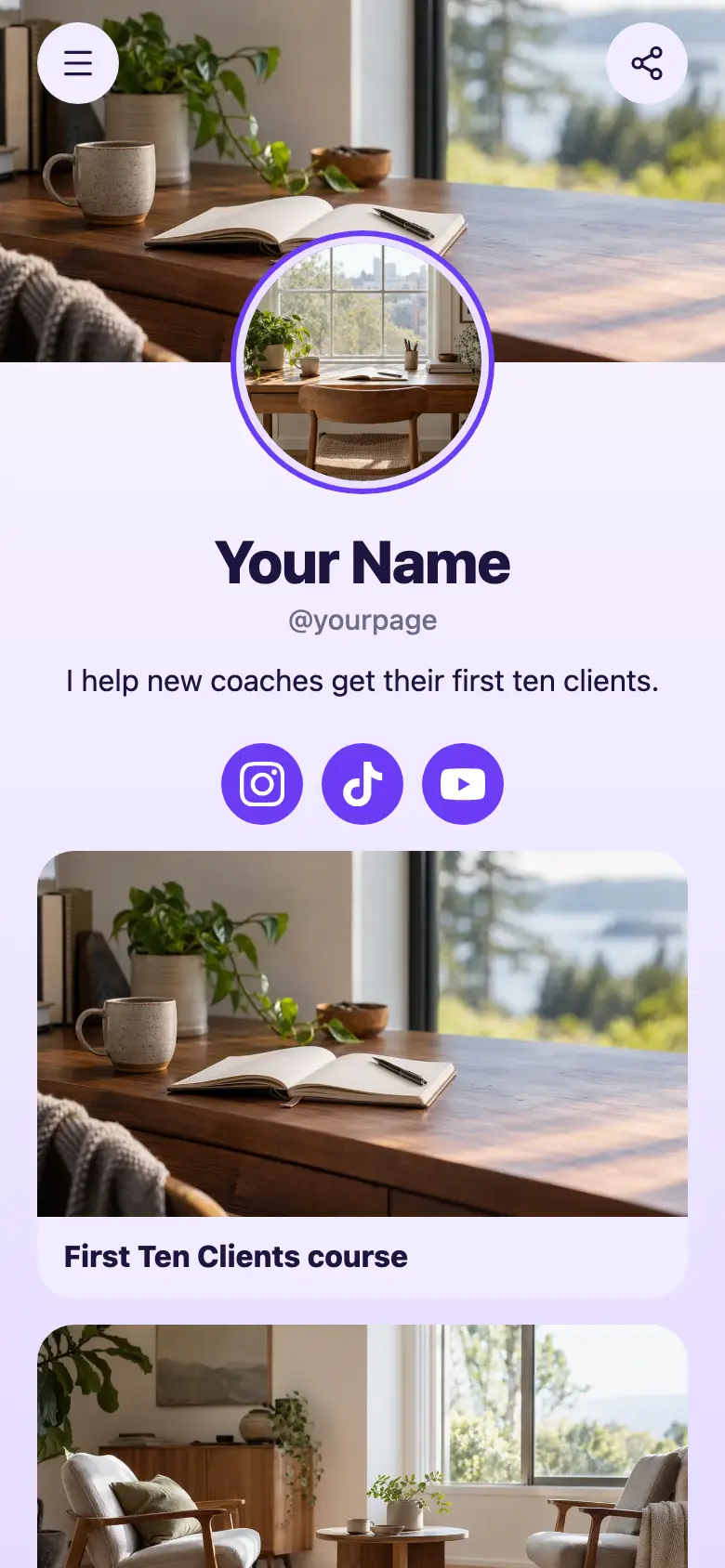
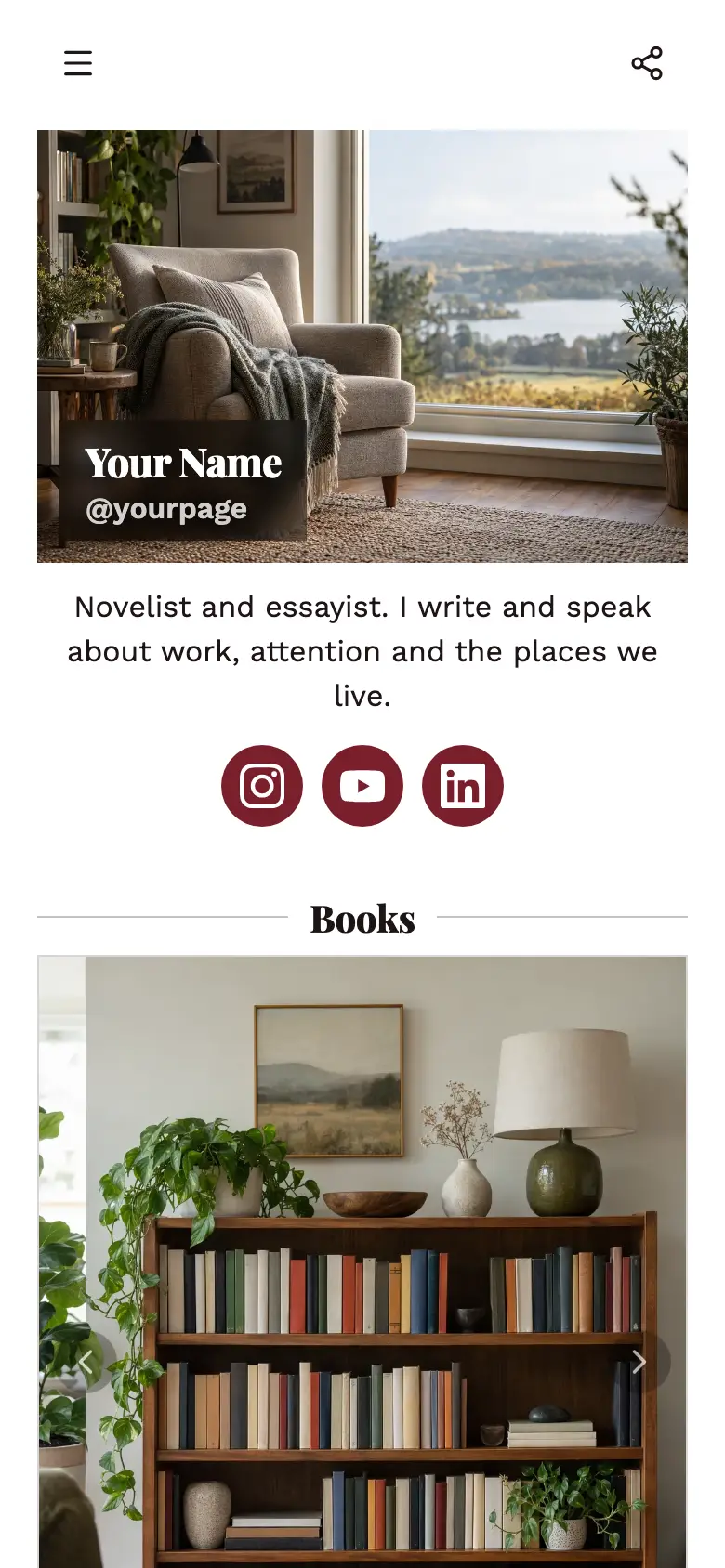
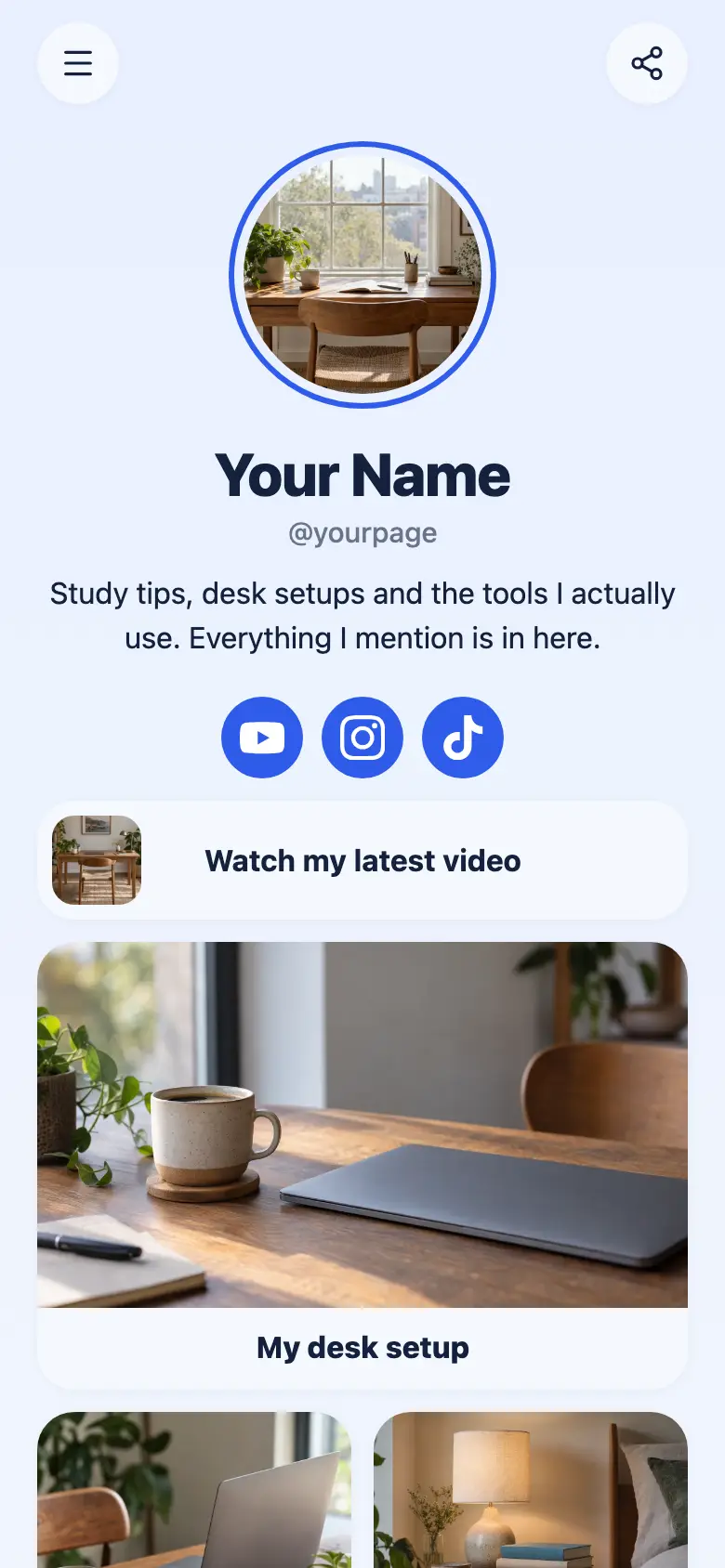
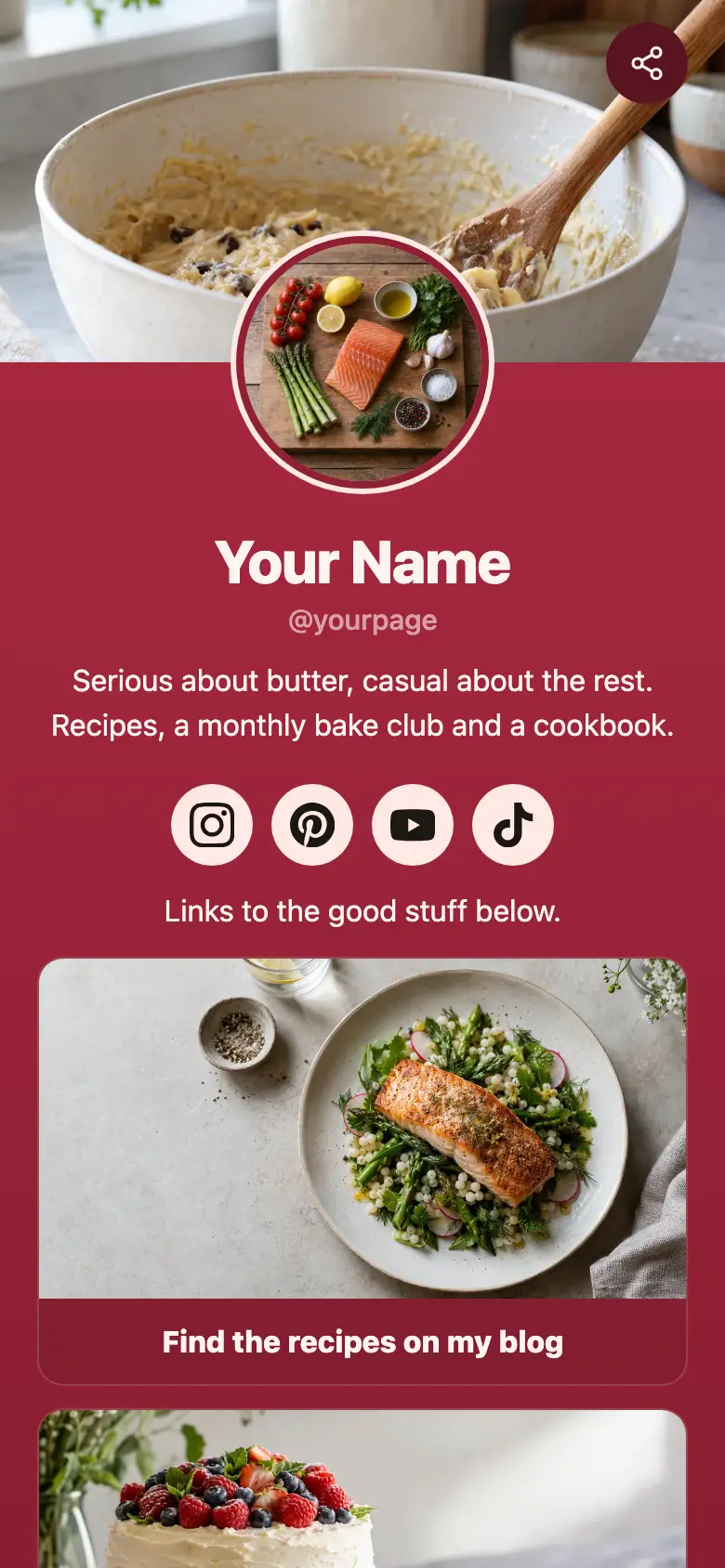
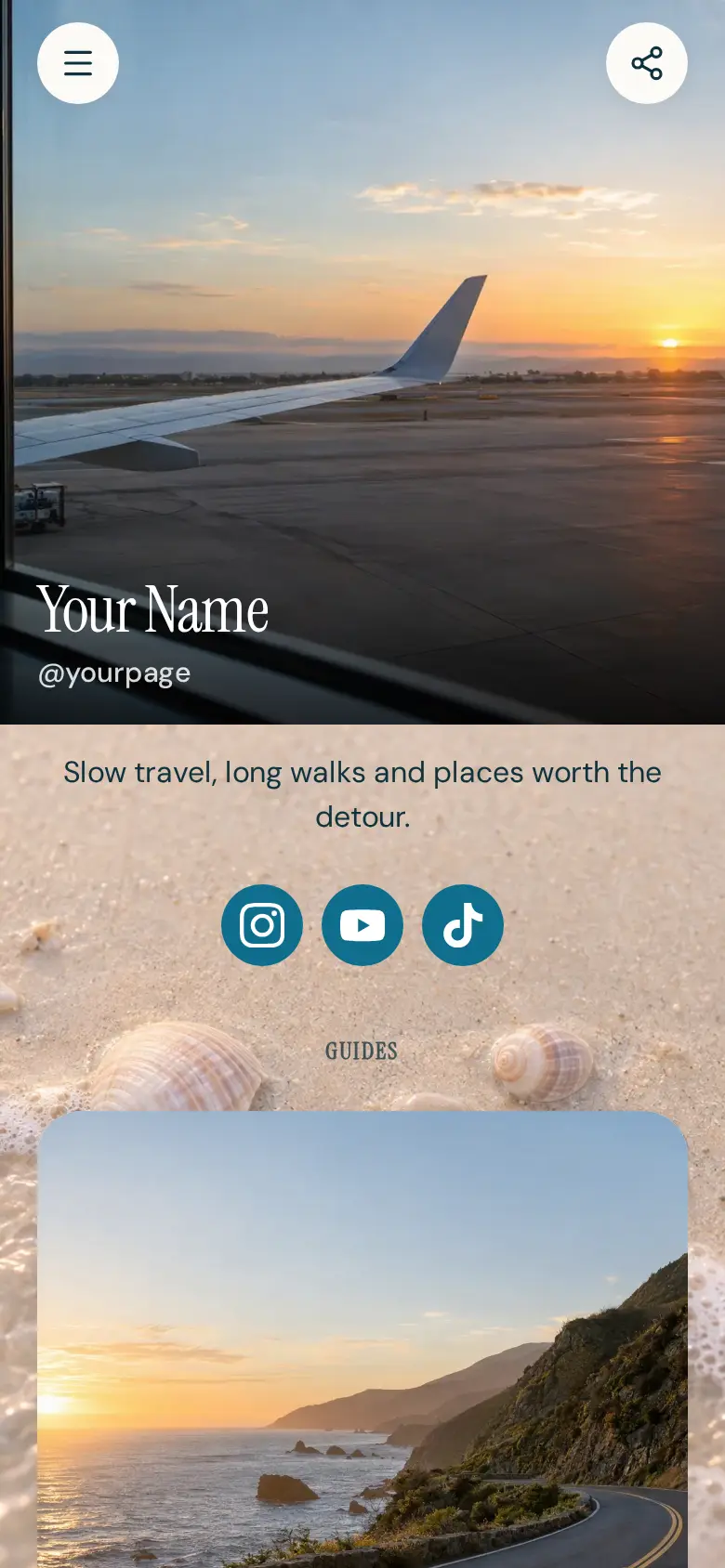
Every block has its own link.
Put one template in a post, a Pin or a newsletter.
Everything Keepp does.
One page that does the job of several tools, so you stop paying for and juggling each one.
Link in bio and website
- Website and link in bio
- Links and socials
- Collections
- Spotify and YouTube
- Maps and opening hours
- Menus
Replaces a website and a separate link in bio
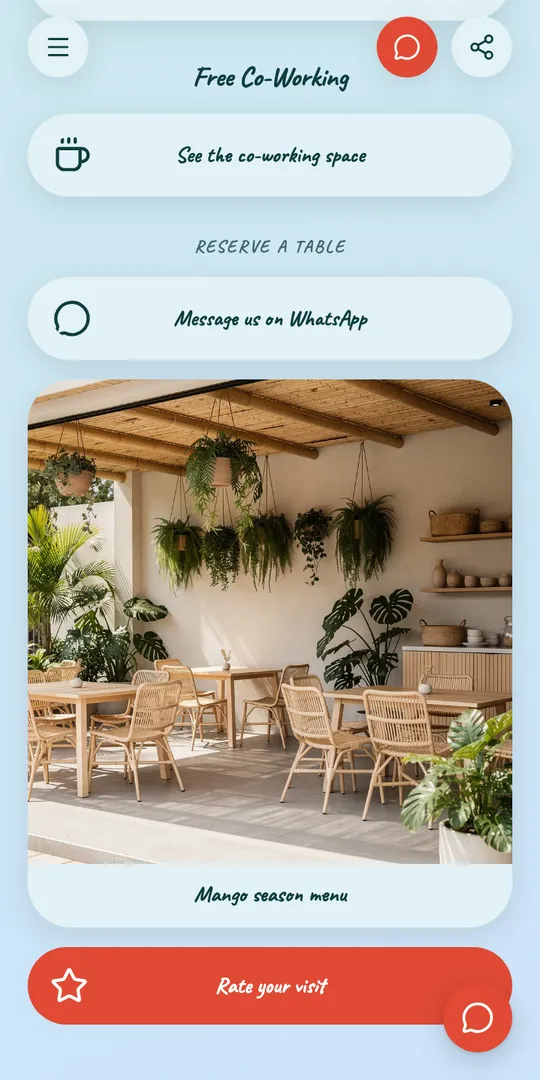
Design
- Custom domain
- Templates
- Cover photos and banners
- Fonts and colors
- Motion effects
- Scheduled blocks
Replaces Carrd
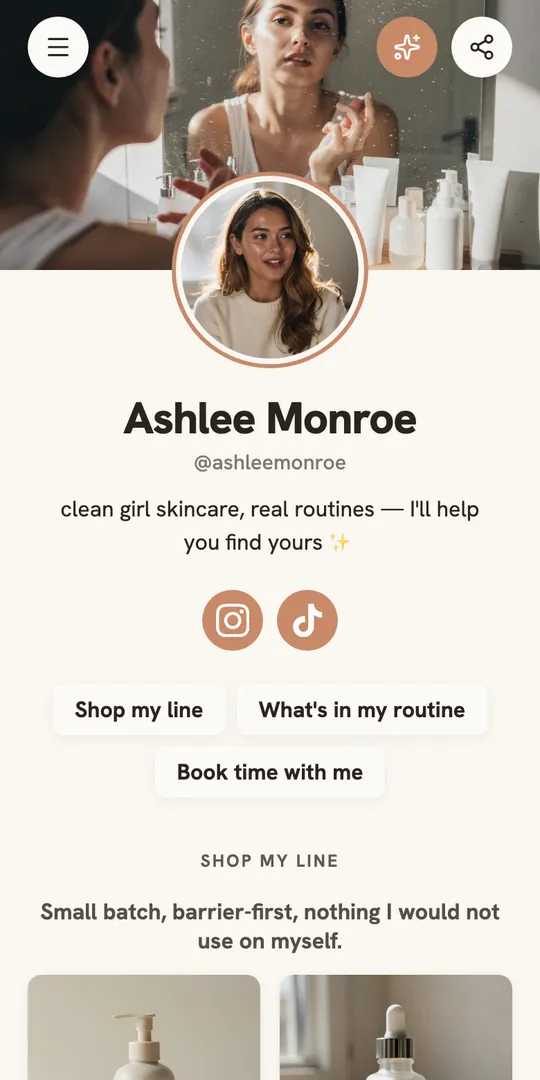
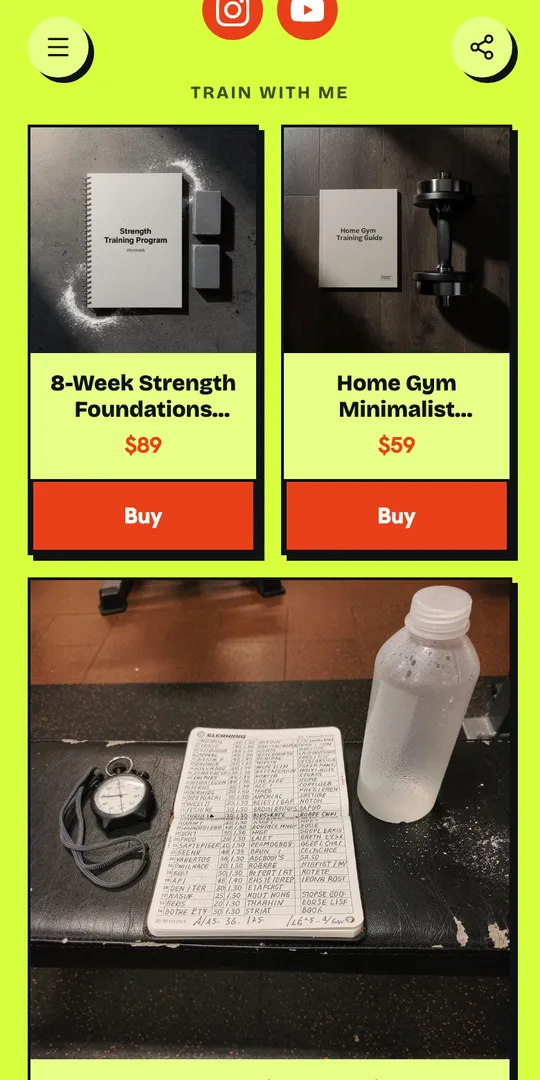
Shop
- Stripe checkout
- Subscriptions
- Digital downloads
- Affiliate links
- Promo codes
Replaces Stan Store or Gumroad
Bookings
- Bookings
- Deposits
- Google Calendar sync
- Zoom and Meet links
Replaces Calendly
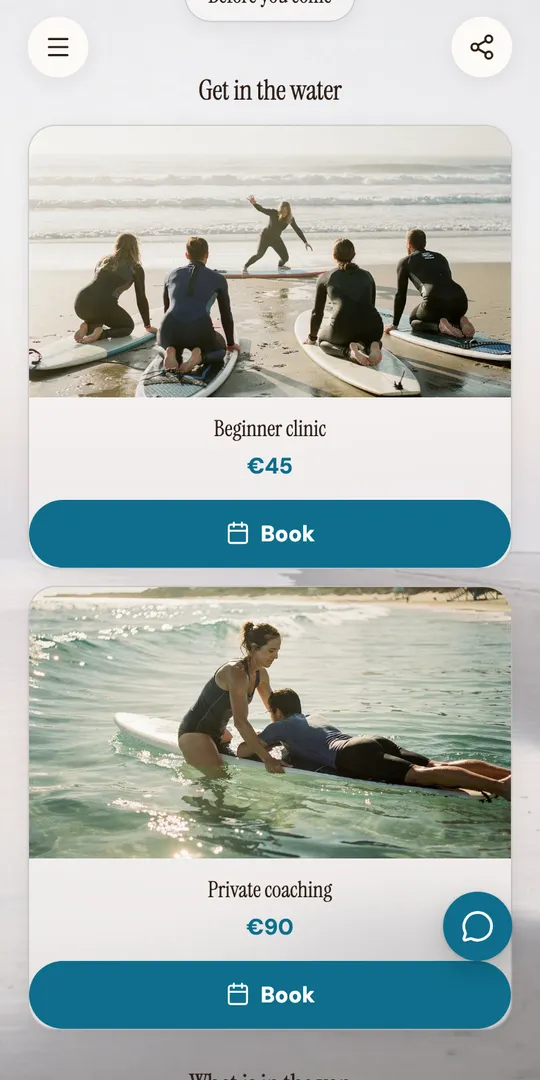
Forms
- Forms
- Verified sign-ups
- Star ratings
- Spotlight pop-ups
- Response inbox
- Sync to Kit, Mailchimp and Zapier
Replaces Typeform
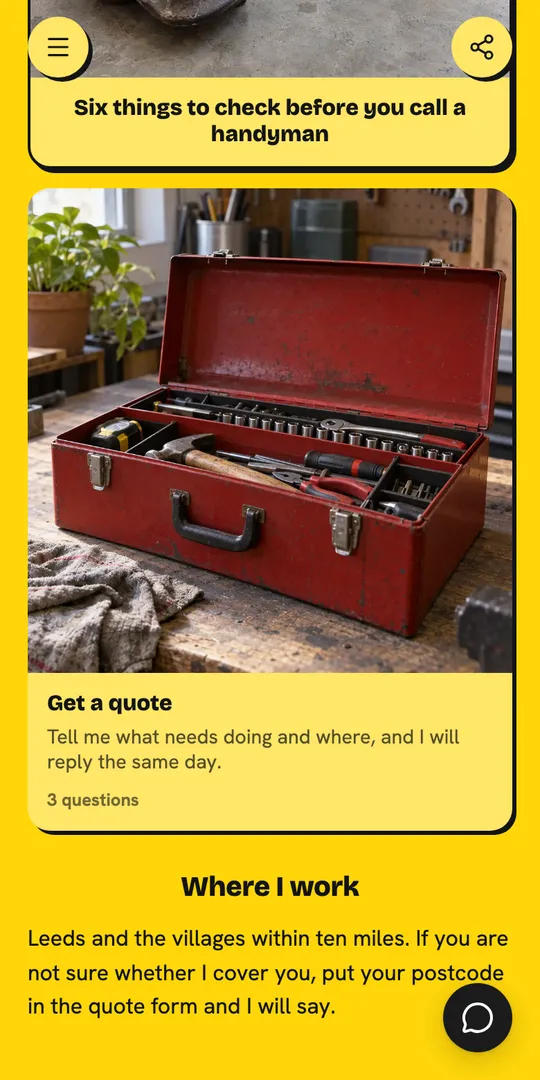
Chat
- Live chat
- AI answers
- Telegram handover
- Chat history
Replaces a separate chat widget
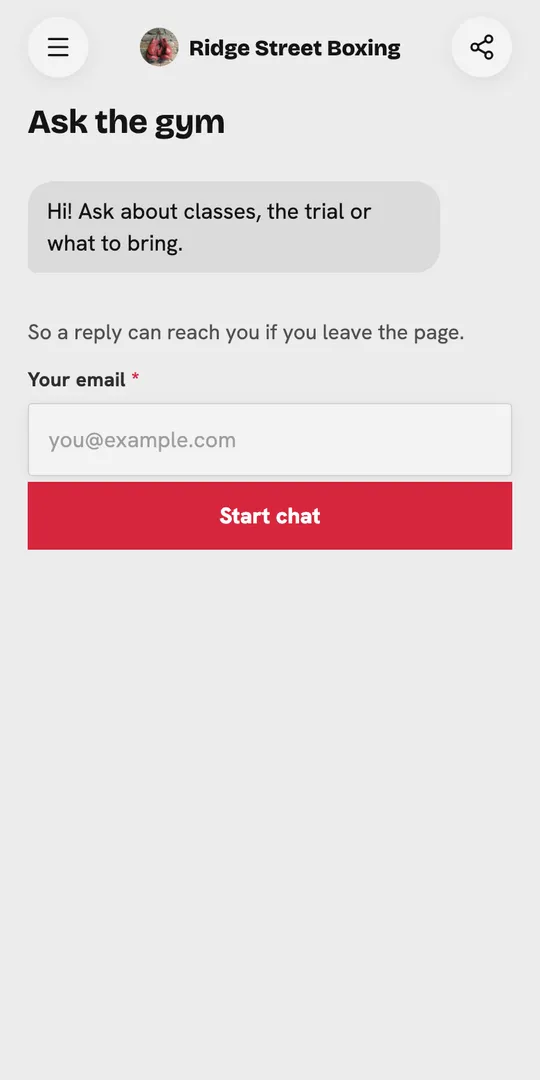
Sharing
- Custom links
- QR codes
- Wallet visiting card
- A link for every block
Replaces a link shortener and a QR generator
AI and analytics
- AI editor
- Claude and ChatGPT
- Analytics
- Import your page
Replaces hiring a developer or an agency
Your AI assistantAdd a free 30 minute intro call to my Keepp page, weekdays 9 to 5.AI assistantDone. It is on your page under your profile, and each booking gets a Google Meet link.Which link did people tap most this week?AI assistantYour new booking, then the shop.
Every tool you need to showcase, sell and run what you do.
For creators and small businesses, on one page you own.
Free to start. No credit card needed.
How much does Keepp cost?
The free plan is a real plan, not a trial with a clock on it. Start there and upgrade when you run into something you need.
Influencer
- Live chat on your page, answered by AI or by you from Telegram
- Spotlight pop-ups that ask visitors to subscribe, buy or book
- Unlimited products, subscriptions and bookings, paid online, in person or free
- Forms for leads and feedback, sent to Kit, Mailchimp or Zapier
- Your own domain, custom fonts, motion, collections and scheduled blocks
- AI editor, building from Claude or ChatGPT, the API and full analytics
- 20 custom links, QR codes, a Wallet card and 10,000 actions a month
0% fee on sales
Start your 7-day free trial7-day free trial. Cancel before it ends and you pay nothing.
Pro
- Unlimited products, subscriptions and bookings, paid online, in person or free
- Forms for leads and feedback, sent to Kit, Mailchimp or Zapier
- Your own domain, custom fonts, motion, collections and scheduled blocks
- AI editor, building from Claude or ChatGPT, the API and full analytics
- 5 custom links, QR codes, a Wallet card and 2,000 actions a month
3% fee on sales
Start your 7-day free trial7-day free trial. Cancel before it ends and you pay nothing.
Free
- Your keepp.link page with unlimited links and cards
- 1 product and 1 booking with Stripe checkout and Zoom or Meet links
- Basic analytics, and the AI editor for your first 24 hours
Sales through Stripe checkout are never limited. Pro includes 2,000 actions a month and Influencer 10,000. An action is a form submission, a free or listed-price order or booking, or a chat reply.
Compare every featureQuestions people ask.
How does the buyer get the file?
You attach it to the product. When the payment goes through, it is released to the buyer straight away, and the order shows up in your dashboard with their name and email.
Can I sell digital products and downloads?
Yes. You host the file where you already keep it and Keepp reveals that private link to the buyer the moment the order is placed, so ebooks, presets, templates, sample packs and printables sell from the same page as everything else.
Best platforms to sell digital productsHost your content privately
Can I sell subscriptions and memberships?
Yes, on the Pro plan. A product can be a subscription that Stripe charges every week, month or year, such as a membership, a monthly box or coaching. Your subscribers show in your purchases with their status, and they manage or cancel it themselves through Stripe.
How do I sell Canva or Notion templates?
Add a product block, price it, and give it the private link the buyer should get. The same setup works for Lightroom presets, spreadsheets, planners and PDFs, and changing that link later changes it for everyone who has already bought.
How to sell Canva templatesHow to sell Notion templatesHow to sell Lightroom presets and LUTs
Can form sign-ups go to Mailchimp, Kit or Zapier?
Yes, on Pro and up. Connect Kit or Mailchimp and the people who fill in your forms, buy or book join your list, tagged with what they did. Zapier sends them to any other tool. A form that asks people to confirm their email only sends them once they have.
Can I add affiliate links and promo codes?
Yes. An affiliate card points at somebody else's product with your link on it, and a promo code card holds a code that copies itself when a visitor taps it.
What commission does Keepp take on a sale?
Five percent on the free plan, three percent on Pro and nothing on Influencer. It comes out at checkout rather than arriving as a separate invoice.
How do I get paid?
Through your own connected Stripe account. You are the merchant of record, so the sale is between you and your customer and the money goes to your account rather than being held by Keepp and forwarded later.
What does the chat AI use to answer?
Two things, and nothing else: everything on your published page, and what you add under What the AI should know in Chat settings. The page part is automatic, with nothing to copy in, and the AI picks up changes each time you publish. The settings box is for what the page does not say, such as policies, delivery, the questions you are asked most and the tone to use.
Your shop, your list and your club, on one page.
Free to claim. Live in two minutes. Cancel anytime.