Resource Hub link in bio template
A free link in bio for people who share a lot of links. Your newest video sits at the top, and everything else is sorted into collections for your setup, free downloads, books and videos. Each collection opens a page of its own links, so the first screen stays short.
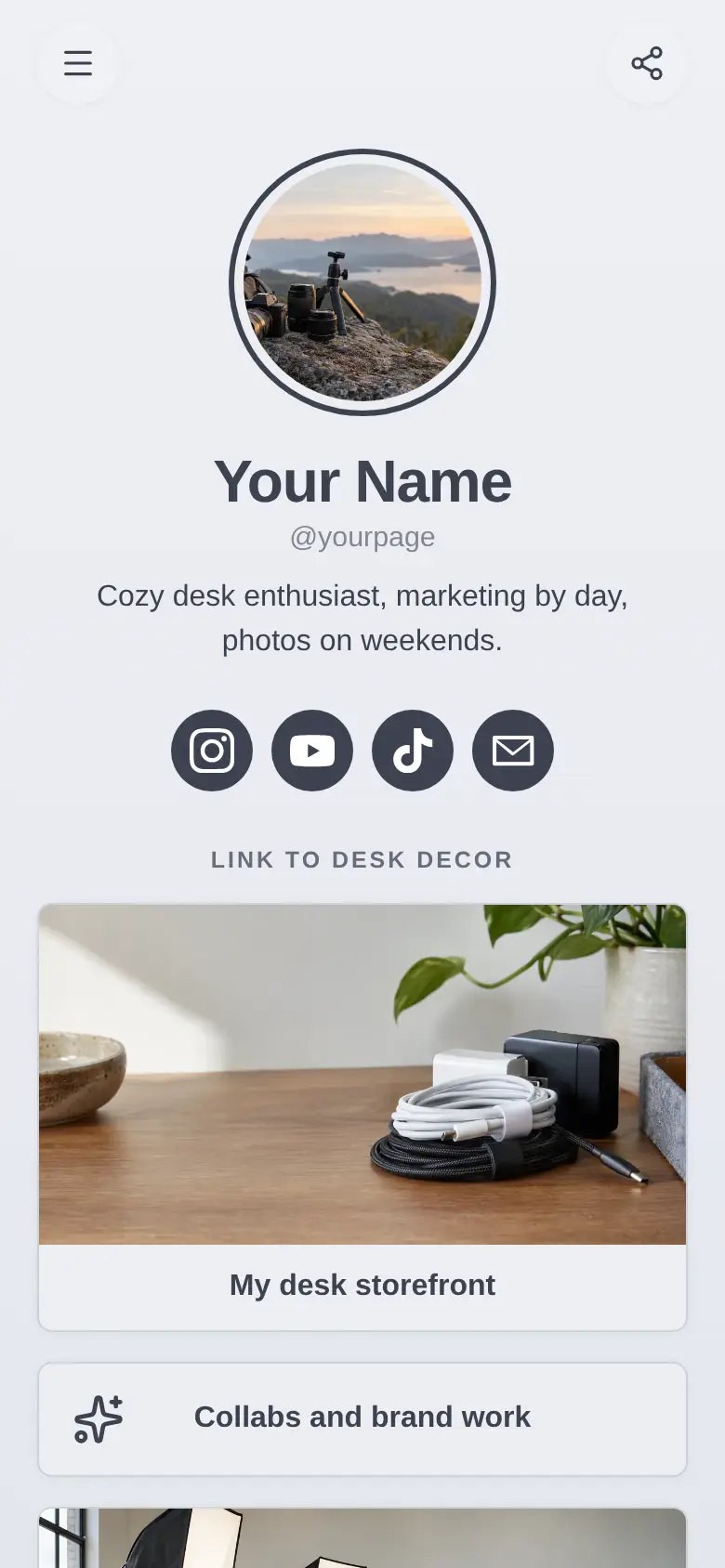
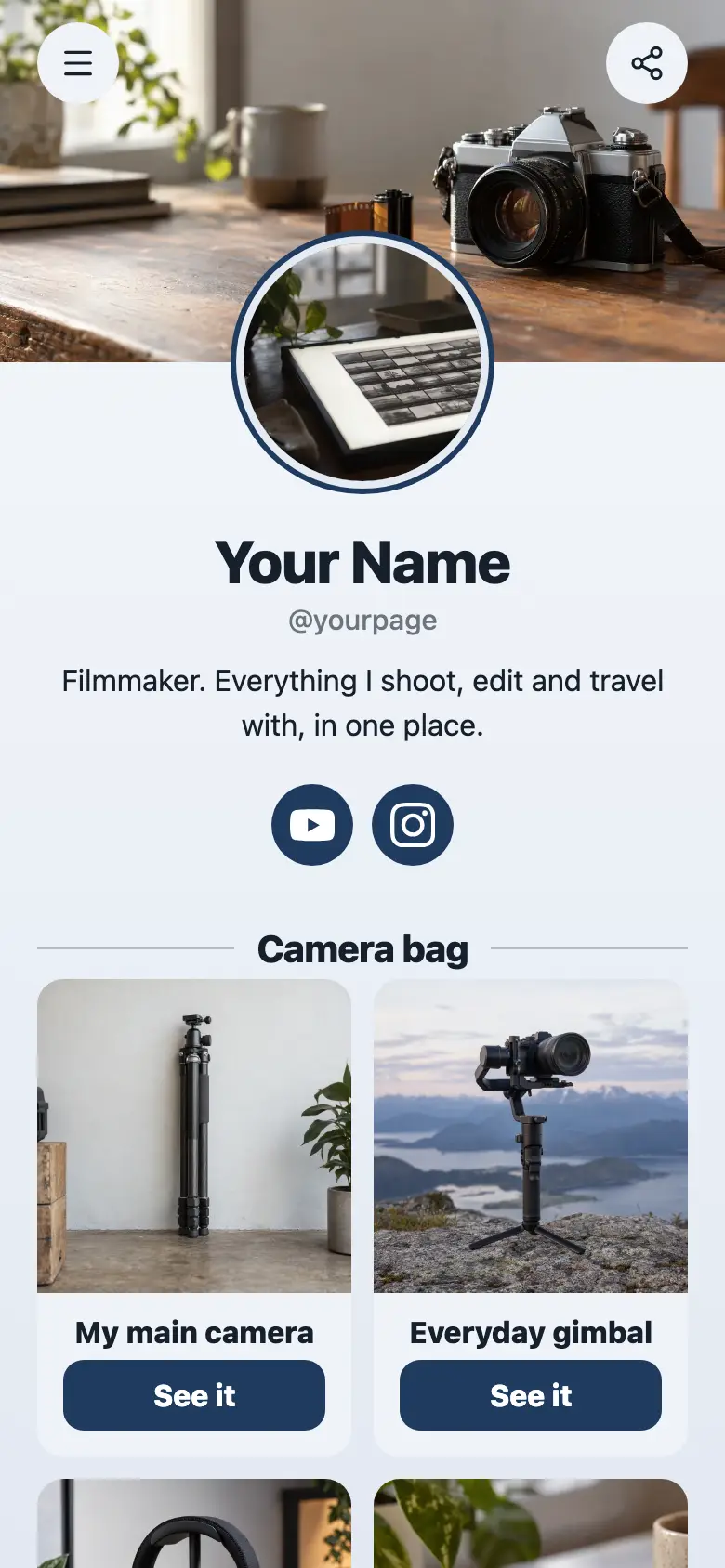
At the top sits a round photo with your name and a line about what you make, like study tips and desk setups, with YouTube, Instagram and TikTok underneath. The background is a pale blue that fades lighter toward the bottom, with soft photo cards for each collection.
It’s only a starting point. Every word, photo, colour and block is yours to change, and you can add, remove or reorder anything.
What’s on this page
Watch my latest video
A web link, shown as a button or as a card with an image.
Keep the one link that changes most often right under your name, outside the collections. Swap it each time you post, so people who arrive from your newest video find it first.
My desk setup
A pill or card that opens a page of other blocks, like everything for sale or every link for one product line.
Put every item you get asked about in here, one link each, with your affiliate links where you have them. The card shows a photo of your desk, and a tap opens the full list, so a long list never pushes the rest of your page down.
Free downloads
A pill or card that opens a page of other blocks, like everything for sale or every link for one product line.
Planners, templates and checklists you give away go in this collection. Add a new one whenever you make it, and the card on your page stays the same size.
Books I love
A pill or card that opens a page of other blocks, like everything for sale or every link for one product line.
The books you mention in videos, each with its own link. Sitting next to Free downloads as two square cards, it reads as a shelf people can browse.
Watch and listen
A pill or card that opens a page of other blocks, like everything for sale or every link for one product line.
Group the videos and podcast episodes people should start with. New followers get a short list of your best work instead of scrolling back through months of posts.
Add to it
Start here
A YouTube video that plays on the page.
A short welcome video that plays on the page tells new visitors which collection to open first.
The complete planner pack
An item you sell, with photos, a price and a buy button. Buyers pay on the page through your own Stripe account.
Keep a few downloads free and sell the full pack as a product. Buyers pay on the page through your own Stripe account and get the files straight away.
Get new resources first
A form with the questions you choose, for enquiries, quotes or feedback. Every answer is saved for you in Keepp.
Ask people for their email so you can tell them when a new download or list goes up. The sender confirms their address, and every sign-up waits in your dashboard.
Questions
What is a resource hub link in bio?
One link that holds everything you recommend, sorted by topic. Instead of one long list of buttons, each topic is a collection that opens a page of its own links.
How many links can go in a collection?
As many as you need. The collection shows as one card on your page however many links are inside it.
Can I use affiliate links inside a collection?
Yes. Every link inside a collection goes wherever you point it, affiliate links included, and each one has its own address you can share on its own.
Can I rename or add collections?
Yes. Change the title, photo and description of any collection, add new ones for new topics, and move links between them in the editor.
Start from the Resource Hub template.
It’s only a starting point. Every word, photo, colour and block is yours to change, and you can add, remove or reorder anything.