Short links and QR codes you can change any time.
Put them in your bio, on your tables, on your packaging or in your phone's Wallet, and change where they go whenever you like. Nobody needs a new link, and nothing needs reprinting.
Free to start. No credit card needed.

In June it opens
Summer collection
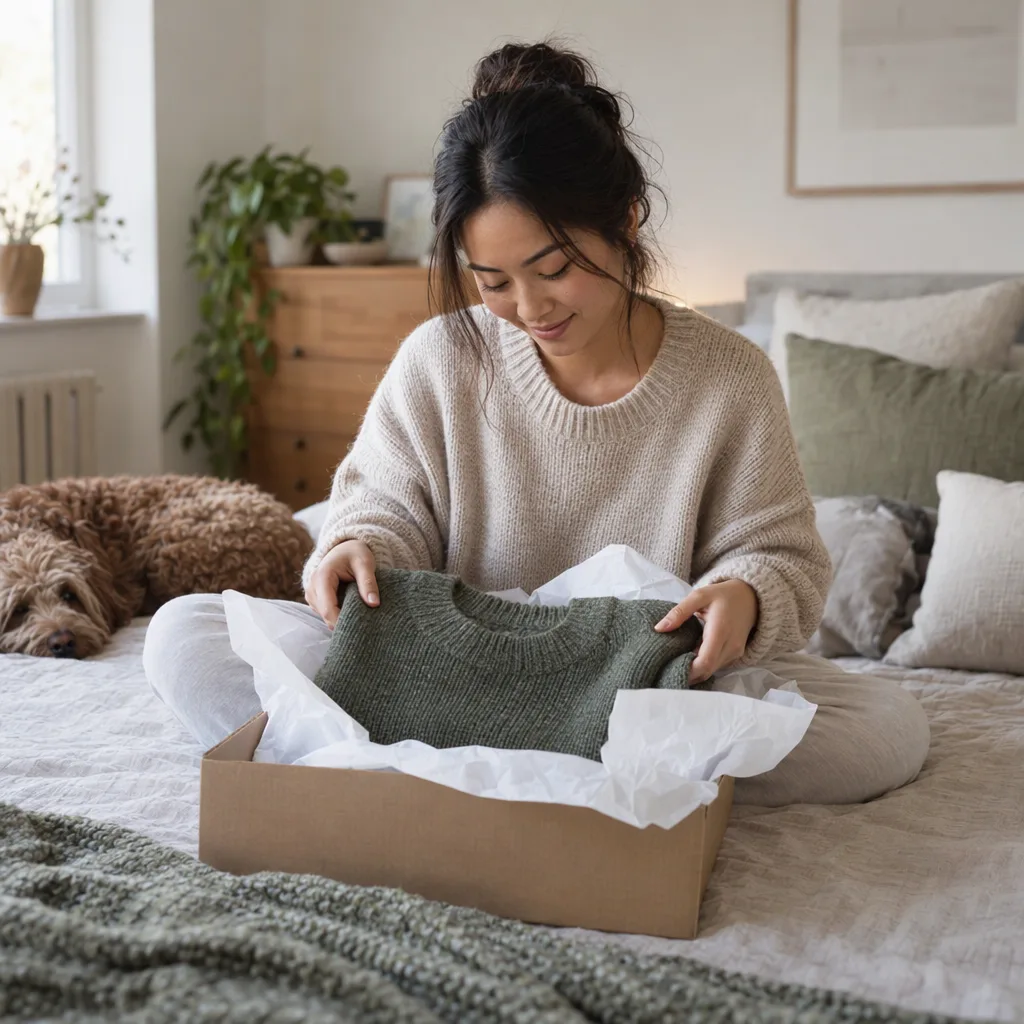
How people use it.
From the link in a creator's bio to the code on a café table.
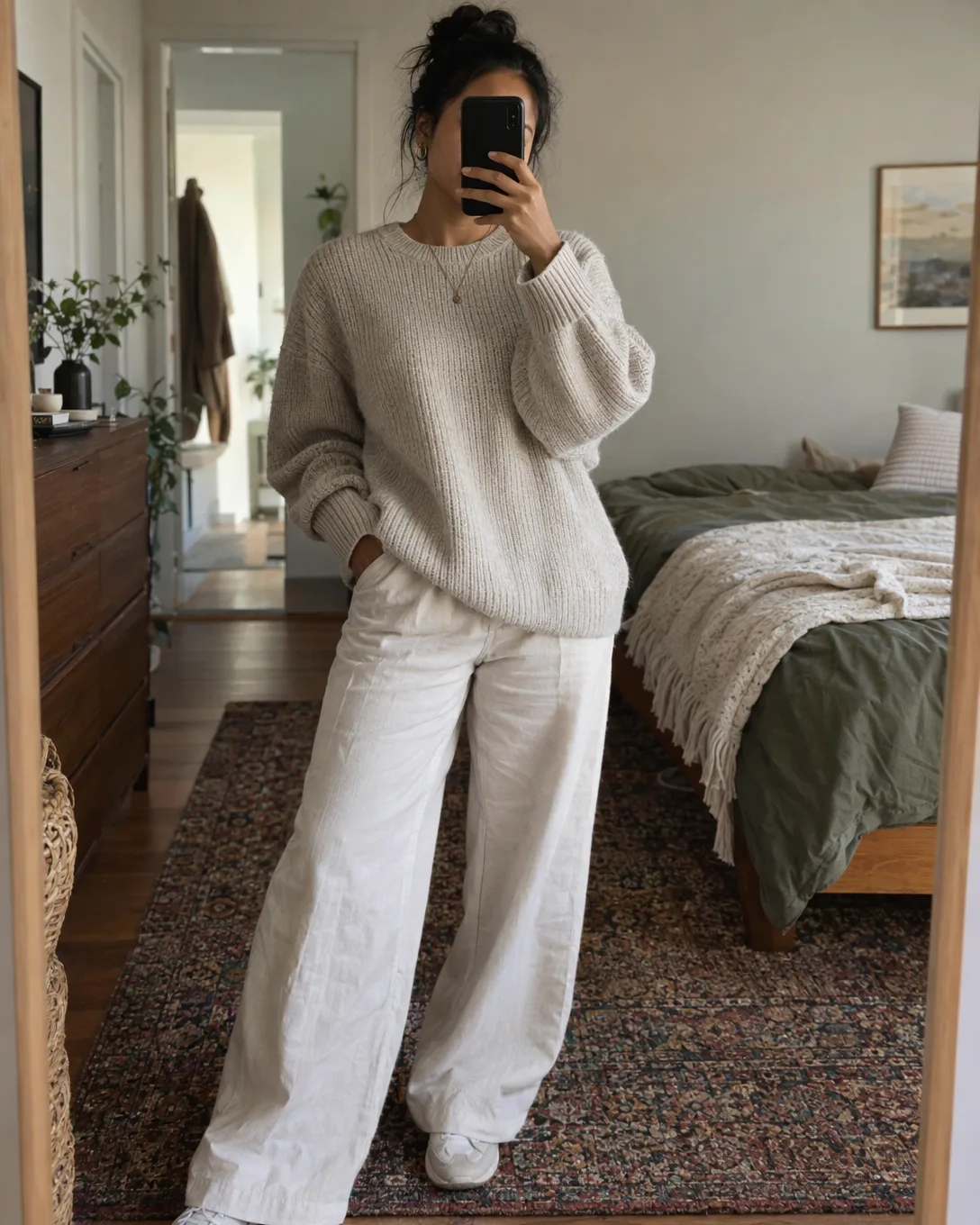
Maya Osei
Slow fashion, made in small runs. The new collection is out now.
keepp.link/mayaosei/drop
In June it opens
Summer collection
The link in your bio that changes with you
Maya puts keepp.link/mayaosei/drop in her bio. In June it opens her summer collection, in October the autumn one. Her followers tap the same link all year and never land on last season's sale.
A custom link that opens a collection on her page.

North Pier Coffee

Scan for our menu
Opens today: the Christmas menu
A menu on every table, printed once
North Pier Coffee prints a QR code on its table cards that opens the menu. In December they point it at the Christmas menu, and the cards stay exactly where they are.
A QR code that opens a custom link, which opens the menu.

Ember & Wick

Care and refills
A code on your packaging
Ember & Wick puts a code on every candle's tag. It opens the care guide and a way to buy a refill. When the range changes, they change where the code goes.
A QR code on the tag that opens a part of their page.

keepp.link/mayaosei
Maya Osei
Stylist and designer

Your business card, in your phone
At an event, Maya opens her digital visiting card in Apple Wallet. The person she has just met scans it and has her page: her work, how to book her and how to reach her. No paper cards to print or run out of, and it is always up to date.
A digital visiting card in Apple Wallet or Google Wallet.

Low Tide Fest
Saturday 14 June
 Before: ticketsAfter: photos
Flyers and posters that stay useful
Low Tide Fest's poster opens the ticket page in the weeks before. The morning after, they point it at the photos, so every poster still on a wall keeps working.
A QR code on the poster that opens a custom link.
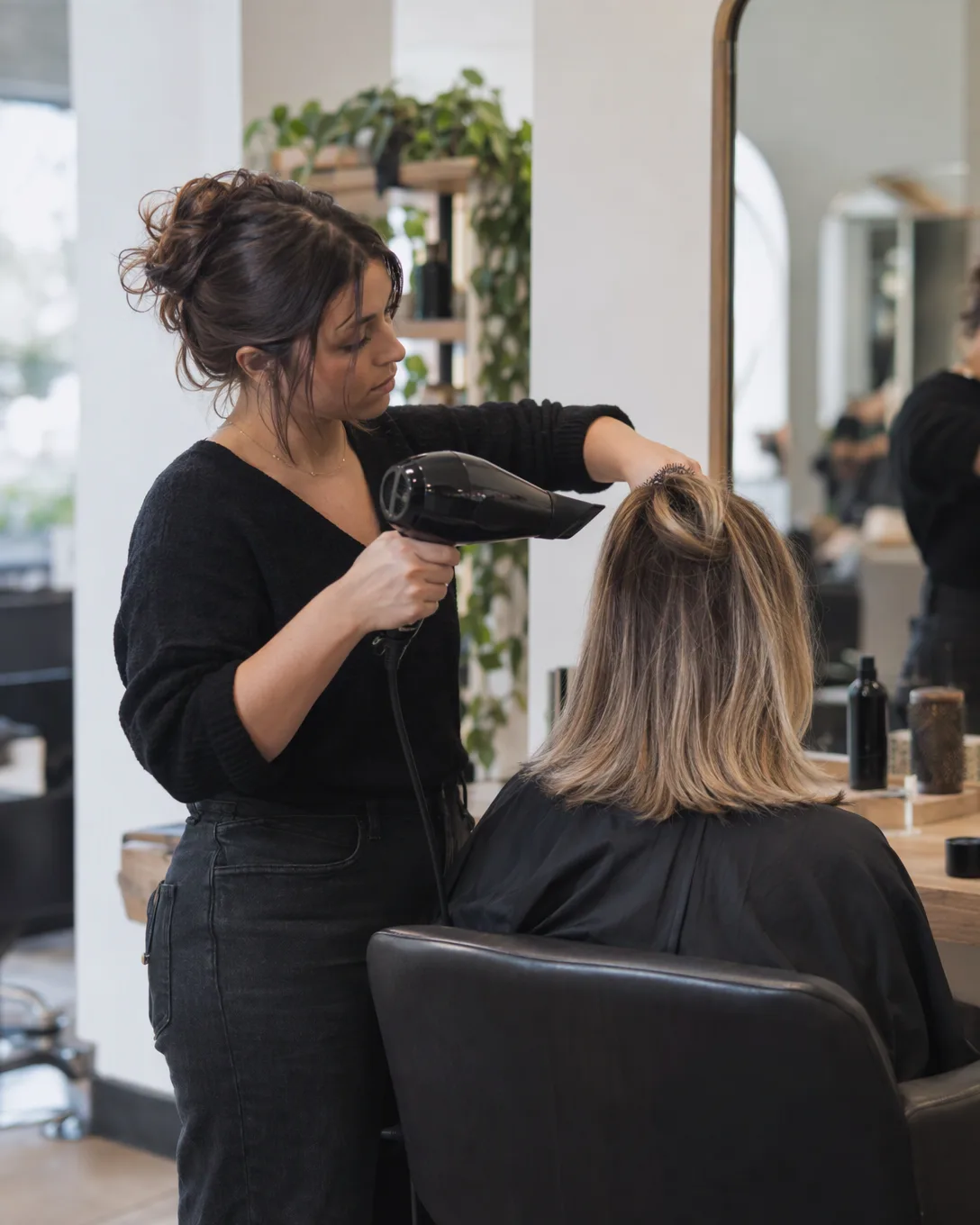
Hi! Do you have a blow dry free on Saturday?
We do! Pick any time here:
keepp.link/studiolune/book
Opens the booking calendar
Send people straight to one thing
When someone messages Studio Lune about a blow dry, they reply with keepp.link/studiolune/book. It opens the booking calendar directly, with nothing to scroll past.
A custom link that opens the booking on their page.
How it works.
- 1
Name a link
Pick a short name, like drop, menu or book. It lives at keepp.link/yourname/drop, or on your own domain.
- 2
Choose what it opens
Any part of your page, like a collection, a booking or a form, the whole page, or any website.
- 3
Share it, print it, or add it to Wallet
Put the link in your bio, print its QR code, or add your digital visiting card to Apple Wallet or Google Wallet. Change where it goes any time.
See what works.
Analytics counts the visits through each link and the scans of each code, by name, so you know which bio, table card or poster brought people in.
How much does Keepp cost?
The free plan is a real plan, not a trial with a clock on it. Start there and upgrade when you run into something you need.
Influencer
- Live chat on your page, answered by AI or by you from Telegram
- Spotlight pop-ups that ask visitors to subscribe, buy or book
- Unlimited products, subscriptions and bookings, paid online, in person or free
- Forms for leads and feedback, sent to Kit, Mailchimp or Zapier
- Your own domain, custom fonts, motion, collections and scheduled blocks
- AI editor, building from Claude or ChatGPT, the API and full analytics
- 20 custom links, QR codes, a Wallet card and 10,000 actions a month
0% fee on sales
Start your 7-day free trial7-day free trial. Cancel before it ends and you pay nothing.
Pro
- Unlimited products, subscriptions and bookings, paid online, in person or free
- Forms for leads and feedback, sent to Kit, Mailchimp or Zapier
- Your own domain, custom fonts, motion, collections and scheduled blocks
- AI editor, building from Claude or ChatGPT, the API and full analytics
- 5 custom links, QR codes, a Wallet card and 2,000 actions a month
3% fee on sales
Start your 7-day free trial7-day free trial. Cancel before it ends and you pay nothing.
Free
- Your keepp.link page with unlimited links and cards
- 1 product and 1 booking with Stripe checkout and Zoom or Meet links
- Basic analytics, and the AI editor for your first 24 hours
Sales through Stripe checkout are never limited. Pro includes 2,000 actions a month and Influencer 10,000. An action is a form submission, a free or listed-price order or booking, or a chat reply.
Compare every featureQuestions people ask.
Can I change where a QR code goes after printing?
Yes. Make a custom link, point your QR code at it, and change where the link goes whenever you like. Every printed code opens the new place straight away, with nothing to reprint.
What is a dynamic QR code?
A dynamic QR code holds a short link rather than the final address, so you can change where it leads after it is printed and count how often it is scanned. A Keepp QR code that opens a custom link works this way.
Can I keep one link in my bio and change what it opens?
Yes. Put a custom link like keepp.link/yourname/drop in your bio and point it at whatever you are promoting: a new collection, a launch, a class. When you switch it, everyone who taps the same link lands on the new one.
How do I make a custom short link for my page?
In your dashboard, open Custom links, type a name like menu or drop and choose what it opens: a part of your page, the page itself or a website. It works straight away at keepp.link/yourname/menu, and on your own domain if you have connected one.
What is a digital visiting card?
It is your business card in your phone. Keepp makes a card for Apple Wallet or Google Wallet with your photo, your name and a QR code that opens your page. Open it when you meet someone and they scan it to have your work, your prices and how to reach you, with no paper to print or run out of.
What size should a printed QR code be?
Keepp prints codes at three sizes: small, 5 cm wide, for business cards and tags; medium, 10 cm, for table cards and flyers; and large, 18 cm, for posters and windows. For anything else, download a PNG or an SVG at the size your printer needs.
Can I see how many people scanned my QR code?
Yes. Analytics counts every scan, tells you which code or card it came from and where it went, and counts the visits through each custom link too.
Put your links, shop, bookings, forms and chat on one page.
Free to claim. Live in two minutes. Cancel anytime.