Dynamic QR Codes: How to Change Where a Printed QR Code Goes
A printed QR code can't be edited, but where it leads can be. How dynamic QR codes work, and how to make one on your own page with a custom link you can repoint any time, with no extra subscription.
You can’t change a QR code once it is printed, but you can change where it leads. A dynamic QR code holds a short link, and the short link decides the destination. On Keepp, you make a custom link like keepp.link/yourname/offer, print a QR code for it, and repoint the link whenever the offer changes. The code on the flyer stays the same.
This is the difference between a static QR code and a dynamic one, and it decides whether your print run lasts a week or a year.
Static vs dynamic QR codes
A static QR code holds the final address itself. Whatever was in it on print day is what every scan opens, forever. If that page moves or the product sells out, the code is dead weight on your packaging.
A dynamic QR code holds a short address that you control. Each scan goes to the short address first, and you decide where that sends people. Change it and every printed copy follows.
Most standalone QR generators offer dynamic codes as a paid add-on, because they host the short link in between. On Keepp the short link is part of your own page, so the code points at your address, not a generator’s.
How do I make a dynamic QR code on Keepp?
- Go to Custom links in your admin and add a link, for example
offer. Point it at the block you want people to see today. - Go to QR codes, and under Opens pick
/offerfrom your custom links. - Style it, then download it or print it.
When you want the code to open something else, go back to Custom links and change what offer opens. Nothing needs reprinting.
The QR codes page nudges you toward this. If you pick a block directly, it reminds you that a custom link lets you point the code somewhere else later.
When should I use a dynamic code?
Use one any time the code will outlive the thing it points at.
- Packaging and labels. Printed thousands at a time, in circulation for months. Point the code at the product today and at the reorder page or next release later.
- Business cards. Open your booking calendar this quarter, a new service next quarter.
- Shop windows and posters. “This week’s specials” can mean this week, every week.
- Event signage. The same table sign can open registration before the event and a feedback form after it.
- Menus and table tents. A seasonal menu change is a link change, not a print job.
- Flyers for a recurring class or market. One print run, a new date each time.
If the code only ever needs to open your page, a code for your page address is enough. Your page is already editable, so it is dynamic in its own way.
What happens if the thing it points at is gone?
If you remove the block a custom link points at, scans open your page instead. A forgotten flyer still lands somewhere useful while you decide where the link should go next.
Can I see how many people scanned it?
Yes. Every Keepp QR code is counted when it is scanned, and Analytics shows a QR code scans panel with the count for each code: your page, each custom link and each block. Because the count is tied to the link, it carries on across repoints, so you can see whether the window sign is still pulling people in after the offer changed. See how to track QR code scans.
Does the code still look good?
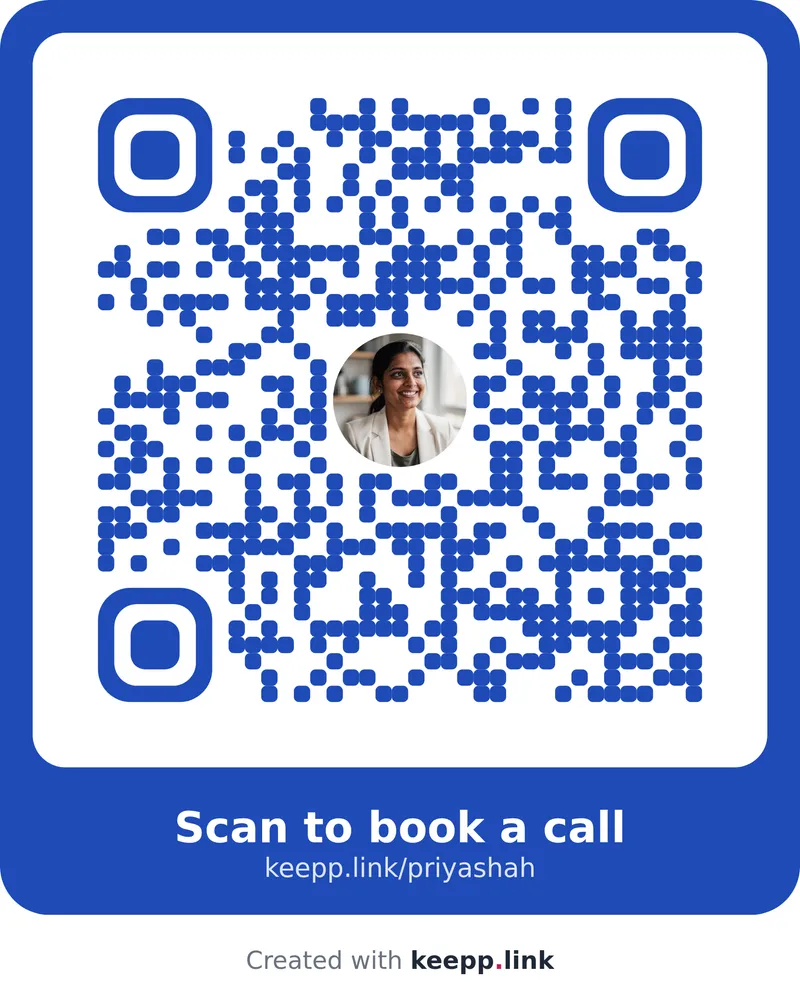
A dynamic code does not have to look like a generic black square. Keepp’s codes use your page’s brand colour or one of a set of dark colours that scan reliably, with your photo in the middle, rounded or dotted styles, and an optional frame with a caption like “Scan for this week’s offer”. Custom QR code with your logo and brand colours shows the options.
Common questions
Is a dynamic QR code slower to scan? No. The phone reads the code the same way. The short link opens your page straight away, and the address bar shows your custom link.
Will my QR code stop working if I stop paying for a generator? A Keepp code points at your own page address, so it is not tied to a separate generator’s subscription.
Can I turn a code I already printed into a dynamic one? Only if it was printed from a custom link. A code for a block’s own link always opens that block. For anything you print from now on, use a custom link.
How many dynamic codes can I have? As many codes as you like can point at the same custom link. Custom links themselves are part of the Pro plan (5 links) and the Influencer plan (20).
Get started
Create custom links, then make and print a QR code for one.