Custom QR Code With Your Photo and Brand Colours (That Still Scans)
Make a branded QR code with your photo or logo in the middle, your brand colour, rounded or dotted styles and a caption frame. Download PNG or SVG, or print it at the right size.
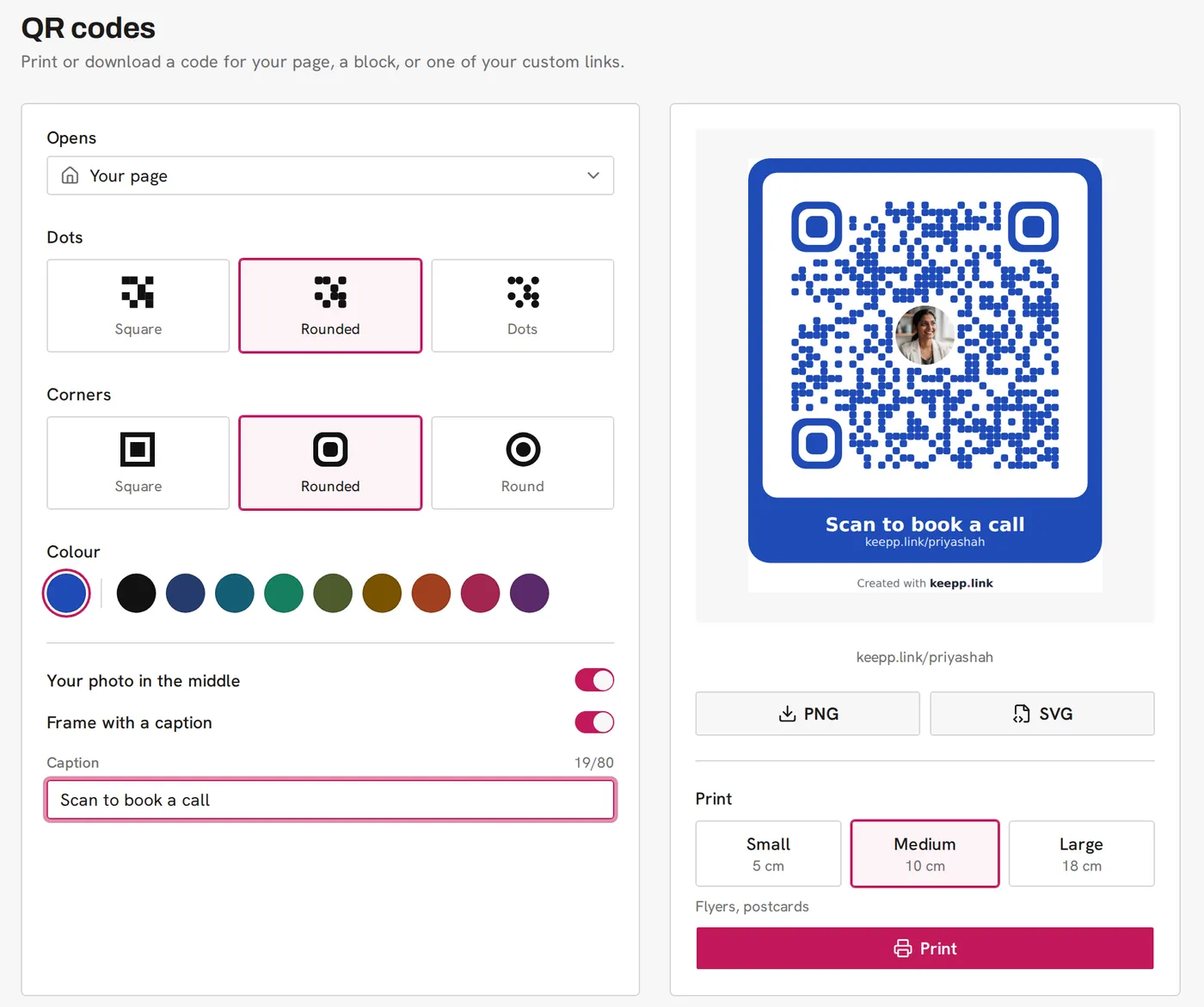
Keepp’s QR code designer makes a branded QR code for your page, a custom link, or any product, booking or form on it. You choose the dot style, the corner style, the colour (your page’s brand colour or one of nine dark shades), whether your photo sits in the middle, and whether the code has a frame with a caption. Every combination is tested to scan. Download it as PNG or SVG, or print it at 5, 10 or 18 cm.
Why a custom QR code?
A plain black square tells people nothing until they scan it. A code in your colour, with your face in the middle and a line like “Scan to book a call” under it, tells them whose it is and what they get. People scan a code more readily when they know where it goes.
It also looks like it belongs on your flyer or packaging, instead of something pasted in at the last minute.
What can I change?
What it opens. Your page, any of your custom links, or any block that opens as its own page: a product, a booking, a form, a menu, a map, a video, an article, a card or the chat.
Dots. Square, rounded or dots.
Corners. The three big squares in the corners can be square, rounded or round.
Colour. Your page’s brand colour, or one of nine dark colours: black, ink blue, teal, emerald, olive, ochre, brick, berry and plum. These are all dark enough to read on white, so the code scans. If your brand colour is very pale, the frame still uses it and the dots switch to near-black so the code stays readable.
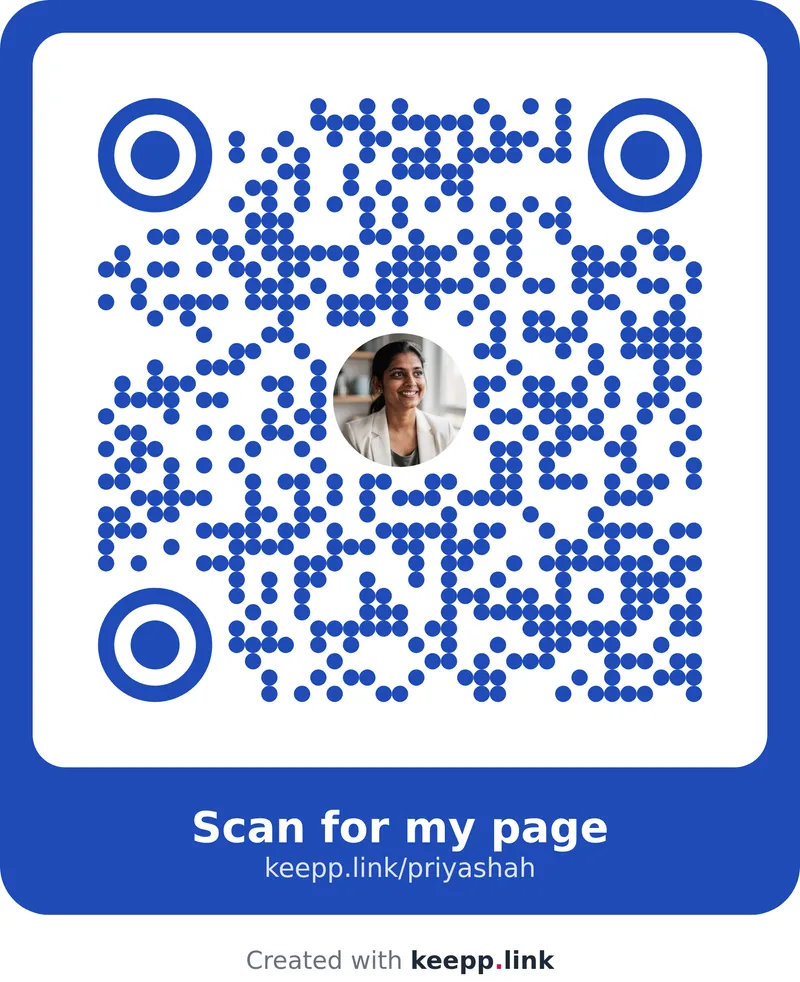
Your photo in the middle. Your profile photo, in a circle. The code is built with extra error correction when the photo is on, so the part it covers does not matter to a phone camera.
Frame with a caption. A rounded frame in your colour, with a caption up to 80 characters and the page address under it. The caption fills in from what the code opens, and you can change it.
Does a styled QR code still scan?
Styling is where most custom QR codes go wrong. Dots that are too small, colours that are too light, or a logo that covers too much will make a code look good and fail at the till.
Keepp avoids that by limiting the choices to ones that work:
- Every dot and corner style was rendered and decoded in a real browser, across every combination, before it shipped.
- The colours are a fixed set checked for contrast on white. There is no free colour picker to pick a pale yellow by accident.
- The photo is sized to fit inside the code’s error correction.
- The code always sits on white with a clear margin around it.
Scan your preview with your phone before you print, as you would with any code. It takes two seconds.
PNG, SVG or print?
PNG downloads at 2048 pixels, enough to print sharp up to about 17 cm. Use it for social posts, slides and documents.
SVG scales to any size without going blurry. Send it to a printer or a designer for banners, signs and packaging.
Print opens a print-ready page with the code centred at the size you choose:
| Size | Width | Good for |
|---|---|---|
| Small | 5 cm | Stickers, table tents |
| Medium | 10 cm | Flyers, postcards |
| Large | 18 cm | Posters, windows |
QR code size for printing goes into choosing a size for each kind of print.
Is the design saved?
The designer starts from your page’s theme every time you open it, so your brand colour and photo are already in place. Make a code, download it, and come back for the next one.
Common questions
Can I use my logo instead of my photo? The code uses your page’s profile photo. If your profile photo is your logo, that is what goes in the middle.
Can I pick any hex colour? You choose from your page’s brand colour and nine dark colours that are tested to scan. That keeps every code readable.
Will the code expire? No. It points at your page address, so it works for as long as your page does. Use a custom link if you want to change where it goes later; see dynamic QR codes.
Does it count scans? Yes. Each code adds a small marker so scans are counted in Analytics, then removes it from the address once the page opens. See how to track QR code scans.
Which plan is it on? QR codes are part of Keepp’s Pro plan.
Get started
Make and print a QR code takes you through it.