How to Sell Canva Templates
Building a Canva template worth paying for, sharing it as an edit-and-copy link, pricing it against the design work it saves, and delivering it automatically the moment someone buys.
A Canva template sells the same thing a Notion template does, finished setup work someone would rather buy than build, applied to design instead of productivity systems. Social media post sets, presentation decks, resume layouts, flyer and invitation templates: all of it is design work a buyer can fully customize once they have it, which is exactly the appeal over a static, non-editable graphic.
What makes a Canva template sell
The templates that do well solve a specific, recurring design need rather than being a single one-off graphic. A set of 30 coordinated Instagram post templates for a specific niche (real estate listings, small-batch bakers, fitness coaches) is worth more than one nice-looking flyer, because the buyer gets a repeatable system, not a single use. Consistency across the set (matching fonts, colors, and layout logic) is what makes it feel like a real kit instead of a handful of unrelated designs bundled together.
Naming and organizing layers cleanly inside the Canva file matters more than it seems like it should: a buyer who opens a template and immediately understands what to click to change the text or swap a photo has a much better experience than one who’s digging through unlabeled layers, and that experience is most of what separates a five-star review from a refund request.
Building and sharing it
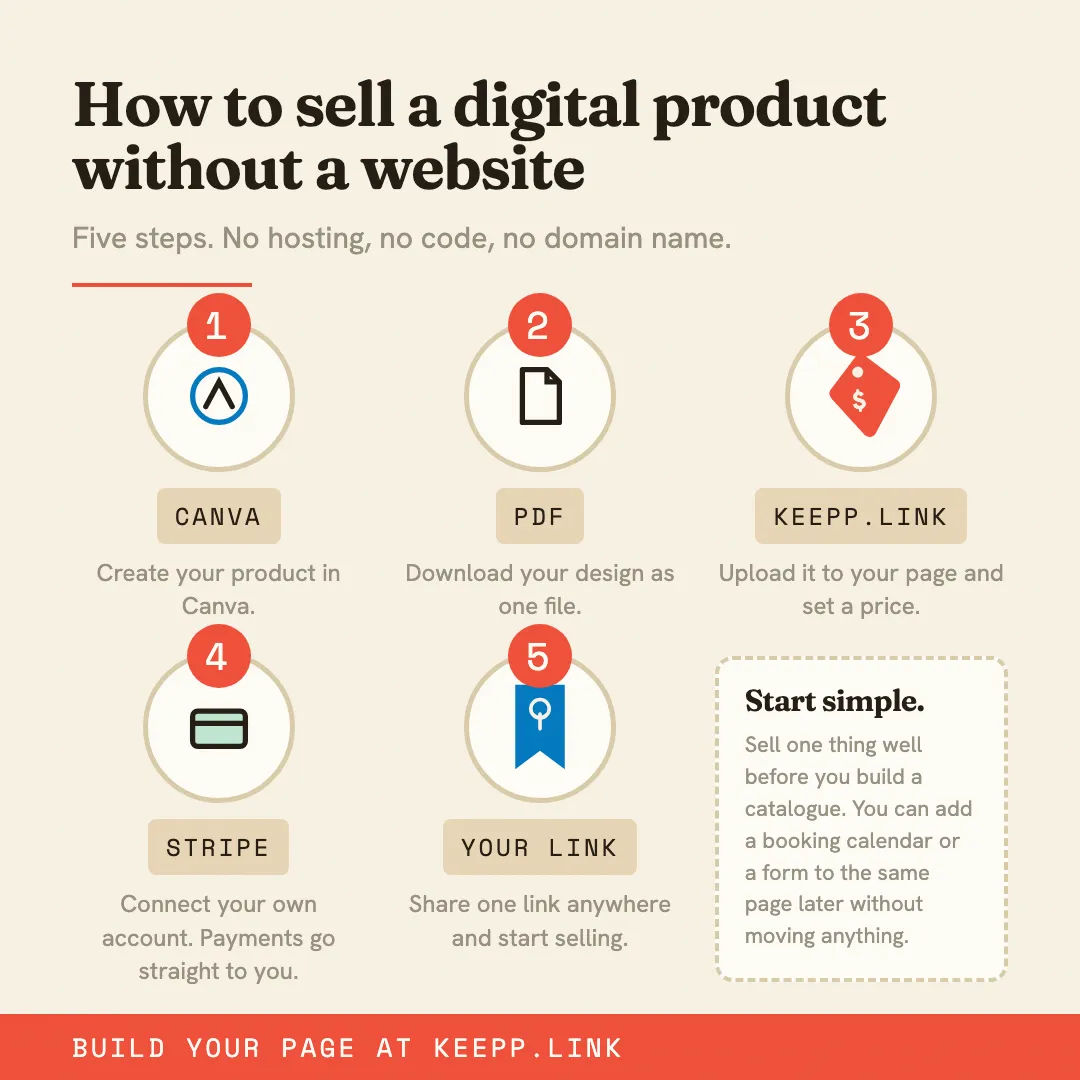
Design the full template directly in Canva. When it’s ready, use Share → Template link: a link type specifically built for this, distinct from a normal view or edit link, that lets anyone who opens it click “Use template” to get their own fully editable copy without ever touching your original file. Test it yourself from a separate Canva account (or an incognito window while logged out) before selling it, to confirm it prompts a copy rather than requesting access to your account.
Pricing
A single template (one flyer, one resume layout) commonly sells for $5–$12. A coordinated multi-template kit (a full month of social media templates, a complete pitch deck template, a matching invitation suite) reasonably asks $15–$40, priced against the hours of design work it replaces rather than against any single graphic’s value on its own.
Setting it up to sell
The Canva template link is the delivery, nothing else to host or convert. Add it as a product, paste the template link into its Delivery step, and switch on automatic delivery. A buyer pays and has the “Use template” link on their confirmation page immediately, with their own editable copy one click away.
Editing your original Canva file later (fixing a typo, refreshing a design trend) updates what every future buyer copies, without you managing separate exported versions. Selling runs through your own connected Stripe account, so the sale price minus Keepp’s cut settles directly to you: 5% on the free plan, 3% on Pro, 0% at the top tier.
Common questions
Does a buyer need a paid Canva account to use my template? No: Canva’s free tier supports using template links and editing the copy; a paid Canva Pro account only matters if the original template uses Pro-only elements or fonts, which is worth avoiding if you want the widest possible buyer base.
Can I sell templates that use premium Canva elements? You can, but it limits your buyer base to Canva Pro users (or gives them a 30-day free trial that eventually requires payment), sticking to free-tier elements keeps a template usable by anyone who buys it.
Can I bundle several template kits into one purchase? Yes: either link one folder containing multiple template kits, or list them as separate products if buyers should be able to choose individually.
Where to start
Build one coordinated template set around a specific, recurring design need, generate its Template link, and sell a product with automatic delivery turned on.
Sell your first Canva template at keepp.link: free to start, automatic delivery included.