A Booking Engine for a Small B&B or Guesthouse
A booking engine is the part that takes a reservation directly, without an OTA in the middle taking a cut of it. Here's what a three-to-eight-room property actually needs from one, and how to run it as a page you own.
In hospitality software, “booking engine” has a narrow meaning: the piece that lets a guest pick dates, see what’s actually free, and confirm a reservation with you directly, rather than through Booking.com, Expedia, or Airbnb. Everything else in the category (channel managers, property management systems, rate shoppers) is built around feeding the listing sites. The booking engine is the one component whose whole job is to take a reservation that no platform gets a percentage of.
That distinction matters more for a four-room B&B than it does for a hotel. A hotel amortises a full system across a hundred rooms. A guesthouse with four is paying the same monthly subscription tier to run a fraction of the reservations, for a stack of features (rate parity management, multi-property inventory, night-audit reporting) that assume a front desk it doesn’t have.
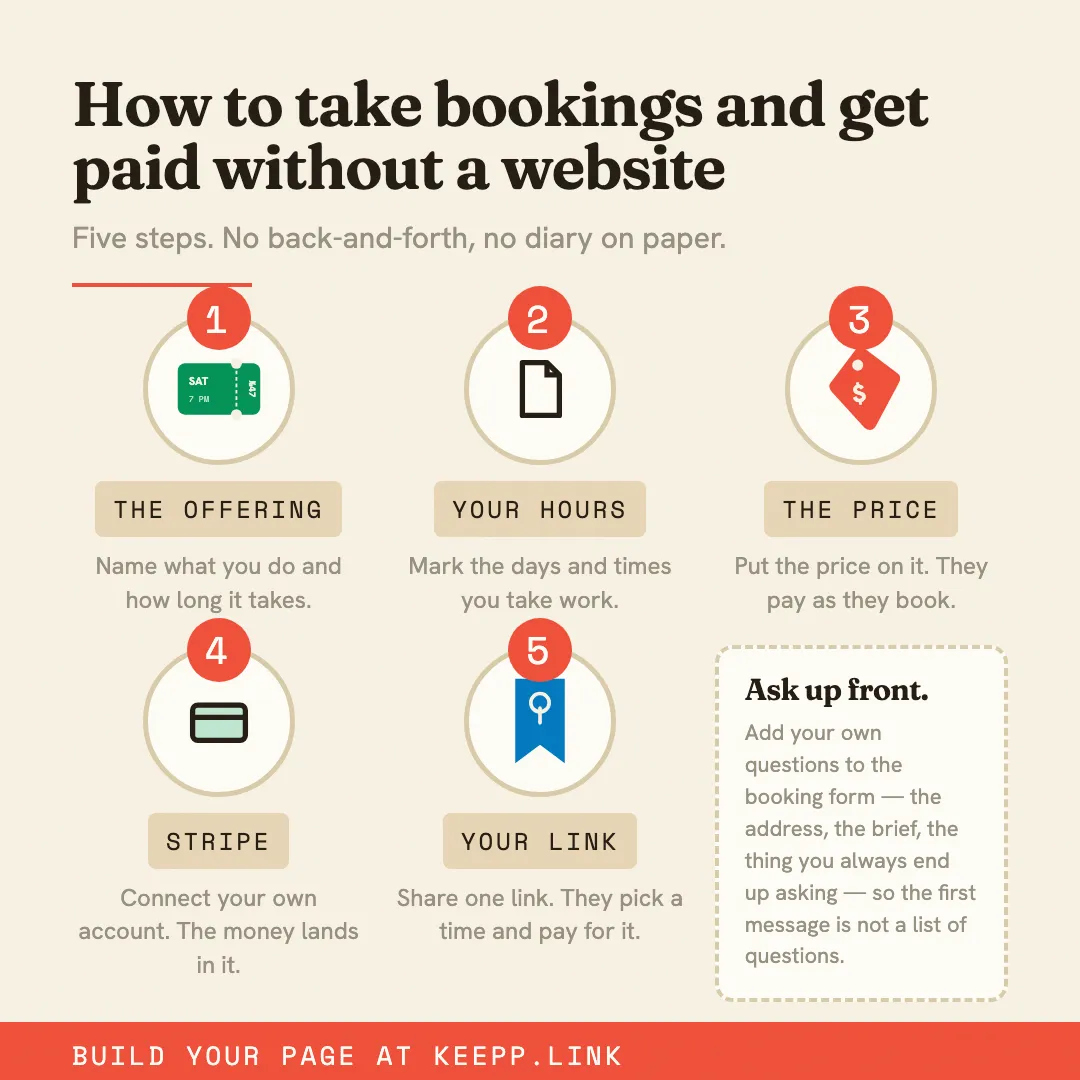
What a small property actually needs from one
Strip the category back to what a three-to-eight-room B&B uses on an ordinary week and the list gets short:
- Per-room availability that’s genuinely accurate, so two guests booking two different rooms for the same nights both succeed
- Dates and nightly pricing the guest can see before they commit
- A card charged, or a deposit taken, at the moment the reservation is made
- Something that stops the room being sold twice when it’s also listed elsewhere
- The guest’s contact details and their arrival notes, in one place you can actually read
A booking offering per room does that job. Each room’s availability is tracked on its own, so the garden room filling up on a weekend leaves the loft bookable for the same nights. A guest picks the room they want and the nights they want it, sees the price, and confirms.
The reservation and the money are the same event
Most of the reconciliation work in running a small property comes from the reservation living in one system and the payment living in another. A booking arrives; you send a payment request; you check later whether it was paid; you chase the ones that weren’t.
On a Keepp page the charge is part of confirming the reservation. The slot isn’t held until the payment clears, and it clears through your own connected Stripe account — you’re the merchant of record, the money lands in your account on Stripe’s schedule, and refunds and disputes happen in your own Stripe dashboard. There’s no platform balance being released to you two weeks after checkout. Get paid your way covers the full mechanics.
Keepp’s own commission on a Stripe booking is 5% on Free, 3% on Pro ($9.99/month), and 0% on Influencer ($24.99/month), on top of Stripe’s own processing. Set against what a listing site takes per reservation, a direct booking is the cheapest reservation a small property can take. The pricing page has the full breakdown.
A deposit that actually holds a date months out
B&B reservations are frequently made a season ahead, which makes the deposit the mechanism that separates a held room from an expression of interest. Priced through Stripe, the deposit is taken as the guest books, the same way a photographer holds a wedding date, and the room comes off availability at that moment rather than after an email exchange.
If you’d rather quote a multi-night total and settle it by bank transfer or on arrival, display pricing does that: the reservation is still captured properly, with the guest’s name, email, nights, and an instant confirmation on both sides, and the payment happens however you already handle it. It sits alongside Stripe checkout and free bookings as a built-in pricing mode.
Staying out of double-booking trouble
Connect your Google Calendar and existing events block those times automatically. If you keep your listing-site reservations on that same calendar (most owners already do, either by hand or through the platform’s own calendar export), a night sold on Booking.com stops being bookable on your own page without you touching anything.
Multi-night stays, weekends, and the shoulder season
Rooms rarely have one price all year. Each offering carries its own price and its own availability, so a weekends-only rate, a minimum-stay season, or a room you take off the market in January is a change to that one room rather than a rate-plan matrix you maintain across the property.
Guests from abroad, paying in their own currency
A guesthouse takes bookings from further away than most local businesses. Keepp supports pricing in a range of major currencies, so a European guest booking a stay in the UK sees a price in a currency they recognise instead of doing conversion arithmetic before deciding whether to book. Selling internationally in multiple currencies covers why that changes conversion more than it looks like it should.
Everything a guest needs to choose a room
A booking engine that only shows a date picker makes the guest go elsewhere to find out what they’re booking. A showcase card per room — photos, what’s included, the bathroom situation, the view — puts that on the same page as the booking, so choosing between the garden room and the loft doesn’t need an email. A map block answers where you are and when check-in starts.
Arrival details go in a short form block: arrival time, dietary requirements for breakfast, whether it’s an anniversary. Asked once at booking, sitting with the reservation, rather than chased down the week before.
Every room has its own link and its own QR code
This is the part that has no equivalent in the traditional booking-engine category. Each room’s booking offering has its own short link and its own QR code, not just the page as a whole. Paste a room’s link into a reply to an enquiry and the preview that unfurls in the chat carries that room’s photo and description. Print its QR code on a rate card, a welcome folder, or a flyer in the village pub, and a scan opens straight to that room’s booking. Every block on your page has its own shareable link explains how it works.
Reschedules that don’t come through your inbox
Every confirmation carries a link the guest can use to view or change their own reservation, so a shifted arrival date is something they handle themselves rather than a message you answer between breakfast service and turndown. If a calendar or video link is attached, that updates along with it — taking bookings and appointments online has the mechanics.
Your guest records stay yours
Reservations, contact details, and form answers are all exportable, and you can tag and annotate them — repeat guest, allergy, booked through the village fete — so a returning visitor is recognised as one. Nothing about the arrangement makes it awkward to take that list somewhere else later; a Keepp page never locks you in sets out exactly what stays yours.
Direct bookings alongside the listing sites
Booking.com and Airbnb are good at putting a property in front of someone who’s never heard of it, and for a lot of B&Bs that’s still where a first stay comes from. A booking engine of your own is for everyone after that: the guest who stayed last spring, the friend they recommended you to, the person who found your Instagram and would rather book with you than through a platform. A direct booking page for vacation rentals makes the case in full.
Where to start
Set up one booking offering per room with its real availability and a deposit, add a showcase card and photos for each, connect your Google Calendar, and put a map with your check-in hours on the page. Then use your own link everywhere a returning guest might look — your Instagram bio, your email signature, a card in each room. Claim your page and connect Stripe: free to start, bookings included on the free plan.
If you want the room-by-room setup in more detail, a booking page for B&Bs, guesthouses, and overnight stays walks through it.
Take direct room bookings at keepp.link: free to start, no card required.