Simple website template
A free simple website template on one page: your photo and a line about you, what you do, recent work, links to your GitHub and CV, and a contact form. Put your own words in, then add your prices and an intro call clients book themselves.
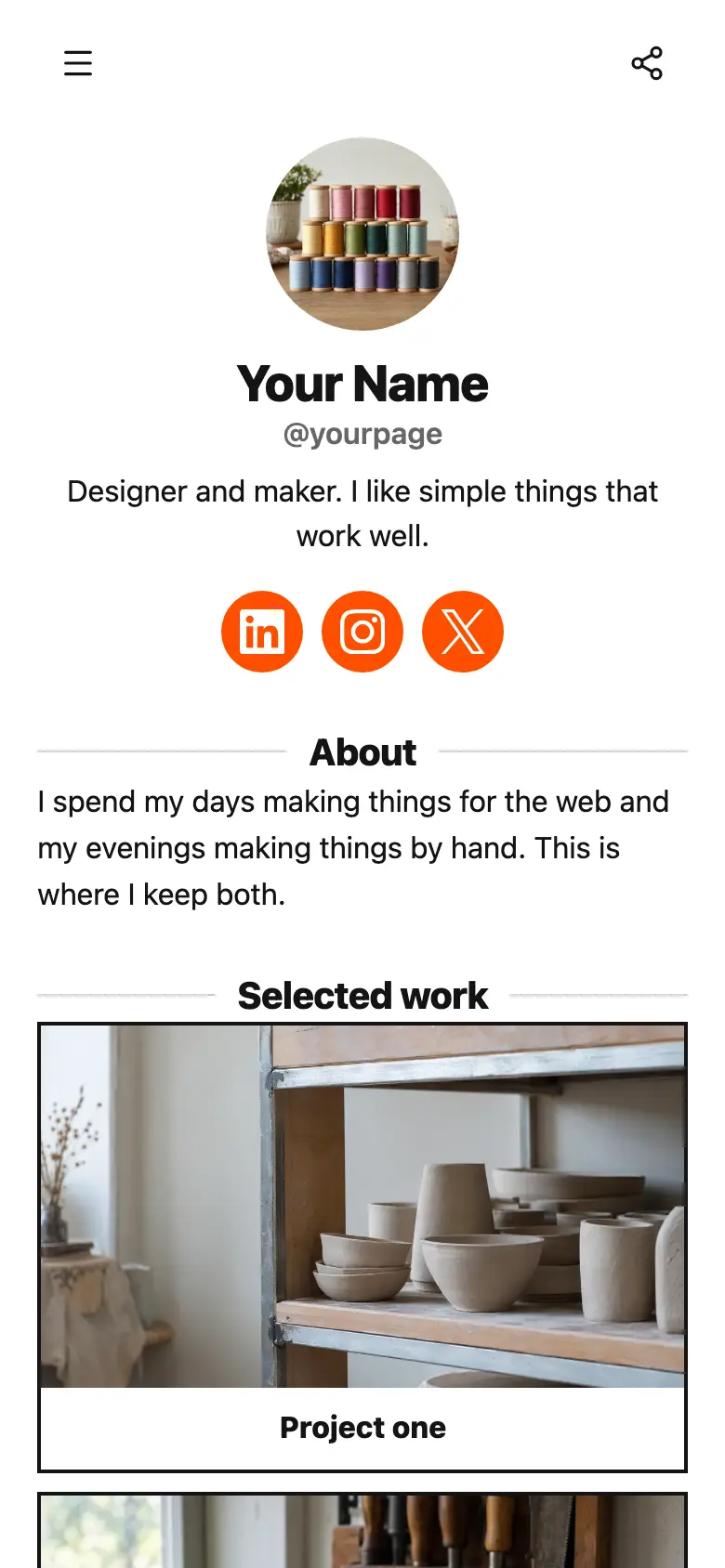
Your square photo, your name and a line on what you do sit at the top. Three plain headings, What I do, Recent work and Contact, split the page into sections, and each one is listed in the page menu so a visitor can jump straight to it. The page is off-white with forest green buttons, thin outlines, small corners and no shadows, with LinkedIn and X at the very bottom.
It’s only a starting point. Every word, photo, colour and block is yours to change, and you can add, remove or reorder anything.
What’s on this page
Selected projects
Up to five photos with a title and a line of text. A card can show your work, an item for sale with a link to buy it, a product you recommend, or a code to copy.
Under Recent work, one card holds your best projects. Add a photo of each, and say in the line who they were for, like a bakery, a yoga studio and a local plumber, so a visitor sees work like theirs. Add more cards as you finish projects you are proud of.
GitHub
A web link, shown as a button or as a card with an image.
Two half-width buttons sit side by side under your work. Use the first for wherever your work lives in full, like GitHub, a portfolio or a showreel.
CV
A web link, shown as a button or as a card with an image.
The second button is for anyone who wants the details, like a CV, a LinkedIn profile or a list of clients. Keep the label to one or two words so the pair stays even.
Start a project
A form with the questions you choose, for enquiries, quotes or feedback. Every answer is saved for you in Keepp.
The form sits under Contact and asks for a name, an email and what someone needs. It checks their email with a code before the message reaches you, so every enquiry is from a real person. Enquiries land in Forms and leads, where you can tag them and export them.
Add to it
Services
A list of what you offer, each item with a description, a price and tags. Visitors tap it to open the full list and filter it by tag.
Put a menu under What I do and list each service with what it includes and its price. Clients open it to read the lot, and tags let them filter to the kind of work they need. Leave the price off anything you quote for case by case.
Intro call
Appointments from your weekly hours, or stays by the night. Visitors pick a time and book on the page, and can pay through your own Stripe account.
For clients who would rather talk first, add a short intro call next to the form. They pick a time in the hours you set, Google Calendar keeps them off times you are busy, and with Zoom or Google Meet connected each booking comes with its own video link.
Quick questions
A chat button that answers visitors' questions from what is on your page and the notes you give it.
Questions like how soon you can start or whether you work with clients abroad come before almost every enquiry. A chat button answers them from your page and the notes you give it, and once you link a Telegram group, the rest reach you there.
Quick questionsAI assistantHi! Ask about availability, how a project runs or what I need from you.
Questions
What should a simple website include?
Who you are, what you do, a few examples of your work and a way to get in touch. This template has a section for each, under headings people can jump to from the page menu.
Is one page enough for a website?
For most freelancers and small businesses, yes. One page loads fast, reads well on a phone and gets a visitor to the contact form without hunting. Add more sections as you need them.
Can I use my own domain?
Yes. Your site gets its own keepp.link address, and you can connect a domain you own so it lives at your own address.
I am moving a one-page site from another tool. Will it carry over?
The layout will feel the same: a short intro, your work, a few links and a contact form. Copy your words and photos across, then point your domain at your new page.
Start from the One-Page Site template.
It’s only a starting point. Every word, photo, colour and block is yours to change, and you can add, remove or reorder anything.