Mini landing page template
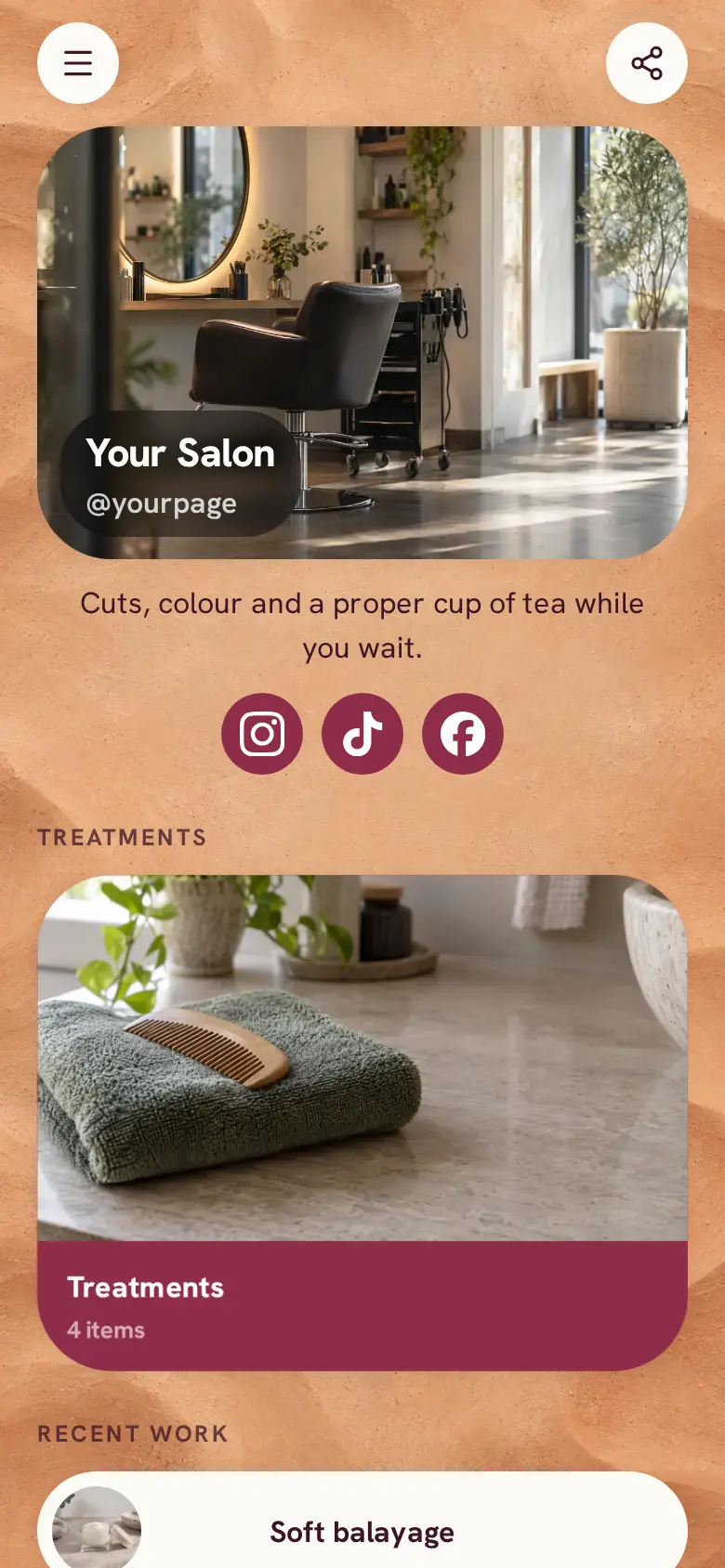
A free mini landing page template for a small local business: a moving offer bar, a price list clients can filter, buttons to message you or see your work, a form to ask for an appointment and a map with your hours. Swap in your own treatments, then add booking.
At the top sits your studio's name, a round photo and a line about what you do, with an offer bar scrolling underneath for things like a new-client deal or late opening. The page is soft pink with raspberry pill buttons, and your Instagram and TikTok sit in a row at the bottom.
It’s only a starting point. Every word, photo, colour and block is yours to change, and you can add, remove or reorder anything.
What’s on this page
Price list
A list of what you offer, each item with a description, a price and tags. Visitors tap it to open the full list and filter it by tag.
List every treatment with what it includes and how long it takes, and add a price to each one if you want clients to see it. Tag them Nails, Lashes or Brows, so someone who only wants a lash lift can filter the list down to lashes. The photo on the front is the first thing people see, so use one of your own work.
Message us
A web link, shown as a button or as a card with an image.
Point this button at wherever you like to chat with clients, like WhatsApp or your messages on Instagram. It sits first and in your brand colour because a quick question is often how a new client starts.
Our work
A web link, shown as a button or as a card with an image.
Send people to where your best photos live, like your Instagram grid. Clients choosing a nail or lash artist want to see recent sets before they ask for a time.
Ask for an appointment
A form with the questions you choose, for enquiries, quotes or feedback. Every answer is saved for you in Keepp.
The form asks for an email, confirmed with a code, the treatment and the days and times that suit them. Every request lands in Forms and leads, so you can reply with a time that works. Change the treatment choices to match your own list.
Find us
A Google Maps pin with your address and opening hours. Tapping it opens a bigger map and a button for directions.
Paste your pin from Google Maps, then add your address and opening hours, late nights included. Clients tap the map for directions. If the studio is upstairs or round the back, say so in the address line.
Add to it
Classic lash set
Appointments from your weekly hours, or stays by the night. Visitors pick a time and book on the page, and can pay through your own Stripe account.
Once you are happy for clients to book themselves, turn a treatment into a booking. You set how long it takes and the hours you work, clients pick a free time, and a deposit to hold the slot is paid through your own Stripe account. Connect Google Calendar so times you are already busy are never offered.
Ask the studio
A chat button that answers visitors' questions from what is on your page and the notes you give it.
A chat button answers the questions you get all day, like how long a lash lift lasts or whether you are open on Thursday evening. It answers from what is on your page and the notes you give it, and you can link a Telegram group to reply to anything it should hand over.
Ask the studioAI assistantHi! Ask about treatments, prices or when we are open.Gift voucher
An item you sell, with photos, a price and a buy button. Buyers pay on the page through your own Stripe account.
Sell gift vouchers or the aftercare you already recommend, like a cuticle oil or a lash serum. Clients buy on your page and pay through your own Stripe account, and the order is waiting for you in your dashboard.
Questions
What is a mini landing page?
A short, single page that tells a visitor what you offer, what it costs and how to reach you, all on one screen or two. It is the link you put in your bio, on a flyer or on a QR code at the counter.
Can I move my page here from another tool?
Yes. This layout follows the shape many small studios already use, so you can copy your offer, price list and links across, then publish at your own address or a domain you own.
Can clients book online?
Yes. Keep the request form, add a booking block for each treatment, or use both. Bookings can take a deposit through your own Stripe account and check your Google Calendar for busy times.
Can I change the offer bar?
Yes. Edit its text whenever your deal changes, set its speed and direction, or remove it if you have nothing to announce.
Start from the Mini Landing template.
It’s only a starting point. Every word, photo, colour and block is yours to change, and you can add, remove or reorder anything.