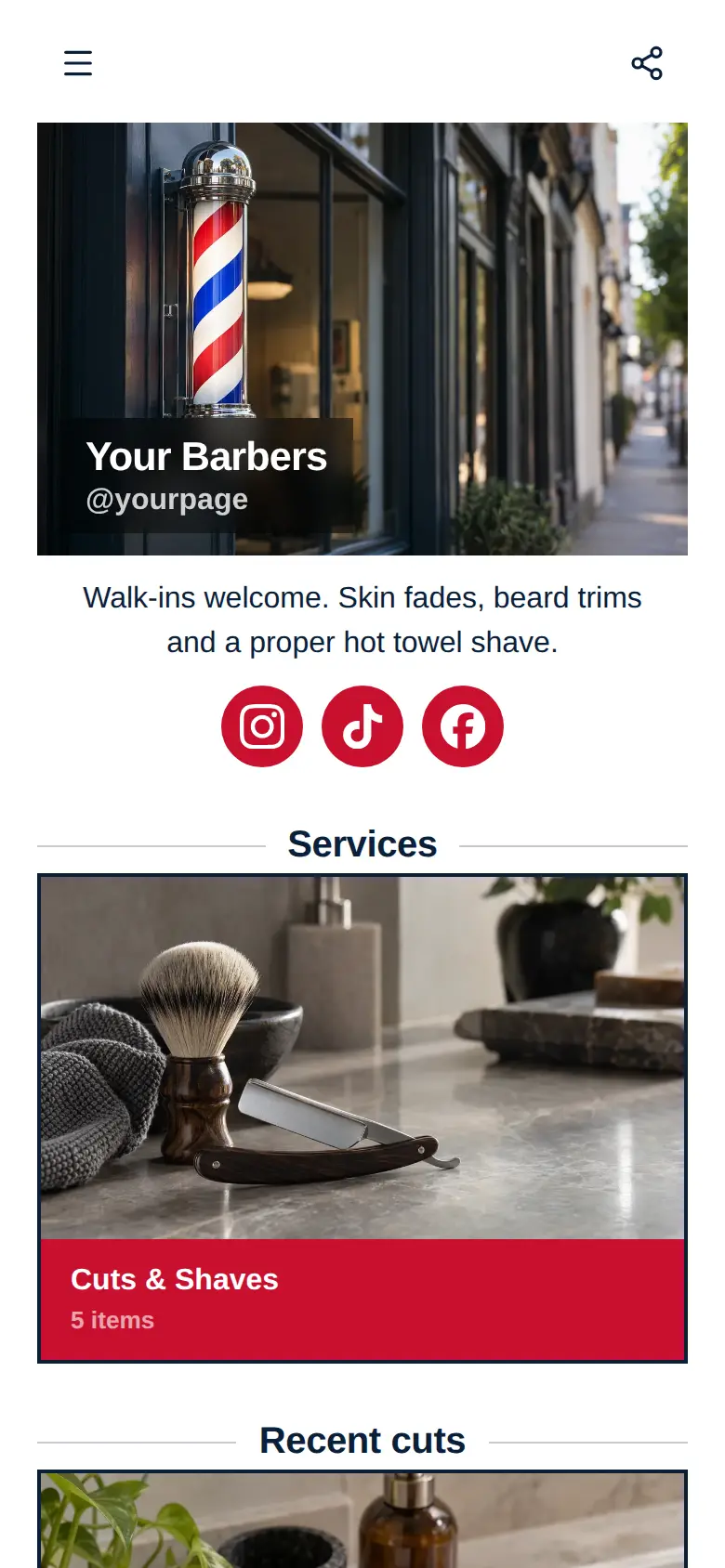
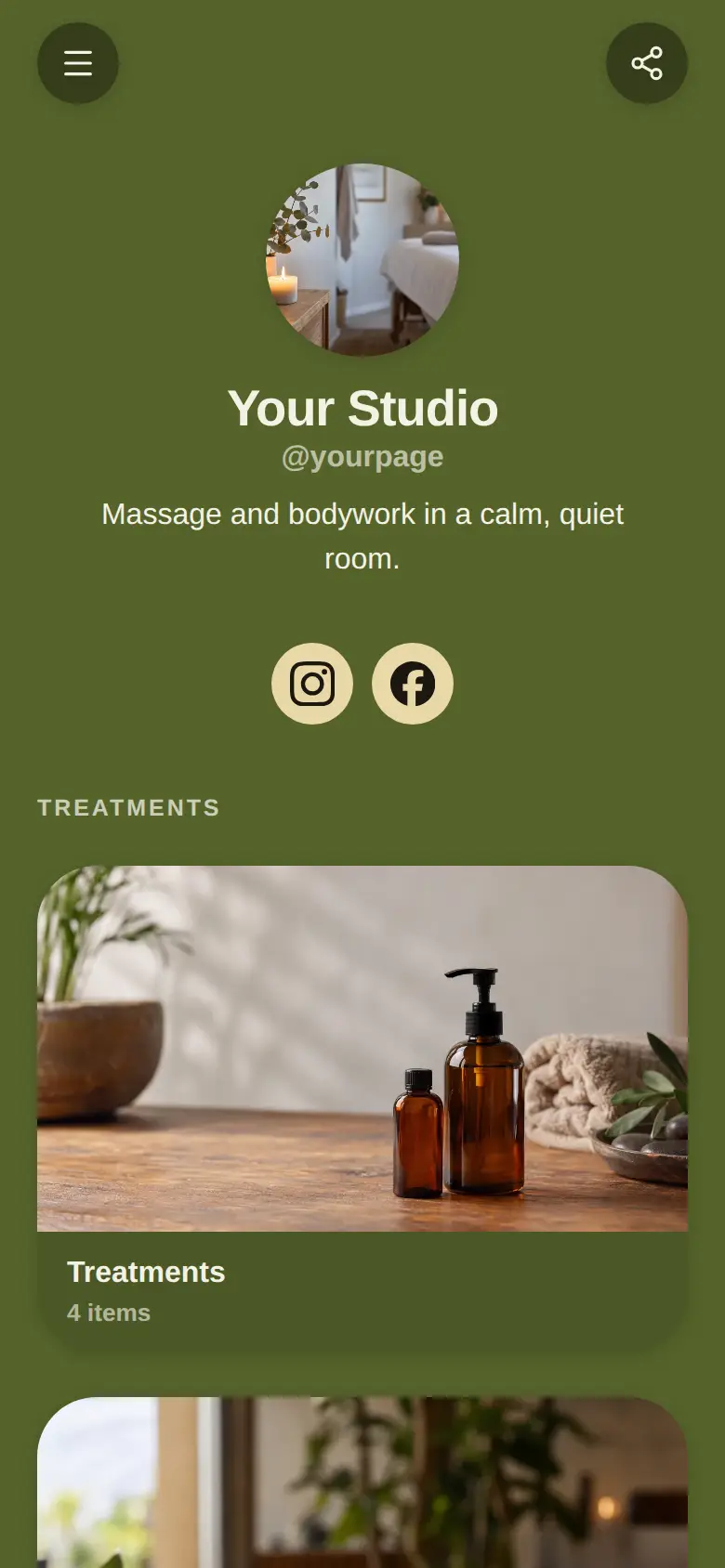
Hair & Beauty Salon website template
A free salon website template with your treatments and prices, photos of recent work, your socials and a map with your opening hours. Change any of it to suit the salon, and add online booking when you want clients to book themselves.
At the top sits your salon's name, a photo of the salon and a line about it, with your Instagram, TikTok and Facebook in one row underneath.
What’s on this page
Treatments
A list of what you offer, each item with a description, a price and tags. Visitors tap it to open the full list and filter it by tag.
List every treatment you do with a short line on what it includes, and add a price to each one if you want clients to see it. Tag them Hair, Nails or Beauty, and a client who only came for nails can filter the list down to nails. The subtitle is a good place for the thing everyone asks, like free consultations or patch tests before colour.
Soft balayage
Up to five photos with a title and a line of text. A card can show your work, an item for sale with a link to buy it, a product you recommend, or a code to copy.
Show the colour work you most want to be booked for. A photo of a soft balayage and one line on how it grows out tells a new client what your colourists are like better than a list of services can. A card holds up to five photos, so you can add a before and an after.
Glow facial
Up to five photos with a title and a line of text. A card can show your work, an item for sale with a link to buy it, a product you recommend, or a code to copy.
Give your skin treatments a card of their own, so clients who come for hair find out you do facials as well. A calm photo of the room or the products you use, and a line on how long the glow lasts, answers what a first-timer wants to know.
Glossy gel nails
Up to five photos with a title and a line of text. A card can show your work, an item for sale with a link to buy it, a product you recommend, or a code to copy.
Nails photograph well, so use a close-up of a fresh set. Say how long it lasts and how it comes off, because those are the two things nail clients ask about most. Change the photo whenever you do a set you love.
Visit us
A Google Maps pin with your address and opening hours. Tapping it opens a bigger map and a button for directions.
Paste your pin from Google Maps, then add your address and opening hours, late nights included. Clients tap the map to see it bigger and get directions. If the salon is up a flight of stairs or round the back of a shop, say so in the address line.
Add to it
Cut and finish
Appointments from your weekly hours, or stays by the night. Visitors pick a time and book on the page, and can pay through your own Stripe account.
Turn your most-booked treatment into an appointment clients can take themselves. You set how long it takes and the hours you work, and clients pick a free time on your page. If you take a deposit to hold the chair, they pay it through your own Stripe account when they book.
Ask the salon
A chat button that answers visitors' questions from what is on your page and the notes you give it.
Clients ask the same questions over and over, like whether you do BIAB or how long before colour they need a patch test. A chat button answers them from what is on your page and the notes you give it, while you are busy with a client. If you would rather answer some yourself, link a Telegram group and reply from there.
Ask the salonAI assistantHi! Ask about treatments, patch tests or late nights.Take-home hair oil
An item you sell, with photos, a price and a buy button. Buyers pay on the page through your own Stripe account.
Sell the aftercare you already recommend in the chair, like the hair oil you finish with or a cuticle oil for nail clients. Clients buy it on your page and pay through your own Stripe account, so they can reorder between appointments.
Questions
What should a salon website include?
Your treatments with prices, photos of your recent work, your address and opening hours on a map, and a way for clients to book or get in touch. This template has the first three ready to fill in, and you can add booking and chat as blocks of their own.
Can clients book from it?
Yes. Add a booking block for each treatment you want booked online. Clients pick a time from the hours you set, and if you take a deposit they pay it through your own Stripe account.
Can I show my prices?
Yes. Every treatment on the menu has its own price line. Leave it empty for anything you price after a consultation.
Can I use my own domain?
Yes. You can connect a domain you already own, so your salon page opens at your own address.