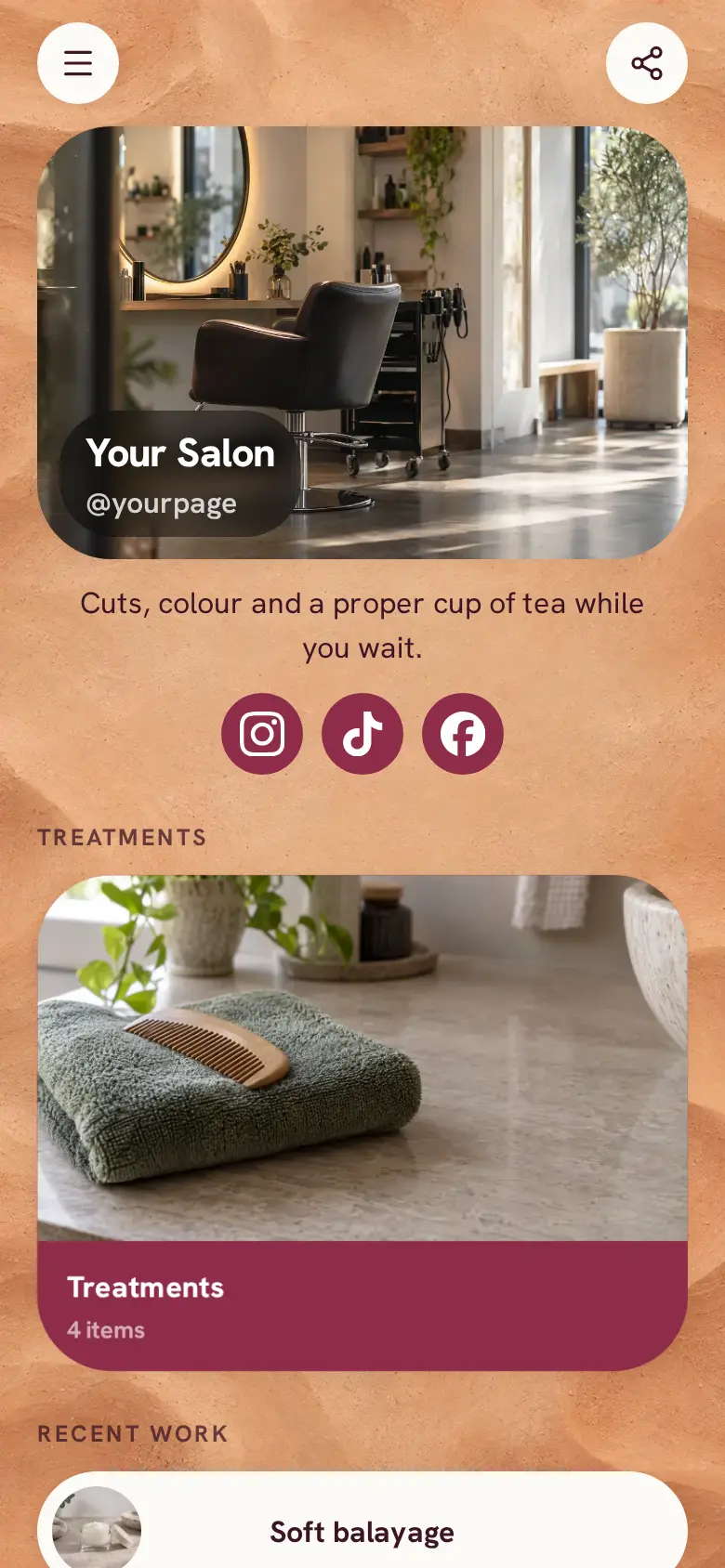
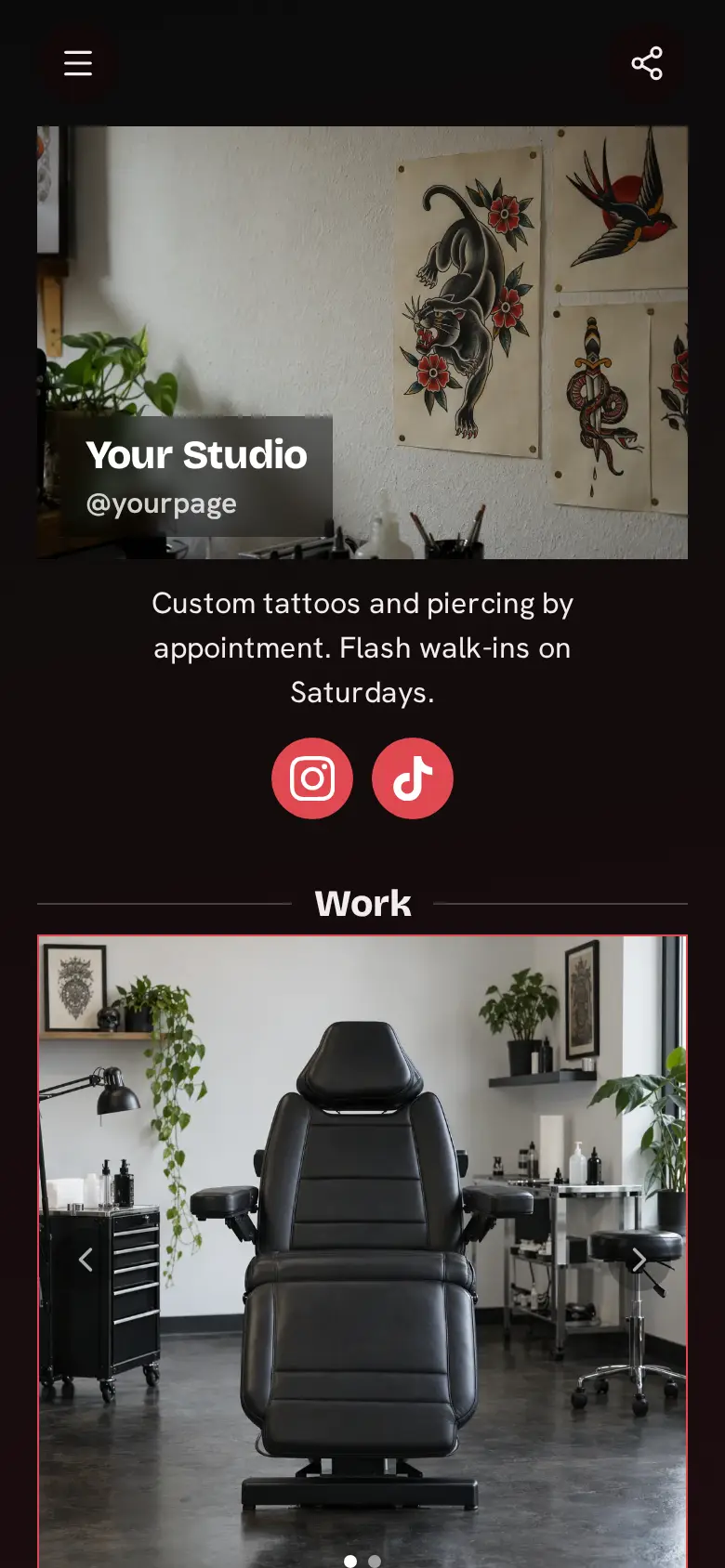
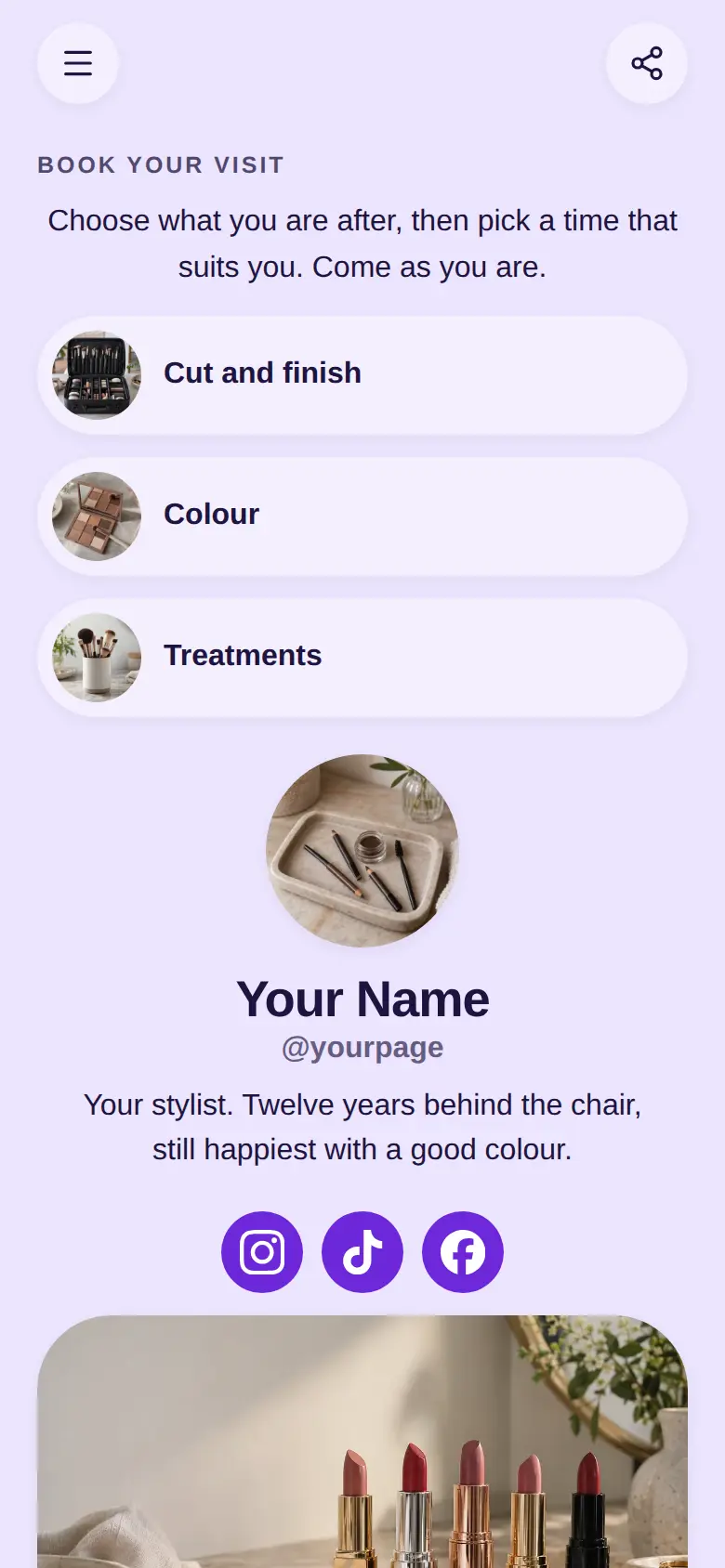
Barber Shop website template
A free barber website template with a list of your cuts and shaves, photos of recent fades, your socials and a map with your late nights. Edit any part of it, and add booking for customers who would rather not wait for a walk-in.
At the top sits your shop's name, a photo of the pole or the front window and a line saying walk-ins are welcome, with Instagram, TikTok and Facebook underneath.
What’s on this page
Cuts & Shaves
A list of what you offer, each item with a description, a price and tags. Visitors tap it to open the full list and filter it by tag.
List every cut and shave with a line on how it is done, like clippers blended by hand or a straight razor with hot towels. Add your price to each one, since most customers check before they come in. Tag them Cuts, Beards and Shaves, and write limits like kids cuts on Saturdays only into the description.
Fresh fades
Up to five photos with a title and a line of text. A card can show your work, an item for sale with a link to buy it, a product you recommend, or a code to copy.
Fades are what most people search for, so show your sharpest one in a tall photo. Swap it for this week's best cut whenever you post one to your socials, so the page always looks current.
Hot towels
Up to five photos with a title and a line of text. A card can show your work, an item for sale with a link to buy it, a product you recommend, or a code to copy.
The hot towel shave is the thing that brings people back for a treat. A photo of the chair and one line on how long it takes sells it to someone who has only ever had a quick trim.
Drop in
A Google Maps pin with your address and opening hours. Tapping it opens a bigger map and a button for directions.
Paste your pin from Google Maps and add your hours, with your late night written in. Walk-in customers check this before they head over, so say if Saturday mornings are busiest or if you close for lunch.
Add to it
Skin fade
Appointments from your weekly hours, or stays by the night. Visitors pick a time and book on the page, and can pay through your own Stripe account.
Keep walk-ins and add a booked chair for regulars who want a set time. You set the length of the cut and the hours you take bookings, and keep the rest of the day for walk-ins. Customers get a confirmation email and can move or cancel from it.
Beard oil
An item you sell, with photos, a price and a buy button. Buyers pay on the page through your own Stripe account.
Sell the beard oil, balm or pomade you use in the chair. Customers buy it on the page through your own Stripe account and pick it up on their next visit, or you post it, and you can ask at checkout which they prefer.
Questions
What should a barber website include?
Your cuts and shaves with prices, photos of recent work, your address and hours, and whether you take walk-ins or bookings. This template has the menu, two photo cards and a map ready to fill in.
Can customers book a cut?
Yes. Add a booking block for each cut you want booked online, with the hours you take bookings. Customers pick a time on the page and get a confirmation email.
Can I show my prices?
Yes. Every cut on the menu has its own price line, and you can change it any time.
Can I keep walk-ins and still take bookings?
Yes. Set booking hours only for the times you want booked, and leave the rest of the day for walk-ins. Say so in the line under your name.