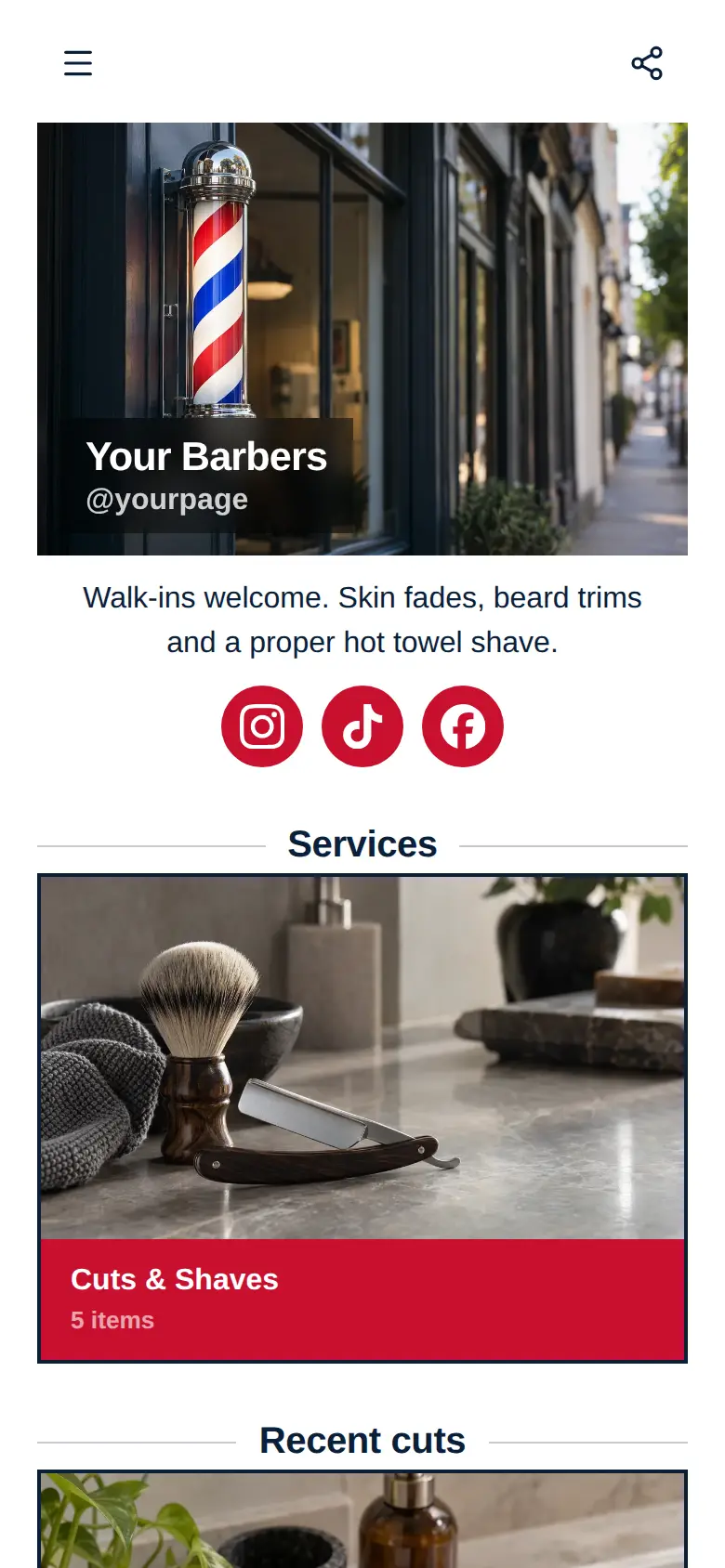
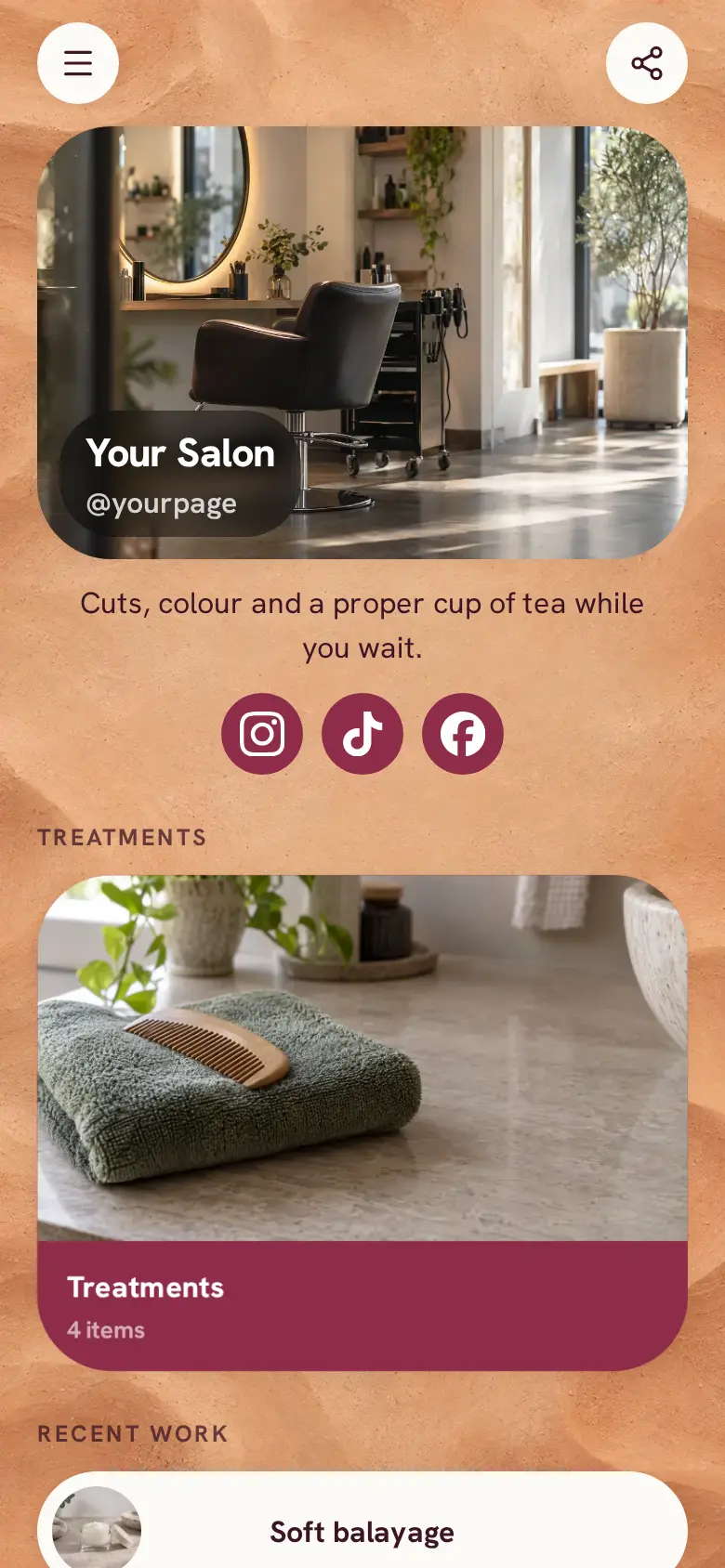
Tattoo Studio website template
A free tattoo website template for a studio or a solo artist, with your custom pieces, your flash, aftercare notes and a consultation request form. Swap in your own flash and custom pieces, then add a session clients book with a deposit, taken through your own Stripe account.
At the top sits your studio's name, a photo of your flash sheets and a line on how you work, like custom pieces by appointment and flash walk-ins on Saturdays, with Instagram and TikTok underneath. Your aftercare notes sit further down as a short line of text.
What’s on this page
Custom pieces
Up to five photos with a title and a line of text. A card can show your work, an item for sale with a link to buy it, a product you recommend, or a code to copy.
Put up to five photos of healed custom pieces on this card, in the style you most want to be booked for, and say in a line how a custom piece comes together, from the first sketch to the session. Clients choose an artist by the work they see, so change the photos as new pieces heal.
Flash
Up to five photos with a title and a line of text. A card can show your work, an item for sale with a link to buy it, a product you recommend, or a code to copy.
Flash gets its own card, so people see there are ready-drawn designs they can get without a consultation. Post the sheet for your next flash day and say how it runs, like first come first served or one design each. Change the photos whenever the sheet changes.
Book a consultation
A form with the questions you choose, for enquiries, quotes or feedback. Every answer is saved for you in Keepp.
The consultation form asks whether it is a tattoo or a piercing, where on the body and what the idea is, and the client confirms their email before the request reaches you. Add a question for rough size, or a choice of artist if there is more than one of you.
Add to it
Tattoo session
Appointments from your weekly hours, or stays by the night. Visitors pick a time and book on the page, and can pay through your own Stripe account.
Once a design is agreed, send the client the link to a session they book and pay a deposit for, through your own Stripe account. Write your deposit terms into the booking, like whether it carries over if they move the date, so they read them before paying. Booking questions can collect what you need before the day, such as placement and size.
Studio gift voucher
An item you sell, with photos, a price and a buy button. Buyers pay on the page through your own Stripe account.
Friends and partners often want to give a tattoo without choosing the design. Sell a voucher as a product, paid through your own Stripe account, and ask at checkout for the name it is for.
Ask the studio
A chat button that answers visitors' questions from what is on your page and the notes you give it.
A chat button answers the questions every studio gets, like when the next flash day is, whether you do cover-ups or how to look after a fresh tattoo, from your page and what you write in its settings. Anything about a particular design can go to you in Telegram after you link a group.
Ask the studioAI assistantHi! Ask about flash days, aftercare or booking.
Questions
What should a tattoo studio website include?
Healed work in the styles you do, your flash, how consultations and deposits work, aftercare, and a way to ask for an appointment. This template has the work cards, an aftercare note and a consultation form to start from.
Can clients pay a deposit to book?
Yes. Add a booking for a session priced at your deposit, and the client pays it through your own Stripe account when they book. Say in the description that it comes off the final price, if it does.
Can I show my portfolio?
Yes. A card takes up to five photos of healed work, under a title and a short line. Make a card for each style or each artist, and change the photos as new work heals.
Can I take piercing requests too?
Yes. The consultation form already asks whether it is a tattoo or a piercing, and you can rename the options or add more to match what you offer.