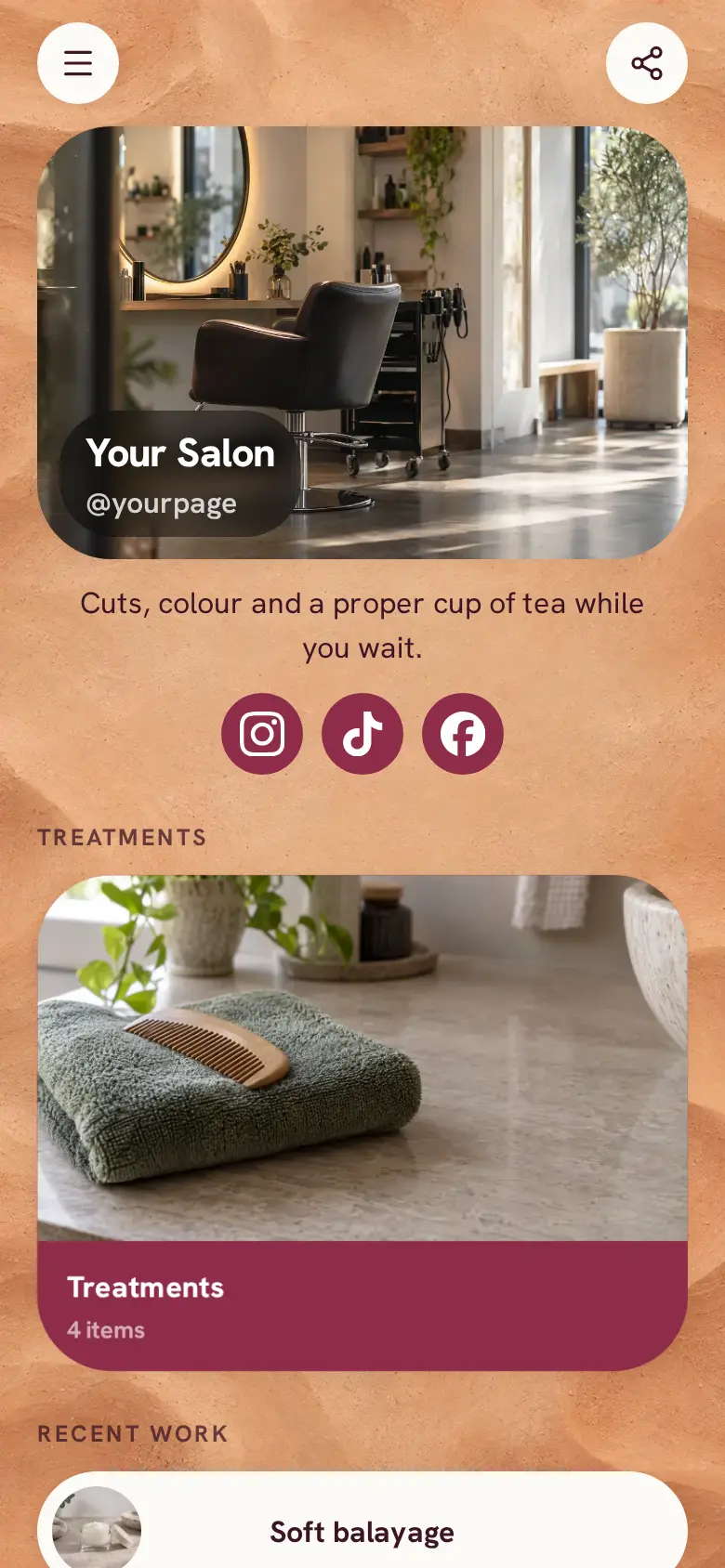
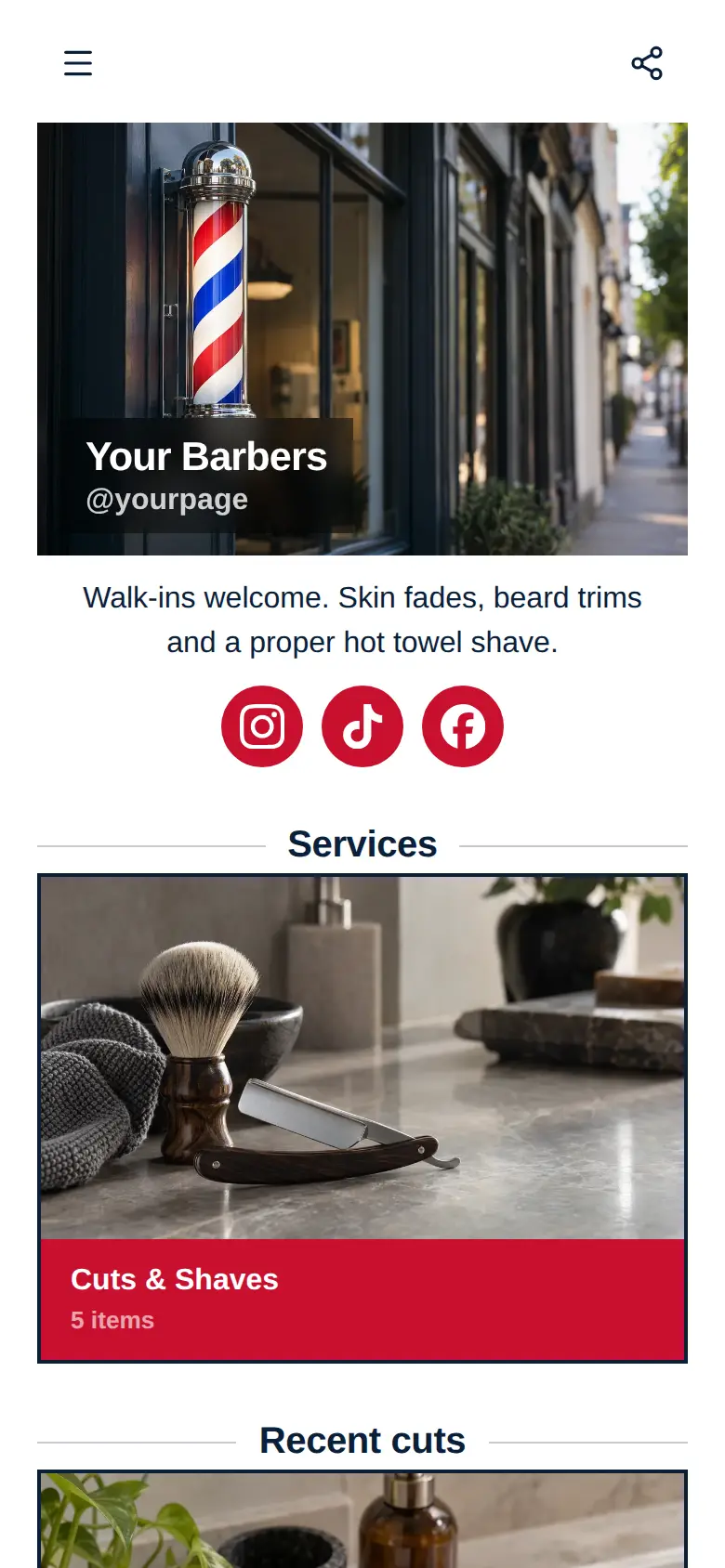
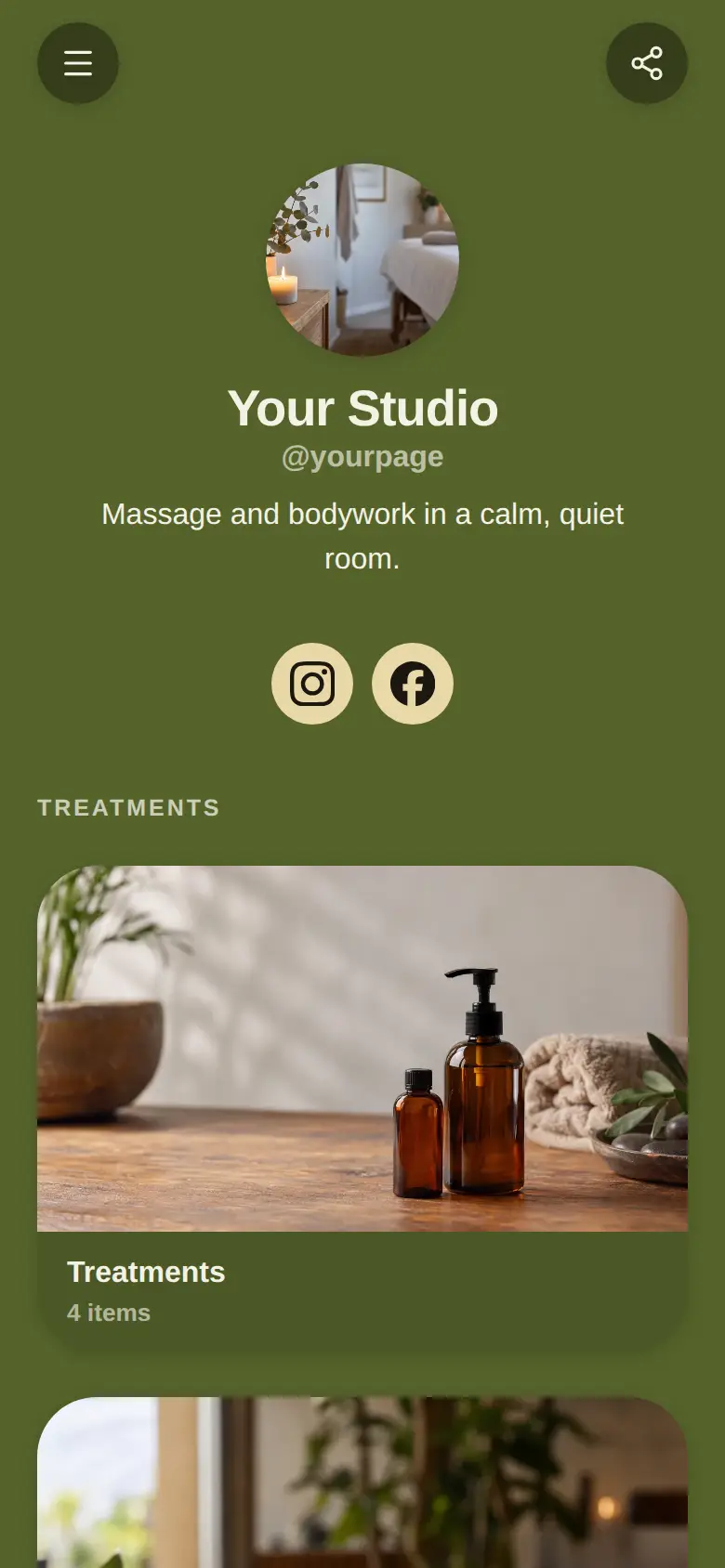
Book a Visit website template
A free booking website template for anyone who works by appointment: your services as a short list at the top, a line about you, a photo of your space and a map. Start from it, turn each service into a booking block, and clients pick a time from the hours you set.
Halfway down, after the services, sits your name, your photo and a line on who you are and how long you have been doing it, with Instagram, TikTok and Facebook underneath.
What’s on this page
Cut and finish
Up to five photos with a title and a line of text. A card can show your work, an item for sale with a link to buy it, a product you recommend, or a code to copy.
Put the service people book most at the very top, because on this page the services come before anything else. Keep the title to what the client would ask for and the line under it to what is included. When you are ready to take bookings, swap the card for a booking block with the same title.
Colour
Up to five photos with a title and a line of text. A card can show your work, an item for sale with a link to buy it, a product you recommend, or a code to copy.
Use the second slot for the service that takes longest or needs a chat first. One line on the range, from a quick refresh to a full change, helps a client choose the right one before they pick a time.
Treatments
Up to five photos with a title and a line of text. A card can show your work, an item for sale with a link to buy it, a product you recommend, or a code to copy.
Add-ons and smaller treatments fit here. Clients who came for something else often book these on the same visit once they see them listed.
The studio
Up to five photos with a title and a line of text. A card can show your work, an item for sale with a link to buy it, a product you recommend, or a code to copy.
This is the one big photo on the page, so make it your space at its best, like the chair by the window. A line on what a visit feels like answers the nerves of someone who has never been before.
Visit the studio
A Google Maps pin with your address and opening hours. Tapping it opens a bigger map and a button for directions.
Paste your pin from Google Maps and write the days and hours you work. Clients tap the map for directions, so mention the buzzer, the floor or the parking if your door is hard to find.
Add to it
Cut and finish
Appointments from your weekly hours, or stays by the night. Visitors pick a time and book on the page, and can pay through your own Stripe account.
A booking block is what makes this a booking page. You set how long the service takes, the days and hours you work and any gap you need between clients, and visitors pick a free time. Leave it free to book, or set an amount they pay through your own Stripe account when they book. Clients can move or cancel from their confirmation email.
Join the cancellation list
A form with the questions you choose, for enquiries, quotes or feedback. Every answer is saved for you in Keepp.
When you are booked up, a short form lets clients leave a phone number and the days they could come. The list is kept in your dashboard, so when someone cancels you know who to call first.
Ask before you book
A chat button that answers visitors' questions from what is on your page and the notes you give it.
Clients who are unsure which service to pick ask before they book. A chat button answers from your services and the notes you give it. If you would rather answer some yourself, link a Telegram group and reply from there.
Ask before you bookAI assistantHi! Not sure which service to book? Ask me.
Questions
How do I take bookings on my website?
Add a booking block for each service, set its length and your working hours, and publish. Clients pick a free time on the page and get a confirmation email, and the booking shows in your dashboard.
Can clients pay when they book?
Yes. Give a service an amount and clients pay it when they book, through your own Stripe account. You can also leave a service free to book and take payment on the day.
Does it sync with my calendar?
If you connect Google Calendar, times you are already busy there are not offered to clients, and new bookings are added to your calendar.
Who is this template for?
Anyone who works by appointment and wants the booking to come first: hairdressers, beauty therapists, tutors, photographers or a one-person studio.