The TikTok Bio Link Mistake Most Creators Don't Notice
TikTok gives you exactly one link. Most creators fill it with a flat list of unlabeled buttons and wonder why views don't turn into sales. Here's the actual fix.
TikTok gives every account exactly one clickable link. That constraint isn’t the mistake, every creator on the platform is working with the same one link. The mistake is what most creators put behind it: a flat, unlabeled list of buttons that asks a follower to guess which one is the thing they actually came for.
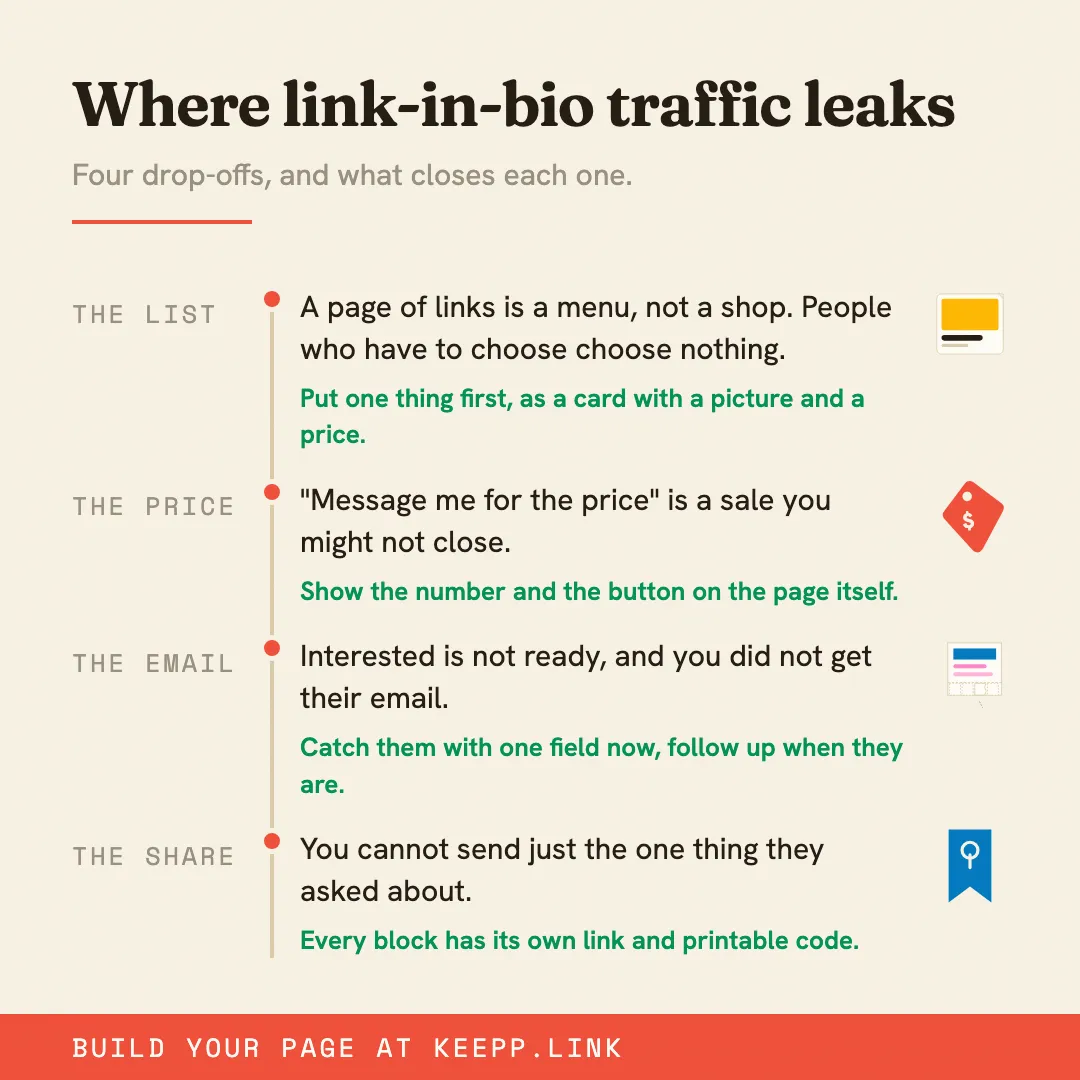
A viewer who just watched a video about your skincare routine, your coaching program, or your latest drop taps through with one specific thing in mind. If what they land on is six identically-styled buttons reading “Shop,” “Book,” “My Course,” and “Follow Me Elsewhere,” you’ve turned a warm click into a guessing game, and most people don’t guess, they bounce.
Why the flat-list link-in-bio pattern breaks down
The original link-in-bio tools solved a narrower problem than the one most TikTok creators actually have now. They were built for “here are five places to find me”, a list of outbound links to other platforms and maybe a store. That’s fine when the goal is just discovery. It stops working the moment the goal is a specific action: buy this exact product, book this exact call, join this exact program, because a flat list can’t distinguish “this is a purchase” from “this is a booking” from “this is just a link to my Instagram.”
What a follower actually needs to see
The fix isn’t a longer list. It’s a page where each thing you offer looks like what it is before anyone taps it. A product shows a price and a photo. A booking offering shows real available times. An affiliate card shows what it’s recommending and the code that applies. Someone scanning the page for “the thing from that video” finds it by what it looks like, not by decoding a button label.
Point videos at the specific thing, not the homepage
The other half of the fix is upstream of the page itself. If a video is about one specific product or offering, the caption shouldn’t send someone to your general bio link and make them scroll to find it: every block on a Keepp page has its own shareable link and QR code, so a video about a $40 candle can point at that exact product’s link, and a video about your discovery call can point at that offering directly. The bio link stays as the general destination for anyone browsing; specific videos get specific links.
Updating the link without breaking every video that used it
A real concern with pointing individual videos at specific links: what happens when that product sells out or that offering changes? On Keepp, a block’s link stays the same even as you edit what’s behind it (update the price, swap the photo, pause the offering) so an old video’s caption doesn’t go stale the way a raw product URL from a marketplace often does. If you do need to retire something entirely, choosing the right block covers how a block’s config works underneath.
What this looks like in practice
A creator with three revenue lines (a product line, a coaching offer, and affiliate recommendations) running a flat link list usually has one generic “Shop My Stuff” link that dumps a visitor into all three at once. The same three lines on a proper page show up as their own blocks: products with real prices and checkout, a booking offering with actual open times, and affiliate cards with their codes visible. A viewer from a product video sees the product first; a viewer from a “how I book clients” video sees the booking offering first, because the video’s caption pointed at the right one to begin with, not a generic homepage everyone lands on regardless of what they came for.
Where to start
Set up each thing you offer as its own block, not a link in a list, and use its own share link in the caption of any video specifically about it. Claim your page, set it up, and put the link in your bio: free to start, no card required.
Fix your TikTok bio link at keepp.link: free to start, live in minutes.