How to Sell Paid 1:1 Video Calls as a Creator
You don't need a huge following, a course, or a brand deal to start earning from what you know, a single paid call, priced and bookable, is one of the fastest ways to monetize. Here's how to set one up.
Waiting on a sponsorship or a brand deal to make money from an audience means waiting on someone else’s budget and someone else’s follower-count threshold. A paid 1:1 call doesn’t have either of those gates. It works with an audience in the hundreds or low thousands, it’s priced by you, and it’s live the same day you set it up. If people already message asking for advice, a portfolio review, or “how did you do that,” that’s a call someone would pay for; the only thing missing is a way to book and pay for it.
What this actually looks like
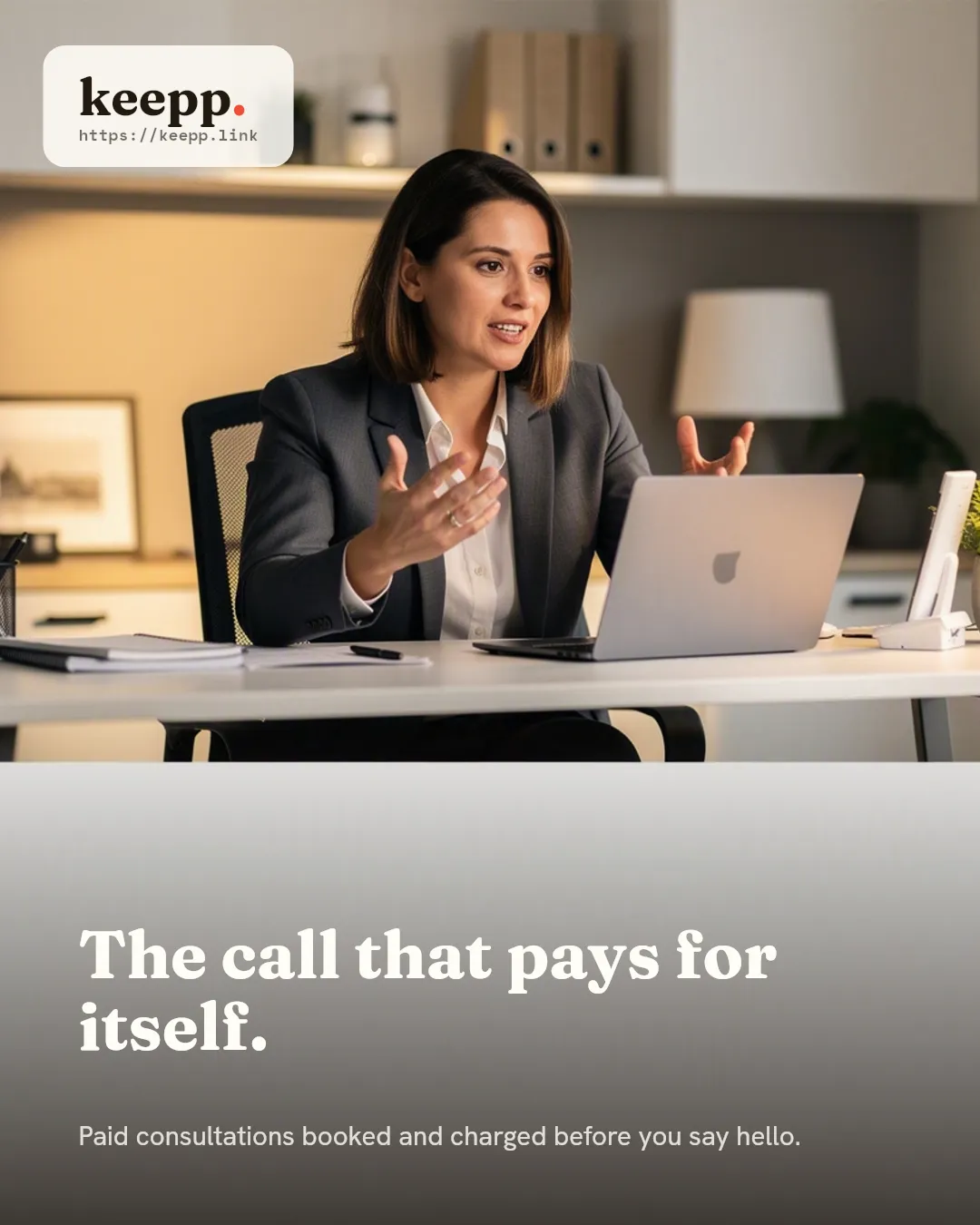
One offering: a call, a price, a clear line about what’s covered. Not a whole coaching business, not a course, not a five-tier package, just “30-minute strategy call, $75” or “portfolio review, $50,” bookable and paid for in one step. It’s the smallest possible version of selling your expertise, and it’s the version that gets someone to actually say yes, because there’s nothing to compare or choose between.
Setting it up
- Create the offering under Bookings → Offerings: set the duration, the price, and a short description of what someone gets out of the call.
- Set your real availability: the hours you’re actually willing to take calls, not your full week.
- Attach a video provider, Google Meet or Zoom, so a meeting link generates automatically for every booking and gets sent with the confirmation, no manual link to create and paste yourself.
- Add cancellation and refund terms, shown to the buyer before they confirm, so a no-show or a late cancellation is covered by a stated policy instead of a conversation after the fact.
Payment happens as part of the same booking flow, through your own connected Stripe account: the call isn’t confirmed until the charge clears, so there’s no invoice to send or payment to chase separately, and you’re the merchant of record from the first booking, not a balance Keepp holds and pays out later. Connecting Stripe is a one-time setup, and taking bookings and appointments online covers the full mechanics of how the flow works.
Every confirmation also includes a manage-booking link, so if someone needs to move their call to a different time, they can reschedule it themselves. You’re not fielding “can we push this to Thursday” as a DM you have to act on by hand.
Share the call directly, not your whole page
This matters more for a paid call than almost anything else you’d put on a page: the offering has its own real link and QR code, separate from your page’s homepage link. Drop it straight into a DM when someone asks “how do I book you,” pin it in your bio alongside your main page link, or put it in a Story, and because the link preview shows that specific offering’s title and price, not your homepage’s, whoever you send it to sees exactly what they’re being asked to book before they tap anything. That’s a meaningfully shorter path than sending someone to your full page and asking them to scroll to the right block. Every block on your page has its own shareable link and QR code covers the mechanic in full.
Positioning the offer
The call should be as specific as the thing you’re actually known for: a strategy session if that’s your expertise, a portfolio or resume review, a technical walkthrough, a one-time consult on a specific problem. A vague “pick my brain” call is harder to price and harder to say yes to than “I’ll review your first three chapters and tell you what’s working.” Specific offers convert better because the buyer knows exactly what they’re paying for before they click.
Avoiding the two most common mistakes
Underpricing the first offer. It’s tempting to price low to get the first few bookings, but a price that’s too low signals the call isn’t worth much, and it’s harder to raise later than to start reasonable and adjust down if nobody’s booking. Price it at what the advice is actually worth to someone who needs it.
Leaving the offer vague. “Book a call with me” tells a buyer nothing about what they’re getting. A one-line description of the outcome, what they’ll walk away with, does more to convert a hesitant visitor than the price does.
Where this sits next to everything else you monetize
A paid call doesn’t have to be the only thing on the page. It sits as one block among others: a product you sell, an affiliate link with your code on it, a free lead-capture form for people not ready to pay yet. Share recommendations, affiliate links, and promo codes covers running that alongside a paid call, and collecting leads and feedback covers capturing the “interested but not ready” visitor instead of losing them entirely. A highlight button at the top of the page pointed straight at the call keeps a first-time visitor from having to hunt for what to do next.
A free call as the on-ramp
If a straight-to-paid call feels like too big an ask for a cold visitor, a short free intro call, 10 or 15 minutes, works as the lower-commitment step, with the paid call as a second offering underneath it for people who already know they want more. A booking page for coaches and consultants covers that exact two-step structure in more depth, for anyone whose paid-call business grows into something closer to an ongoing practice.
Common questions
How much should I charge for a first call? There’s no universal number. It depends on the specificity of what you’re offering and what your audience already pays for similar expertise elsewhere. Start at what feels slightly uncomfortable to charge; that’s usually closer to the right number than underpricing out of hesitation.
How long should the call be? Long enough to deliver the outcome you’re promising, short enough that you can run several without it eating your whole day: 20 to 30 minutes is a common starting point for a focused, single-topic call.
What if someone doesn’t show up? That’s what cancellation and refund terms are for. Set once per offering and shown before the buyer confirms, so a no-show is covered by policy rather than negotiated afterward.
Can I run more than one type of call? Yes: a strategy call and a portfolio review can be two separate offerings on the same page, each with its own price, duration, and description, so a visitor picks the one that actually fits what they need.
Where to start
One offering, one price, one clear line about what it covers, and a video link that generates itself. Claim your page at keepp.link, add your first call offering, and connect Stripe: free to start, live in minutes.
Set up your first paid call at keepp.link: free to start, no credit card required.