Freelancer website template
A free freelancer website template that puts a short pitch and a project enquiry form at the top, with your name and photo below and recent work under that. Put your own services in, then add your rates and an intro call clients can book.
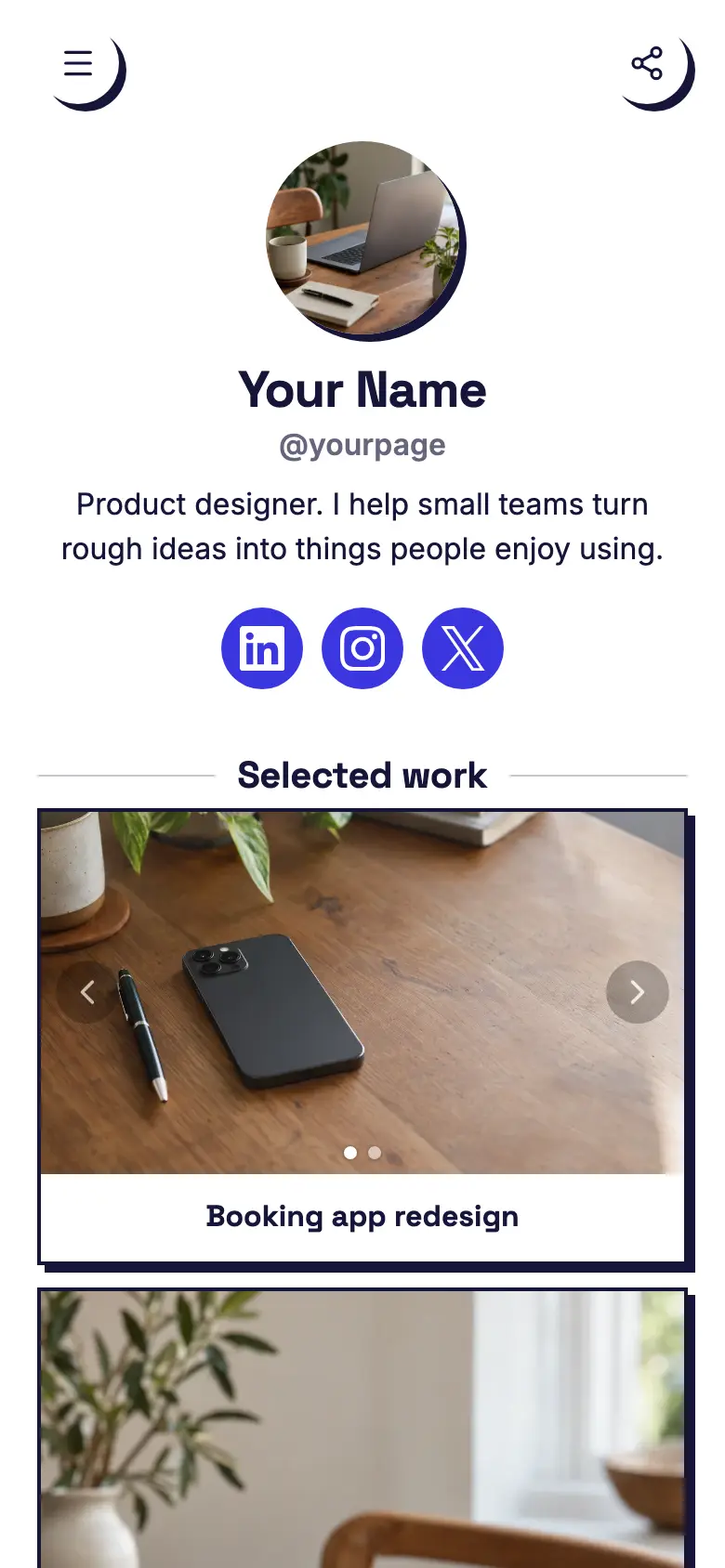
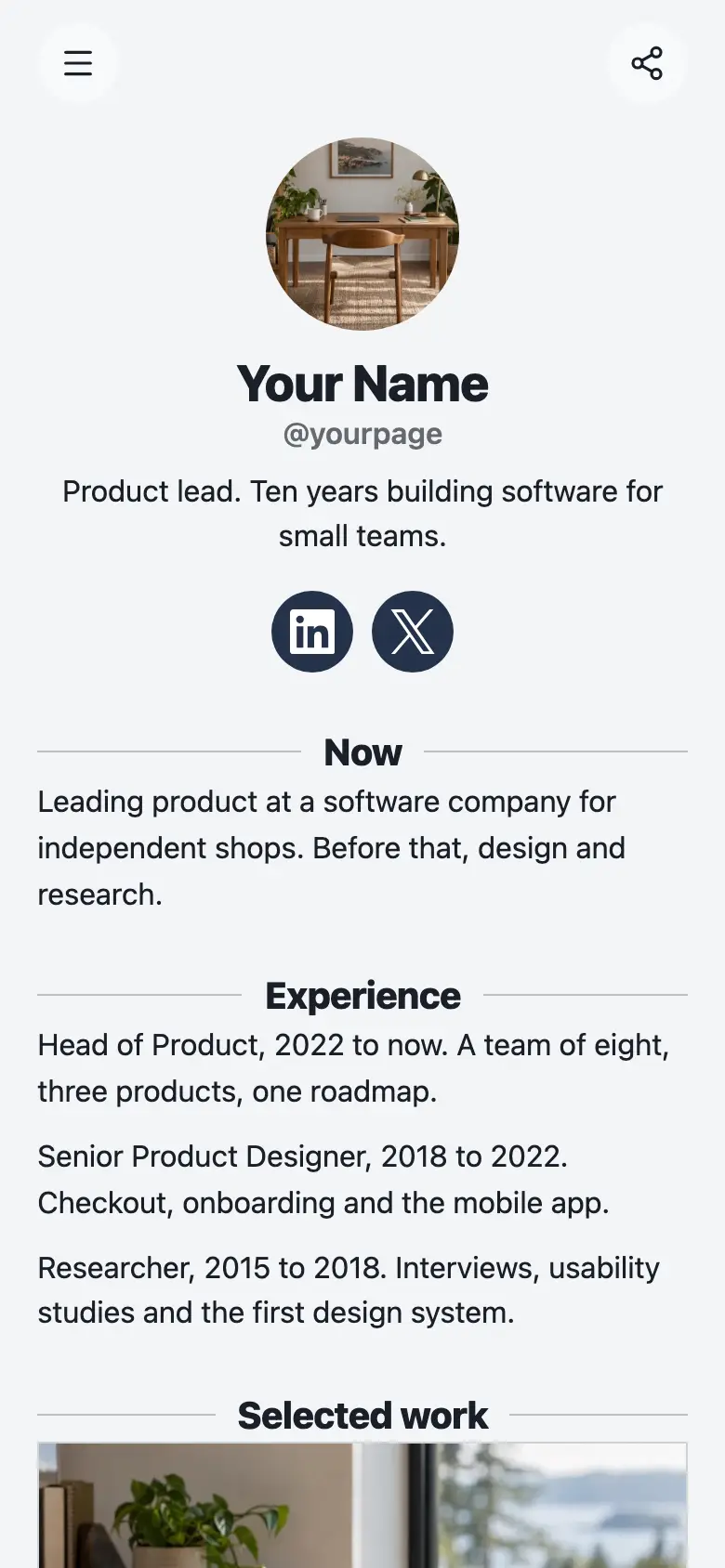
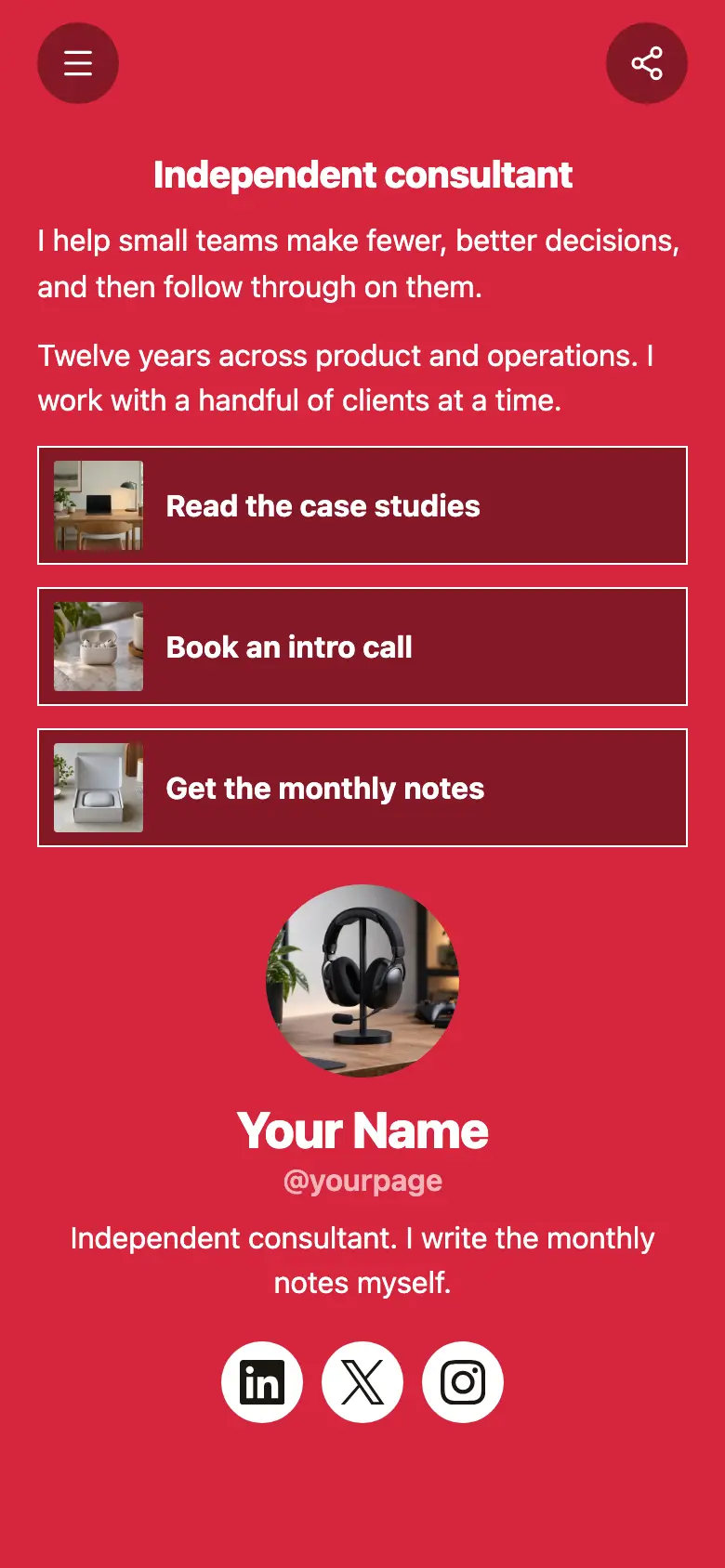
The page opens with a small Taking on new projects heading and one line on what you do and for whom, then the form. Your name, a square photo and a line on how many projects you take on come after it, with LinkedIn, Instagram and X underneath. The background is speckled marigold, with dark brown buttons and text, bold type and hard shadows under rounded cards.
What’s on this page
Start a project
A form with the questions you choose, for enquiries, quotes or feedback. Every answer is saved for you in Keepp.
The form comes first, so a client who already knows they want you does not have to scroll. Make its choices the jobs you actually take on this season, and add a question about timing if deadlines decide whether you can say yes. Everyone confirms their email with a code before the brief reaches your dashboard.
A studio rebrand
Up to five photos with a title and a line of text. A card can show your work, an item for sale with a link to buy it, a product you recommend, or a code to copy.
Under the form, one strong project is enough to show you can do the job. Put the finished identity and the site in two tall photos, and say in the line what the work covered, like identity and site. Add more cards below it as you finish projects you are proud of.
Add to it
Rates
A list of what you offer, each item with a description, a price and tags. Visitors tap it to open the full list and filter it by tag.
Clients often want a rough idea of cost before they write a brief. A menu lists each service with what it includes and its price, whether that is a fixed fee or a day rate, and visitors open it to read the lot. Leave the price off anything you quote for case by case.
Intro call
Appointments from your weekly hours, or stays by the night. Visitors pick a time and book on the page, and can pay through your own Stripe account.
For clients who would rather talk before they fill in a form, add a short intro call they book themselves. Keep it to the afternoons you set aside for new work, and with Zoom or Google Meet connected each one comes with a video link.
Ask about a project
A chat button that answers visitors' questions from what is on your page and the notes you give it.
Questions like whether you are free next month or work with clients abroad come up before almost every brief. A chat button answers them from your page and the notes you give it, and passes anything else to you in Telegram once you have linked a group.
Ask about a projectAI assistantHi! Ask about availability, how projects run or what I need from you.
Questions
What should a freelancer website include?
What you do and for whom, a few pieces of recent work, whether you are taking on projects and an easy way to send a brief. This template puts the pitch and the form at the top and your work underneath.
Can clients send me a brief?
Yes. The form asks what they need and lets them add details, and it checks their email with a code before it reaches you. Change the questions to whatever you need to know before you quote.
Can I show rates?
Yes. Add a menu with each service and its price, or list the services without prices if you quote for each project.
Can it work as a media kit?
Yes, for a creator who works with brands. Use the pitch line for who you are and who follows you, the cards for brands you have worked with and a menu for the kinds of work you take on. Brands send their brief through the form.