Digital business card and professional profile template
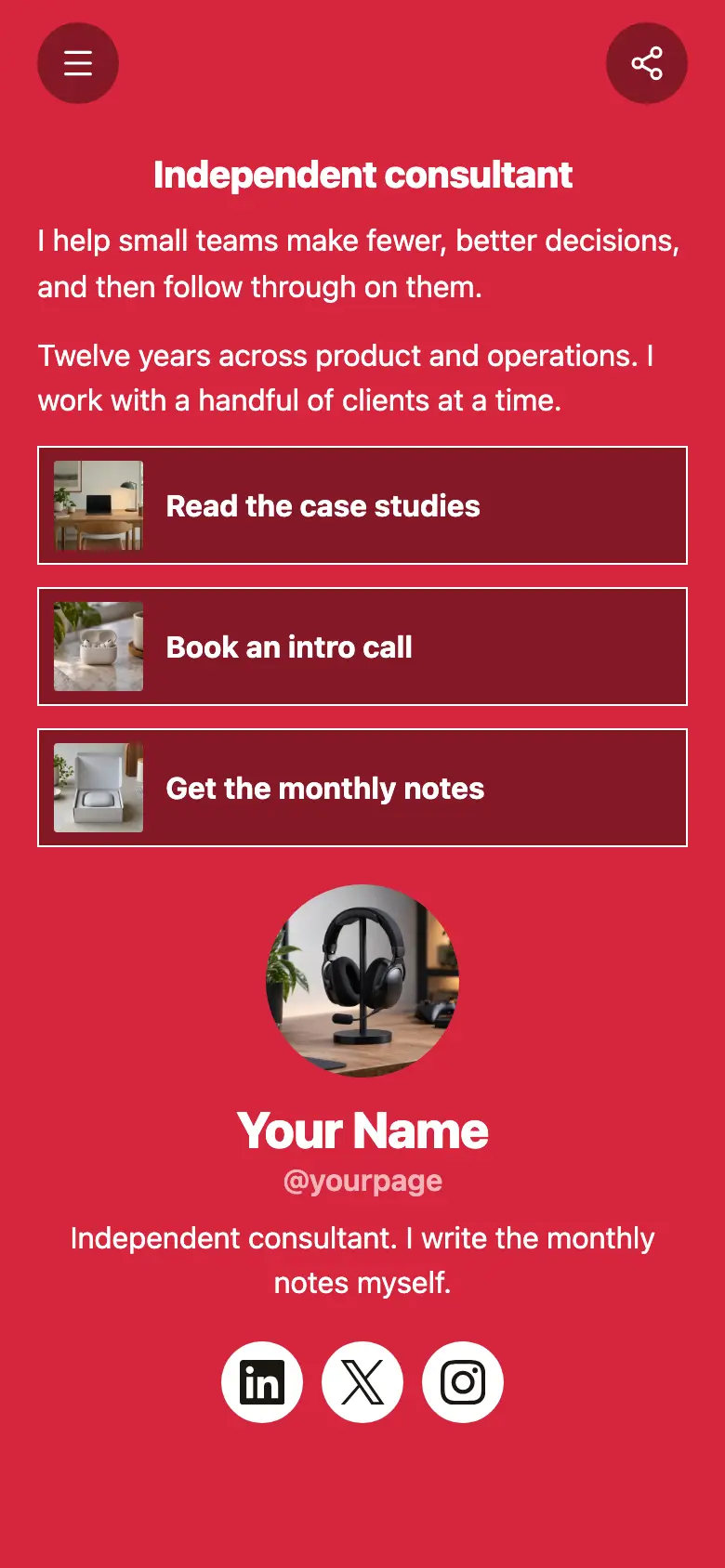
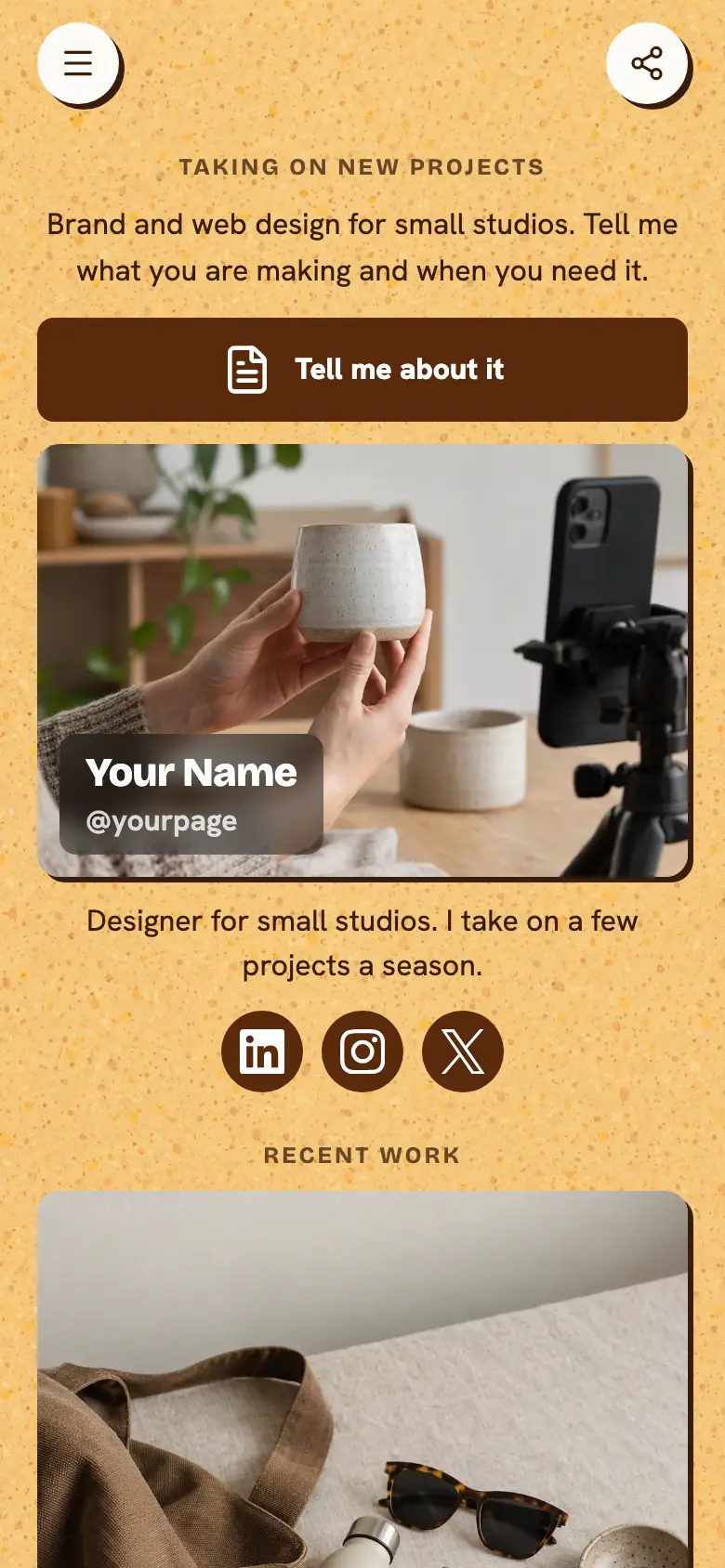
A free professional profile that works as your digital business card, with what you do now, your past roles and your best work. Add it to Apple Wallet or Google Wallet as a card with your photo, your name and a QR code that opens the page, and show it to anyone you meet.
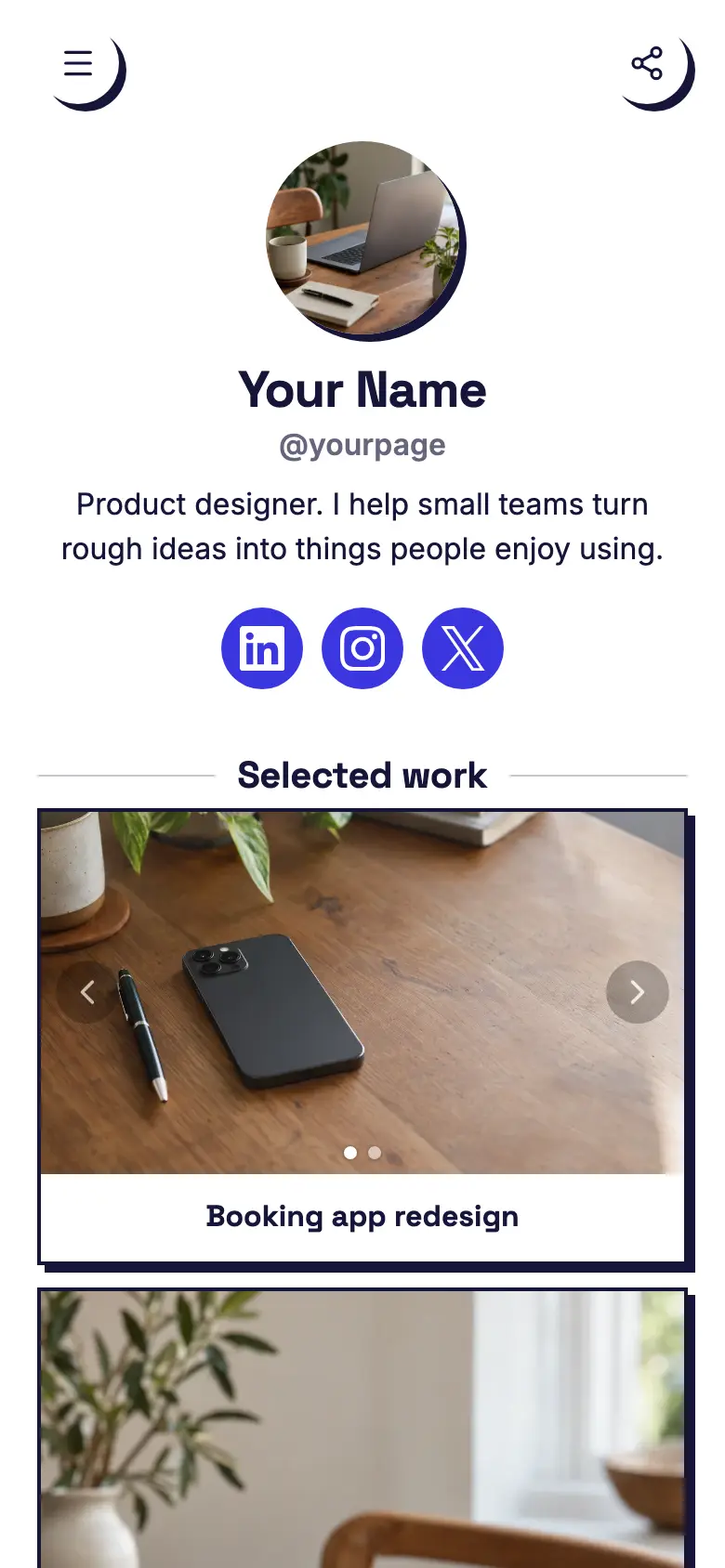
At the top sits your name, a round photo and a line like product lead with ten years building software, with LinkedIn and X underneath, then short lines on your current job and each role before it. The page is light grey and navy with thin outlines and square corners, plain enough to sit next to a CV.
What’s on this page
Rebuilding checkout
Up to five photos with a title and a line of text. A card can show your work, an item for sale with a link to buy it, a product you recommend, or a code to copy.
Pick one piece of work you would happily talk about in an interview and give it the wide card. The title says what you did, like rebuilding checkout, and the line says what changed, like doubling completed orders. Add a button to the full case study or a talk about it.
Talks
Up to five photos with a title and a line of text. A card can show your work, an item for sale with a link to buy it, a product you recommend, or a code to copy.
This slim card is for your talks. Say where you have spoken and link to your slides or recordings, so someone who met you at a conference can find the talk they saw.
Writing
Up to five photos with a title and a line of text. A card can show your work, an item for sale with a link to buy it, a product you recommend, or a code to copy.
Use the last card for your writing, like notes on product and design, and link it to wherever you publish. Change the line to your latest piece now and then, so returning visitors notice something new.
Add to it
Advisory call
Appointments from your weekly hours, or stays by the night. Visitors pick a time and book on the page, and can pay through your own Stripe account.
If you are open to advisory work, let people book a first call straight from your page. Set the hours you keep for it, charge for the call through your own Stripe account or leave it free, and connect Zoom or Google Meet so each booking gets a meeting link.
Get in touch
A form with the questions you choose, for enquiries, quotes or feedback. Every answer is saved for you in Keepp.
A contact form sorts what comes in before you read it. Ask what the message is about, with choices like advisory work, a talk or a role, and every message is kept in your dashboard with that answer beside it.
Ask about my work
A chat button that answers visitors' questions from what is on your page and the notes you give it.
Recruiters and organisers often have one quick question, like whether you take on remote advisory work or have spoken on a topic before. A chat button answers from your page and the notes you write for it. If you link a Telegram group, anything it cannot answer can come to you there.
Ask about my workAI assistantHi! Ask about my experience, my talks or advisory work.
Questions
What is a digital business card?
A business card that lives on your phone. With Keepp it goes into Apple Wallet or Google Wallet, with your photo, your name, a line you choose and a QR code that opens your page. Anyone can scan it with their phone camera, with no app on either side.
Can it go in Apple or Google Wallet?
Yes. On the QR codes page in Keepp, tap Add to Apple Wallet or Add to Google Wallet. iPhones use Apple Wallet and Android phones use Google Wallet. The back of the card carries your bio, your socials and a link to your page.
Can I share it with a QR code?
Yes. The card's QR code opens your page, or something on it, like your booking for a first call. You can also print a code that opens the same place, for a name badge or a slide.
How is this different from a paper card?
The person you meet scans the code and lands on your whole profile, with your experience, your work and a way to book time. It lives in the wallet on your phone, so you have it with you wherever you go.