Tutor & Teacher website template
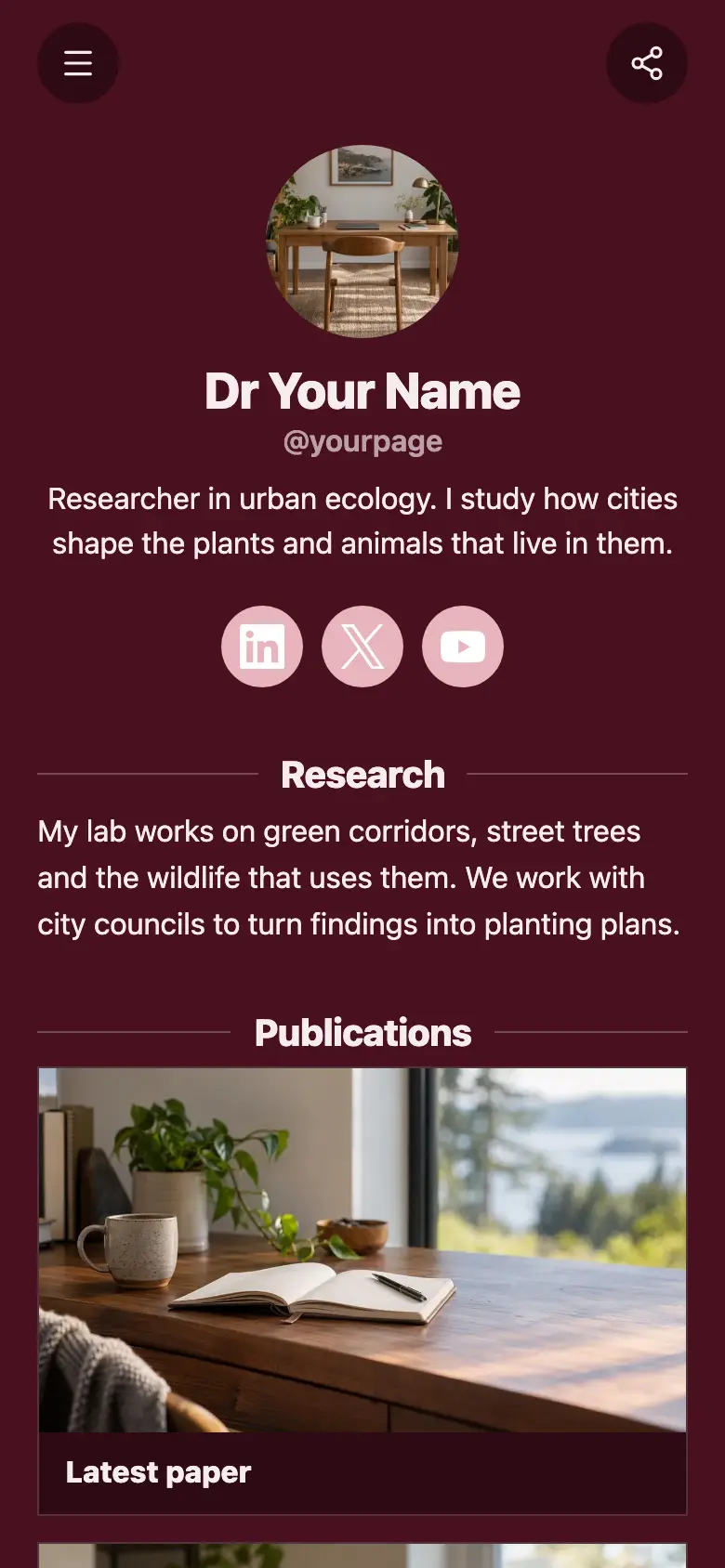
A free tutor website template for a private tutor or teacher, with the subjects you teach, how the first lesson and weekly lessons work, and your revision groups. Change the subjects to the ones you teach, then add a first lesson families book online and a form for enquiries.
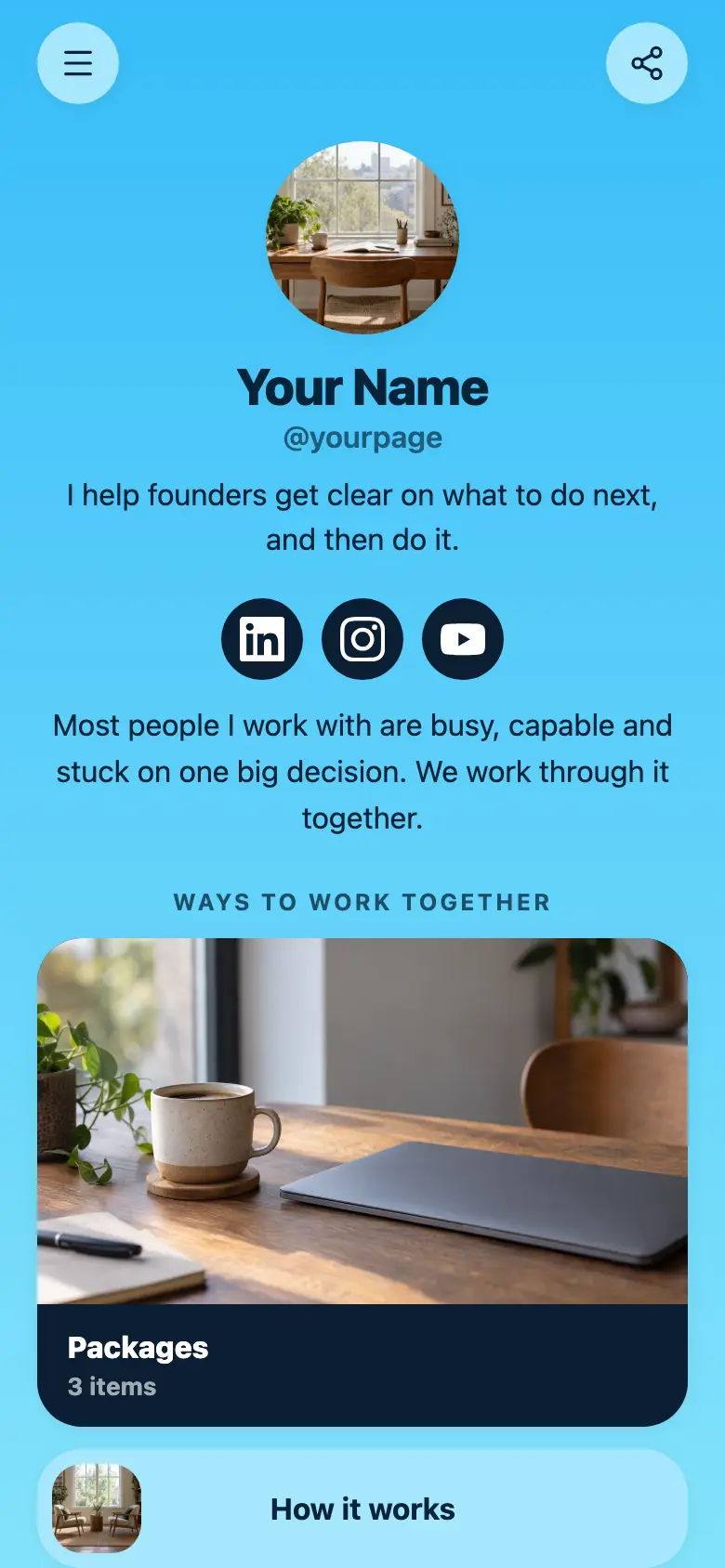
At the top sits your name, a round photo and a line on what you teach and to whom, with LinkedIn and Instagram underneath. The page is a light sky blue with royal blue buttons and outlines, navy text and rounded cards, and a blue band at the bottom asks families for the year group and the subject.
What’s on this page
Subjects
A list of what you offer, each item with a description, a price and tags. Visitors tap it to open the full list and filter it by tag.
List each subject as its own item with a line on the level, from the basics to exam level, and tag them Maths, Science or Exams so a parent can filter to what their child needs. The subtitle says whether lessons are one-to-one, online or in person. If you charge differently for some subjects, give each item its own price.
First lesson
Up to five photos with a title and a line of text. A card can show your work, an item for sale with a link to buy it, a product you recommend, or a code to copy.
Parents want to know what happens in the first hour. Say it plainly on this card, like finding the gaps and agreeing what to work on over the next few weeks, so a first lesson feels like a small step for a nervous student.
Every week
Up to five photos with a title and a line of text. A card can show your work, an item for sale with a link to buy it, a product you recommend, or a code to copy.
Use this card for how regular lessons run, like an hour a week at a time that suits the family. If you send parents a short note after each lesson, mention it here, because that is what they usually ask about next.
Revision groups
Up to five photos with a title and a line of text. A card can show your work, an item for sale with a link to buy it, a product you recommend, or a code to copy.
Revision groups before exams are worth a wide card. Say how small they are, when they start and which subjects they cover, and ask families to send the year group and subject through your enquiry form to ask for a place.
Add to it
First lesson
Appointments from your weekly hours, or stays by the night. Visitors pick a time and book on the page, and can pay through your own Stripe account.
A first lesson is the easiest thing to book online. Set the length and the after-school hours you teach, and parents pick a free time on your page, with each slot kept for one student. Connect Zoom or Google Meet for online lessons, and charge for the lesson through your own Stripe account or leave it free.
Ask about lessons
A form with the questions you choose, for enquiries, quotes or feedback. Every answer is saved for you in Keepp.
The template ends by asking for the year group and the subject, and a form collects both, with a box for what the student is finding hard. Each enquiry is saved in your dashboard, and you can export them all as a spreadsheet at the start of term.
Exam technique workbook
An item you sell, with photos, a price and a buy button. Buyers pay on the page through your own Stripe account.
Revision material you wrote for your own students can reach more of them as a product. Parents pay on your page through your own Stripe account, and the workbook comes to them through the delivery link you add.
Questions
What should a tutoring website include?
The subjects and levels you teach, how lessons work and where they happen, how to start and a way for parents to get in touch. This template has your subjects and cards for the first lesson, weekly lessons and revision groups, and you can add booking and an enquiry form.
Can parents book lessons?
Yes. Add a booking for a first lesson or a regular weekly slot with the hours you teach, and parents pick a time on your page. Connect Google Calendar so times you are already teaching are not offered.
Can I take payment?
Yes. A booking can charge for the lesson when it is booked, and you can sell a block of lessons or a workbook as a product. Either way the money goes to your own Stripe account.
Can I teach online?
Yes. Connect Zoom or Google Meet and every lesson booked online gets its own meeting link. Say in the menu subtitle whether you teach online, in person or both.