Photo gallery link in bio template
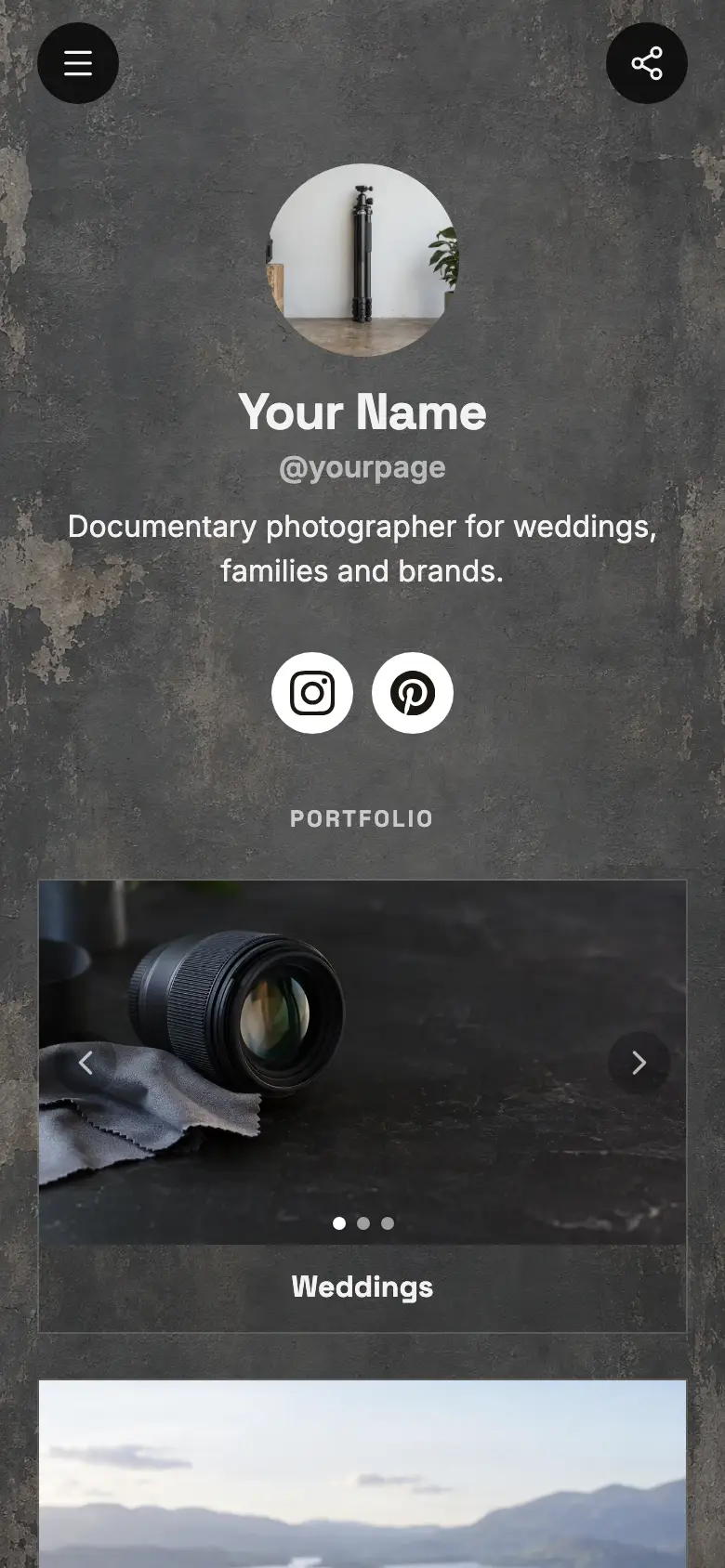
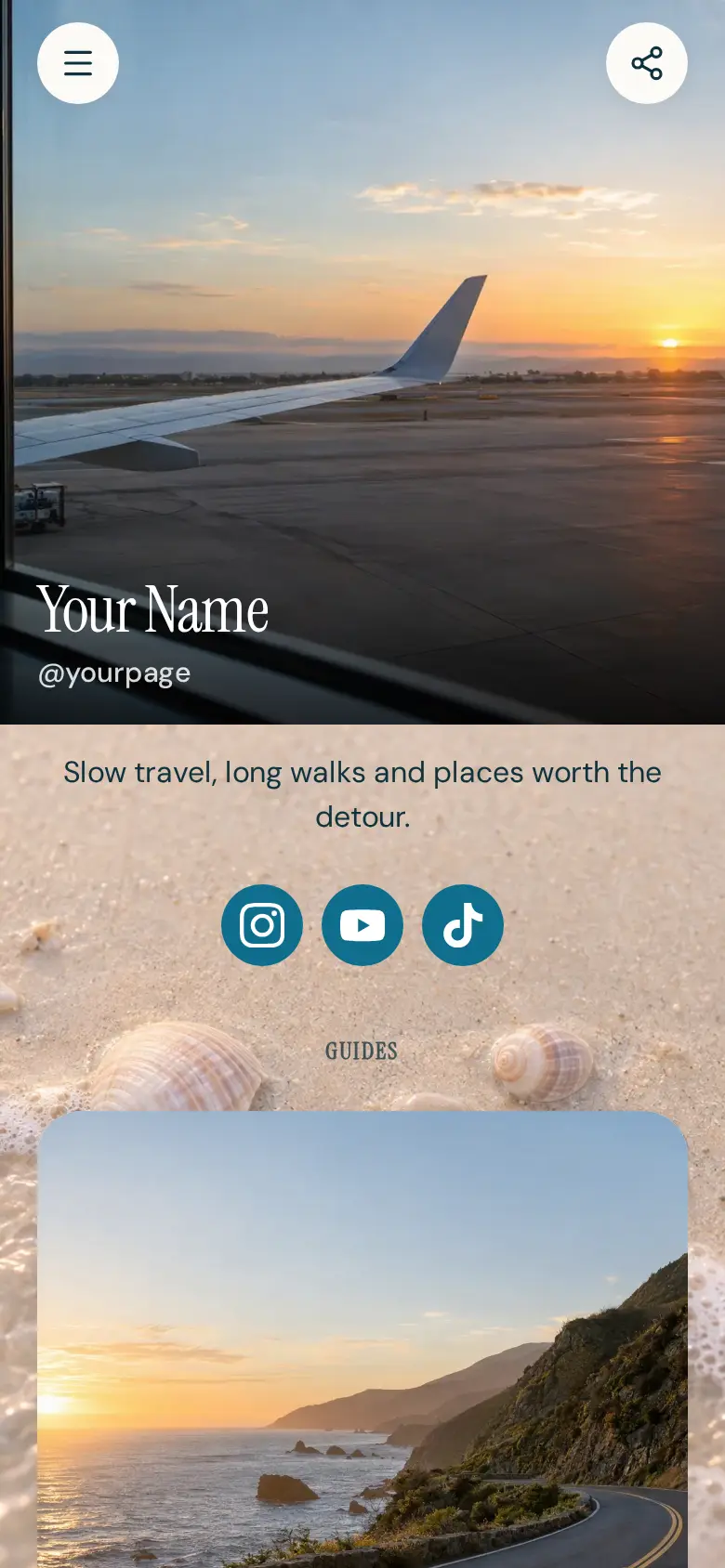
A free photo gallery link in bio template that puts your pictures first: big tall cards, each holding a set of photos visitors swipe through, then links for your prints and for hiring you. Swap in your own trips or shoots, then sell prints and take bookings on the page.
At the top sits your name, a round photo and a line about what you shoot, with buttons for prints and for booking a shoot right under it, then the photo sets, and Instagram and YouTube in a row at the bottom. The page is a dark charcoal texture with white text and white outline buttons, so the photos do the talking.
It’s only a starting point. Every word, photo, colour and block is yours to change, and you can add, remove or reorder anything.
What’s on this page
Prints and presets
A web link, shown as a button or as a card with an image.
Point this at wherever you sell your prints or editing presets today. When you would rather sell them on the page itself, a product block can take payment and hand over a download link, like the one below.
Hire me for a shoot
A web link, shown as a button or as a card with an image.
This is for the people who like your photos and want some of their own. Link it to your contact page, or swap it for a booking block so clients pick a date themselves.
Coast road
Up to five photos with a title and a line of text. A card can show your work, an item for sale with a link to buy it, a product you recommend, or a code to copy.
Each card is a set, not a single shot. Put up to five photos from one trip or shoot in a card, and visitors swipe through them right on your page. A tall frame suits phone screens, and one line under the title, like how long the trip was, gives the set a story.
Cabin weekend
Up to five photos with a title and a line of text. A card can show your work, an item for sale with a link to buy it, a product you recommend, or a code to copy.
Add a card for every set you want seen, newest at the top. Tapping a card opens it on its own page, so you can share a single set when someone asks about that trip. Swap the oldest set out as new ones come in.
Add to it
Coast road preset pack
An item you sell, with photos, a price and a buy button. Buyers pay on the page through your own Stripe account.
Sell a preset pack or a print without sending anyone away. Buyers pay on your page through your own Stripe account, and a private link to the files is there for them as soon as the order is confirmed.
Portrait shoot
Appointments from your weekly hours, or stays by the night. Visitors pick a time and book on the page, and can pay through your own Stripe account.
Turn Hire me for a shoot into a time people book themselves. Set the length and the days you shoot, take payment or a deposit through your own Stripe account, and connect Google Calendar so days you are away are never offered.
Ask about the photos
A chat button that answers visitors' questions from what is on your page and the notes you give it.
People always ask where a photo was taken or what camera you use. A chat button answers from what is on your page and the notes you give it, and you can pick up anything else in a linked Telegram group.
Ask about the photosAI assistantHi! Ask where a photo was taken, what I shoot with or how to book.
Questions
Can visitors swipe through my photos?
Yes. Each card holds up to five photos, and visitors swipe through them on your page. Tapping a card opens the whole set on its own page.
I am moving my page from another tool. Will this feel familiar?
It follows the picture-first layout many photographers and travel creators already use, with big swipeable cards and a few links. Copy your sets across card by card and publish when you are ready.
Can I sell prints or presets here?
Yes. Add a product block for each one. Buyers pay on your page through your own Stripe account, and you can hand over a private download link once the order is confirmed.
Which photo size works best?
Tall photos fill a phone screen best, which is why the template uses them. Cards can also be wide or square, so pick whatever suits your sets.
Start from the Swipe Gallery template.
It’s only a starting point. Every word, photo, colour and block is yours to change, and you can add, remove or reorder anything.