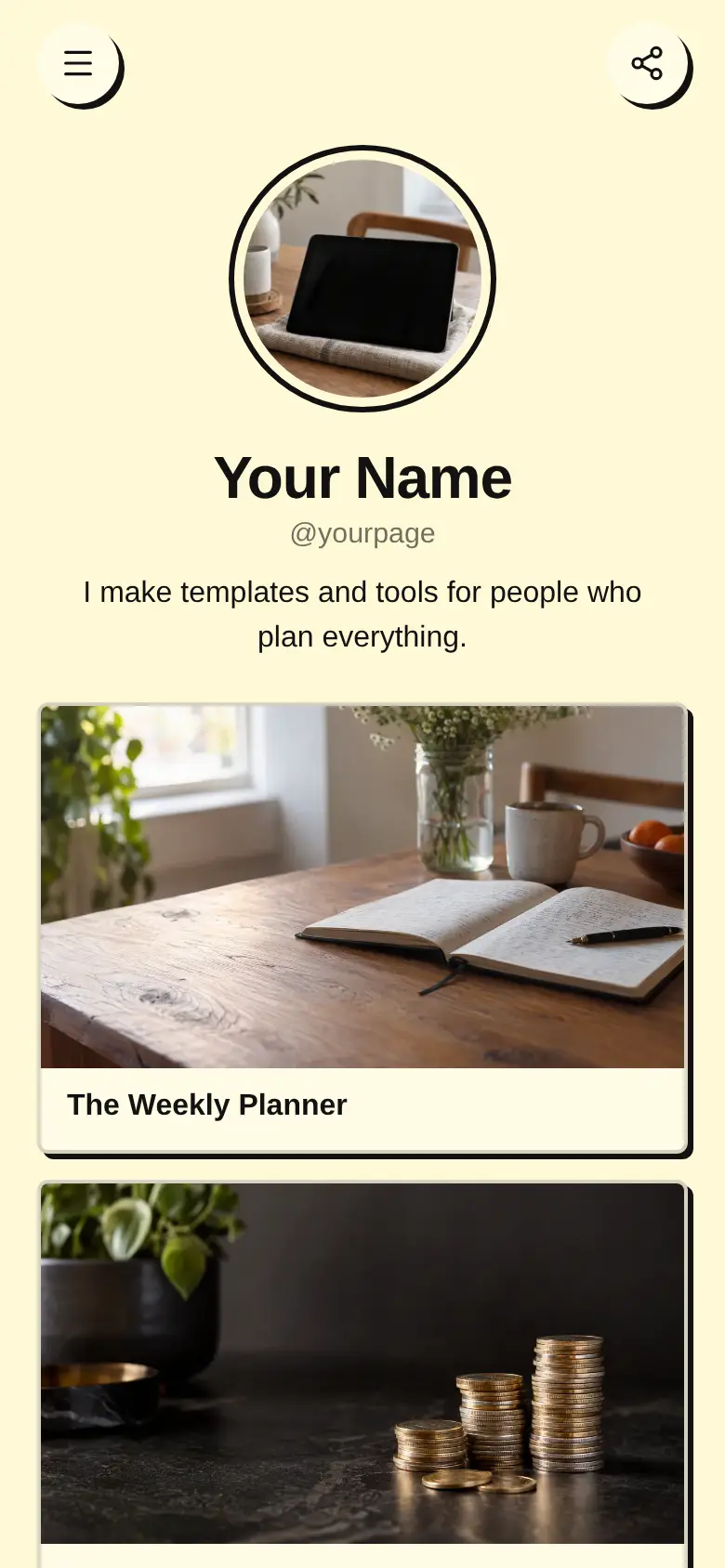
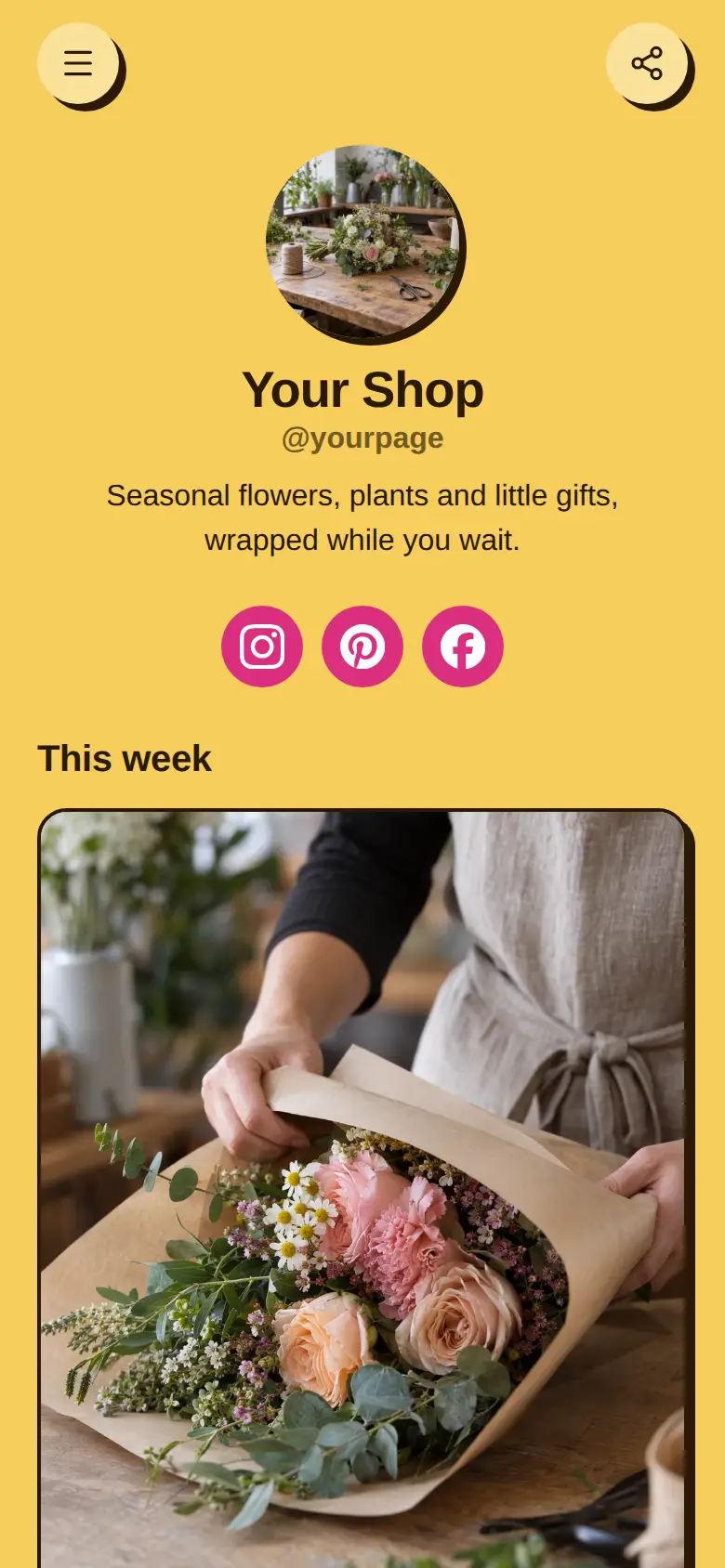
Shop link in bio template
A free shop link in bio template for a small brand: a moving line of news, one big button to your store, then your best sellers two to a row with a photo and a line each. It suits candles, home goods or any shop. Swap in your products, then sell them right on the page.
At the top sits your shop name, a round photo and a line on what you make, with a line of news scrolling underneath. The page is pale mint with deep green buttons and soft rounded corners, with a Best sellers heading over a grid of product photos and Instagram, TikTok and Pinterest at the bottom.
It’s only a starting point. Every word, photo, colour and block is yours to change, and you can add, remove or reorder anything.
What’s on this page
Shop everything
A web link, shown as a button or as a card with an image.
One solid button right under your name takes people straight to your whole store. Point it at your store's home page or a new arrivals page, and keep the label short.
Fig and cedar candle
Up to five photos with a title and a line of text. A card can show your work, an item for sale with a link to buy it, a product you recommend, or a code to copy.
Lead the grid with your most loved product. Use a clean photo and a line that sells it, like our most loved scent. Make it a buy link card to show its price and a button to the product in your store, or sell it on the page with a product block.
Room spray
Up to five photos with a title and a line of text. A card can show your work, an item for sale with a link to buy it, a product you recommend, or a code to copy.
Cards at half width sit side by side, so your best sellers read as a shop shelf. Put a second favourite here, ideally one that goes with the first, like a spray in the same scent.
Gift set
Up to five photos with a title and a line of text. A card can show your work, an item for sale with a link to buy it, a product you recommend, or a code to copy.
A gift set gives people an easy answer when they are buying for someone else. Show what is in the box across a few photos, since a card can carry several, and put sizing or delivery notes in its additional info.
Linen tea towel
Up to five photos with a title and a line of text. A card can show your work, an item for sale with a link to buy it, a product you recommend, or a code to copy.
Round off the grid with a smaller, lower-priced item that is easy to add to an order. Change the four products with the seasons, and the moving line at the top can tell people what is new.
Add to it
Autumn candle
An item you sell, with photos, a price and a buy button. Buyers pay on the page through your own Stripe account.
A product block lets people buy without leaving your page. It sits in the grid at half width like the other cards, and buyers pay through your own Stripe account. Set a stock number for a small batch and it stops selling when the last one goes.
First to hear about new scents
One offer shown as a card, a small button or a pop-up: an email sign-up, a product or booking on the page, a link, or a flyer image.
Small batches sell out, and people who missed one want the next. A sign-up card collects their email addresses on the page, or can pop up once a visit when someone is about to leave. Export the list when the new batch is ready.
Ask the shop
A chat button that answers visitors' questions from what is on your page and the notes you give it.
Shoppers ask the same things before they buy, like how long a candle burns or whether you gift wrap. A chat button answers from your page and the notes you give it, at any hour. Link a Telegram group and you can step in on the rest.
Ask the shopAI assistantHi! Ask about scents, gift wrap or when something is back in stock.
Questions
What is a shop link in bio page?
A link in bio page built around what you sell: a button to your store and your best sellers in a grid with photos. People who tap the link in your bio see your products straight away.
Can I sell directly from the page?
Yes. Add a product block and buyers pay on your page through your own Stripe account. You can also keep the cards as buy links that send people to the product in your existing store.
How do I show what is new?
Edit the moving line under your name to say what has just arrived, and swap the first card for the new product. Add a sign-up card so people can hear about the next batch.
I am moving my shop page from another tool. Is it a lot of work?
No. Point the Shop everything button at your store, then fill each card with a product photo, a line and a link. The layout will look familiar, and you can sell on the page whenever you are ready.
Start from the Shop the Links template.
It’s only a starting point. Every word, photo, colour and block is yours to change, and you can add, remove or reorder anything.