Florist & Local Shop website template
A free florist website template with this week's bouquet, house plants, little gifts, your delivery line and a map to the shop. Put your own flowers on it, then add bouquets customers can order and pay for on the page.
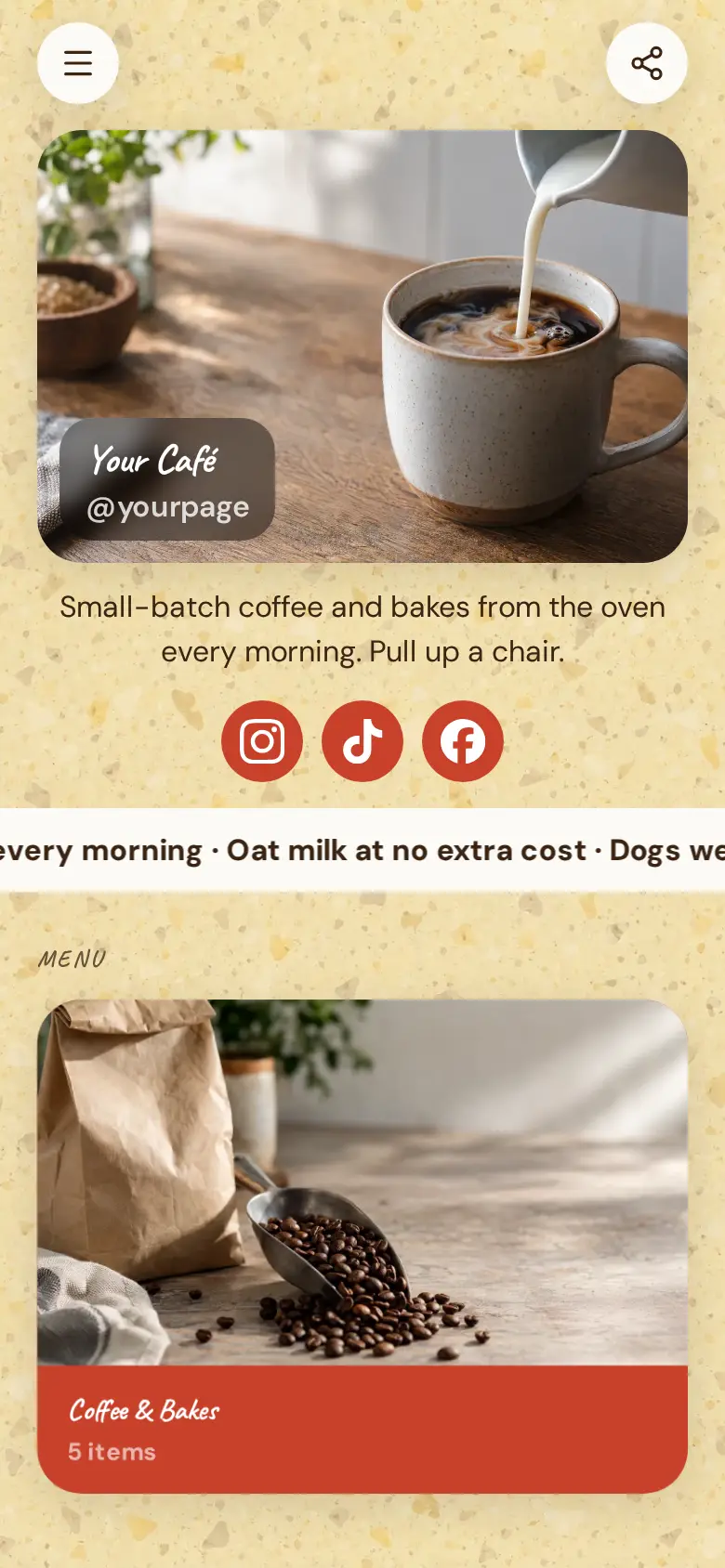
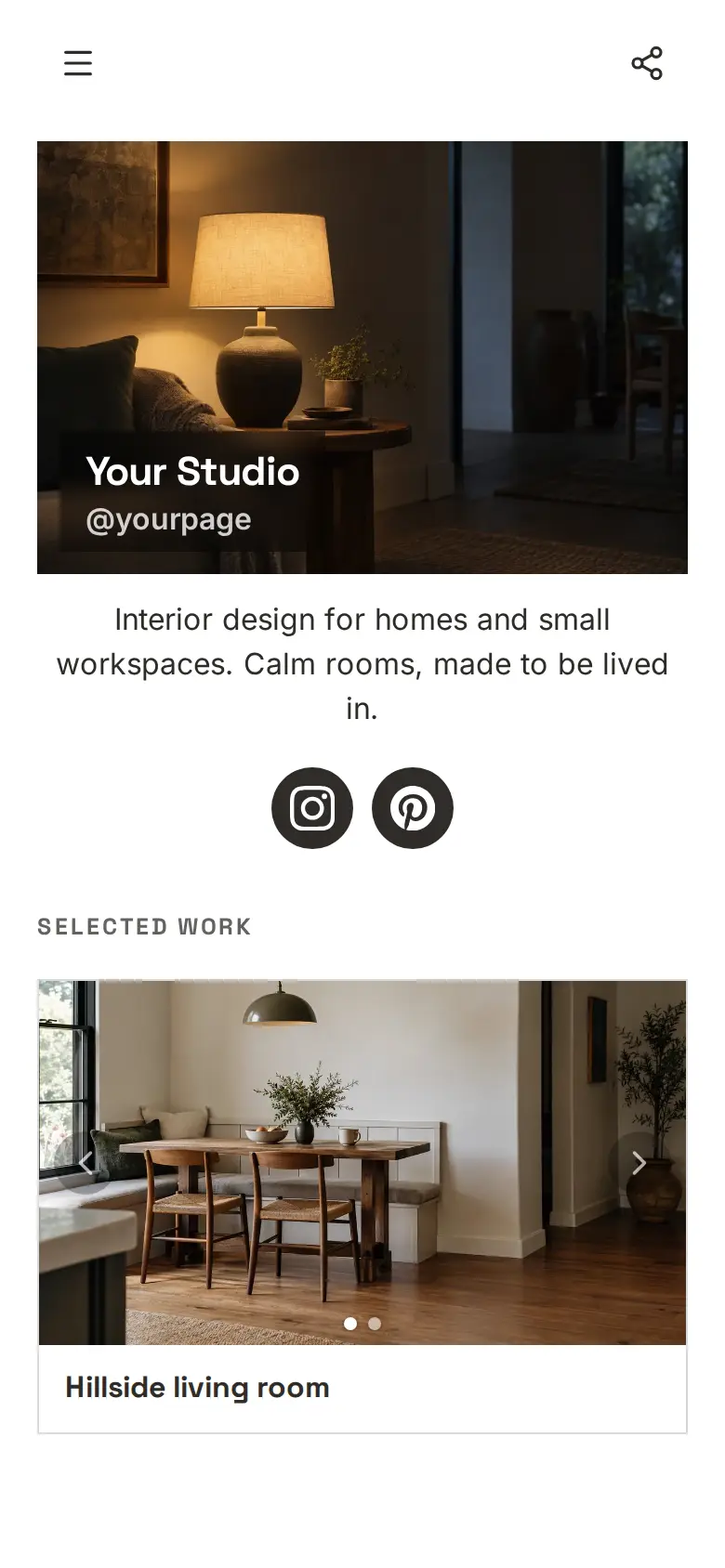
At the top sits your shop's name, a photo of the workbench and a line on what you sell, with Instagram, Pinterest and Facebook underneath.
What’s on this page
Seasonal bouquet
Up to five photos with a title and a line of text. A card can show your work, an item for sale with a link to buy it, a product you recommend, or a code to copy.
Lead with the seasonal bouquet and change the photo every week, so regulars see what came in from the market. A tall photo suits flowers. Say in one line what is in it this week, like ranunculus and eucalyptus, because people order the flowers they can picture.
House plants
Up to five photos with a title and a line of text. A card can show your work, an item for sale with a link to buy it, a product you recommend, or a code to copy.
House plants sell to people who would never buy cut flowers. Say which ones are easy and which need a bright window, and a nervous first-time plant owner will come in for the easy one.
Little gifts
Up to five photos with a title and a line of text. A card can show your work, an item for sale with a link to buy it, a product you recommend, or a code to copy.
Show the small things that make a bouquet a present, like candles, cards and ribbon. A customer ordering for a birthday will add one when they see it.
Pop in
A Google Maps pin with your address and opening hours. Tapping it opens a bigger map and a button for directions.
Paste your pin from Google Maps and add your opening hours. Write your delivery area and cut-off time in the text above the map, so customers know before they ring whether you reach them today.
Add to it
Florist's choice bouquet
An item you sell, with photos, a price and a buy button. Buyers pay on the page through your own Stripe account.
Sell the bouquet you make most as a product, and customers order and pay on the page through your own Stripe account. Ask at checkout for the delivery address, the day and the message for the card, and set a stock limit before a busy day like Mother's Day so you never sell more than you can wrap.
Wedding and event flowers
A form with the questions you choose, for enquiries, quotes or feedback. Every answer is saved for you in Keepp.
Weddings and events are booked months ahead and need a conversation first. An enquiry form asks for the date, the venue and the colours they have in mind, so you can look at the season's flowers before you call the couple back.
Ask the shop
A chat button that answers visitors' questions from what is on your page and the notes you give it.
People ordering flowers in a hurry want to know if you can still deliver today. A chat button answers from your page and the notes you give it, like your cut-off time and delivery area, and if you link a Telegram group you can answer the special orders yourself.
Ask the shopAI assistantHi! Ask about delivery, today's flowers or a special order.
Questions
What should a florist website include?
What you have in this week, how to order, where you deliver and by when, and where the shop is. This template has the bouquet, plants, gifts, a delivery line and the map ready to fill in.
Can customers order flowers online?
Yes. Put each bouquet you sell online in a product block. Someone ordering for a birthday pays on the page and writes the delivery address and the card message in the same step, so you have everything you need to wrap it.
Can I show delivery areas?
Yes. Write the areas and your same-day cut-off in the text line above the map, or give delivery its own card with a photo of the van.
Does it work for other local shops?
Yes. Swap the cards for whatever you sell, from cheese to stationery, and keep the map and opening hours.