Interior Design Studio website template
A free interior design website template with photos of rooms you have finished, a list of how you work, and a form for new clients to tell you about their project. Swap in photos of your own rooms, then add a consultation people can book themselves.
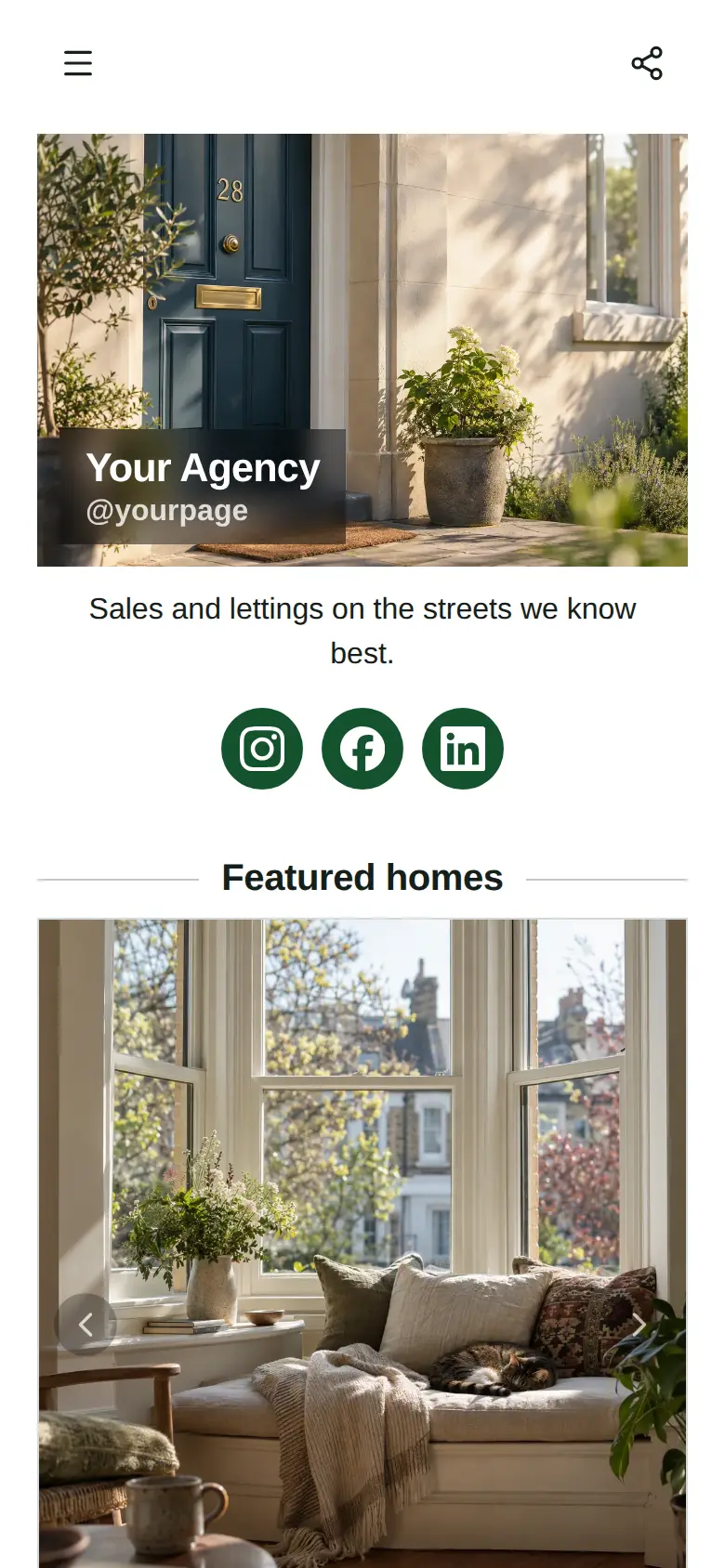
At the top sits your studio's name, a photo of a room you are proud of and a line on the kind of spaces you design, with Instagram and Pinterest underneath.
What’s on this page
Hillside living room
Up to five photos with a title and a line of text. A card can show your work, an item for sale with a link to buy it, a product you recommend, or a code to copy.
Open with your strongest finished room. Put the wide shot first and a detail second, so a visitor sees the whole space and then the materials up close. The line underneath can name the brief in a few words, like opening a family room to the view, because clients look for a problem like their own.
Dining nook
Up to five photos with a title and a line of text. A card can show your work, an item for sale with a link to buy it, a product you recommend, or a code to copy.
A tall photo of a built-in bench or a fitted alcove shows that you take on a single awkward corner as well as whole houses. Say in one line what the space was like before.
Styled shelves
Up to five photos with a title and a line of text. A card can show your work, an item for sale with a link to buy it, a product you recommend, or a code to copy.
Styling photographs well and is often the easiest way in for a new client. Show a shelf or a table you have dressed, and change the photo each season so returning visitors see something new.
How we work
A list of what you offer, each item with a description, a price and tags. Visitors tap it to open the full list and filter it by tag.
List each way people can work with you, from a single consultation to a whole home, with a line on what they get at the end of it. Tag them so a visitor can filter to styling only, and add a price or a starting figure to any item if you want to set expectations before the first call.
Start a project
A form with the questions you choose, for enquiries, quotes or feedback. Every answer is saved for you in Keepp.
The project form asks for an email, which rooms and a description of the job, and the visitor confirms their email with a code before it sends, so you are not chasing typos. Add a question about the budget range or the timing if that helps you decide which projects to visit first.
Add to it
Design consultation
Appointments from your weekly hours, or stays by the night. Visitors pick a time and book on the page, and can pay through your own Stripe account.
Turn the consultation into something clients book and pay for on the page. You set the length and the days you visit, add the area you cover in the location line, and the fee is paid through your own Stripe account when they book. Connect Google Calendar so site visits already in your diary are not offered.
Ask the studio
A chat button that answers visitors' questions from what is on your page and the notes you give it.
People browsing your rooms often have one question before they fill in a form, like whether you take on a single room or work outside town. A chat button answers from your page and the notes you give it. If you link a Telegram group, you can answer the questions about a particular project yourself.
Ask the studioAI assistantHi! Ask how a project works, or whether we cover your area.
Questions
What should an interior designer's website include?
Photos of finished rooms, a clear list of the services you offer, the area you work in, and an easy way to start a project. This template has a portfolio of three rooms, your services and a project request form ready to fill in.
Can clients book a consultation?
Yes. Add a booking block for your consultation with the days you visit, and clients pick a time on the page. If you charge for it, they pay through your own Stripe account when they book.
Can I show projects with lots of photos?
Each project card holds up to five photos with a title and a line of text. Add one card per project, and duplicate a card to start the next one.