Newsletter landing page template
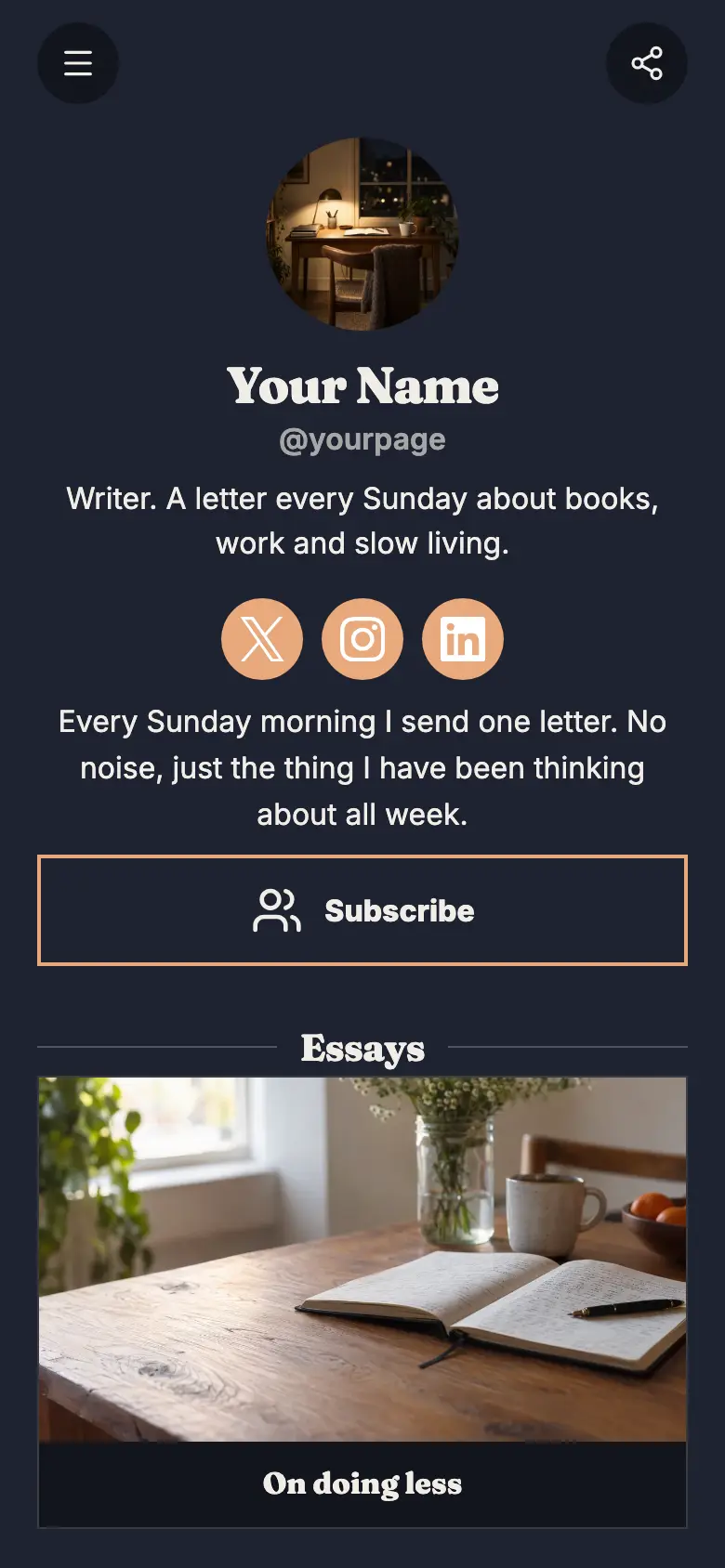
A free newsletter landing page template that puts the sign-up first: one line on what your letter is about, a subscribe button right under it, then your recent issues and a link to the archive. Add your own issues, share the link and watch the list grow.
Your round photo and the name of your letter sit at the top with one line on what it is about and when it arrives. The page is a warm off-white with rust buttons, thin outlines and almost square corners, like good paper, and your Instagram and X sit at the bottom.
It’s only a starting point. Every word, photo, colour and block is yours to change, and you can add, remove or reorder anything.
What’s on this page
Get the Sunday letter
A form with the questions you choose, for enquiries, quotes or feedback. Every answer is saved for you in Keepp.
The sign-up sits right under your name, because that is what the page is for. It asks for one thing, an email, which the reader confirms with a code so your list stays real. Every address lands in Forms and leads, ready to export into whatever you send your letter with.
Read the archive
A web link, shown as a button or as a card with an image.
Point this button at the page where every past issue lives. A new reader who likes what they see can catch up, and it tells them you keep going.
On reading slowly
Up to five photos with a title and a line of text. A card can show your work, an item for sale with a link to buy it, a product you recommend, or a code to copy.
Show a recent issue so visitors know what they are signing up for. Use the issue's title on the card and a line on the idea in it, like why you stopped counting books, with a wide photo that sets the mood.
The long way round
Up to five photos with a title and a line of text. A card can show your work, an item for sale with a link to buy it, a product you recommend, or a code to copy.
A second issue shows the range of what you write. Pick one that feels different from the first, like a story rather than an idea, and add a button to it wherever you publish.
Add to it
Five books for a slow winter
A piece of writing, like a guide or a list, that opens to be read in full with its own photos and items.
Publish a sample issue on the page as an article so visitors can read one in full before they subscribe. It has its own link, which works well when you share a favourite issue somewhere new.
Enjoying this? Get one every Sunday
One offer shown as a card, a small button or a pop-up: an email sign-up, a product or booking on the page, a link, or a flyer image.
Readers who arrive on a shared issue may never scroll back to the top. A sign-up spotlight can pop up once a visit, after someone has read a while or scrolled halfway down, and their address joins the rest of your list.
A year of Sunday letters
An item you sell, with photos, a price and a buy button. Buyers pay on the page through your own Stripe account.
Once you have a year of issues, sell them as a collection. Readers pay on your page, the money goes to your own Stripe account, and the file reaches them through the private link you add to the product.
Questions
What makes a good newsletter landing page?
One clear line on what you send and how often, a sign-up near the top and a couple of recent issues so people can see what they will get. This template has all three and nothing in the way.
Where do my subscribers go?
Every sign-up lands in Forms and leads with a confirmed email address. Export the list whenever you like and bring it into the tool you send your letter with.
Can people read past issues?
Yes. Show recent issues as cards with a button to each one, link to your archive, or publish an issue on the page itself as an article.
I am moving my newsletter from another tool. Will this feel familiar?
Yes. Your name, a line on the letter, a subscribe button and your recent issues, in that order. Bring your list and your issues across and share the same kind of page your readers know.
Start from the Newsletter Home template.
It’s only a starting point. Every word, photo, colour and block is yours to change, and you can add, remove or reorder anything.