Support me page template
A free support me page template for fans who want to back your work: a thank-you, buttons to support you once or every month, a card on what you are making now and a form for commissions. Swap in your own words, then let fans pay on the page.
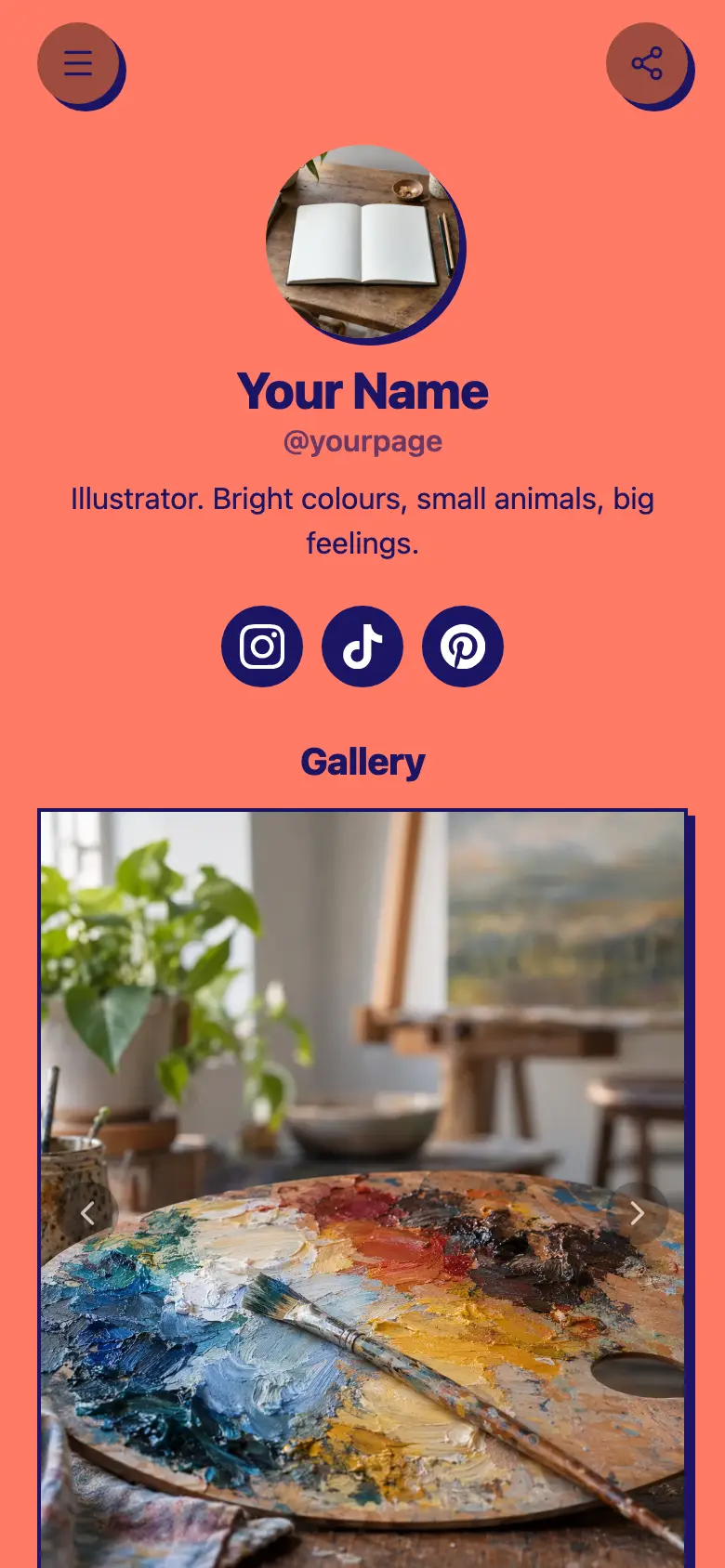
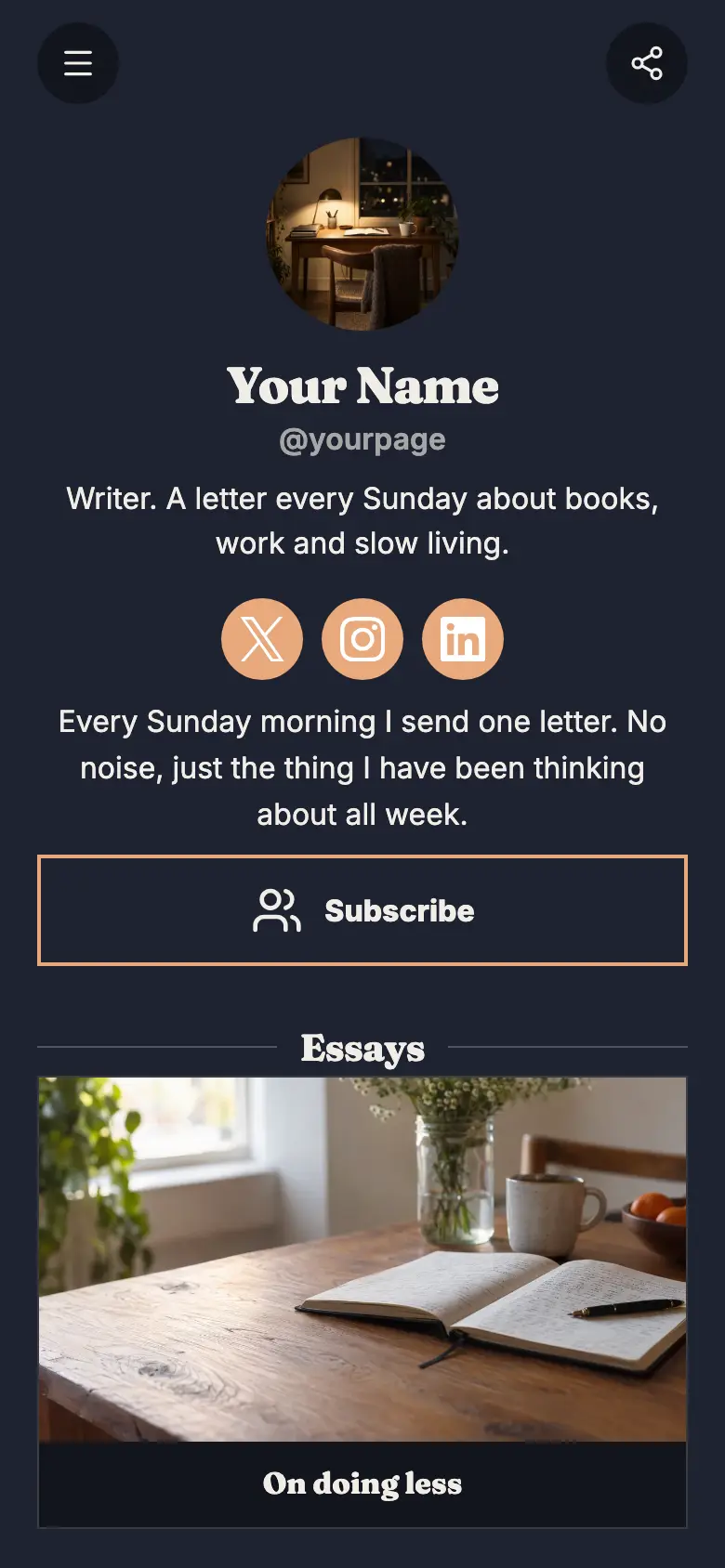
At the top sits your name, a round photo and a line about what you make, with Instagram and TikTok just below and a short thank-you note under them. The page is a warm off-white with a coral and a dark brown pill button, soft shadows and round corners.
It’s only a starting point. Every word, photo, colour and block is yours to change, and you can add, remove or reorder anything.
What’s on this page
Buy me a coffee
A web link, shown as a button or as a card with an image.
The first button is the easy yes, a small one-off thank-you. Point it at wherever you take tips today, or swap it for a product block so fans pay on your page itself. Keep the label friendly and small, because a little ask gets more taps than a big one.
Become a monthly supporter
A web link, shown as a button or as a card with an image.
For your regulars, link this to wherever you run your memberships. Say what supporters get in the label or in the card below, like seeing every page first, so the monthly step feels worth it.
What I am working on
Up to five photos with a title and a line of text. A card can show your work, an item for sale with a link to buy it, a product you recommend, or a code to copy.
Show the project people are helping to make, with a photo of the work in progress and a line on what it is. Fans give more when they can see where it goes. Add more photos as it grows, up to five, and visitors swipe through them.
Commission a drawing
A form with the questions you choose, for enquiries, quotes or feedback. Every answer is saved for you in Keepp.
The form asks for an email, confirmed with a code, and what they would like you to draw. Every request lands in Forms and leads, where you can reply with a quote. Add a question for size or deadline if you need it.
Add to it
A coffee for the studio
An item you sell, with photos, a price and a buy button. Buyers pay on the page through your own Stripe account.
Take one-off support on the page itself. A product block sells a set amount, like the price of a coffee, and fans pay through your own Stripe account without leaving your page. Use another one for a signed sketch or a digital zine, with a private download link handed over after payment.
New pages first
One offer shown as a card, a small button or a pop-up: an email sign-up, a product or booking on the page, a link, or a flyer image.
Not every fan is ready to give today, but many will leave an email. A sign-up block sits on the page as a card or pops up once a visit, and each address lands in Forms and leads for you to export when a new chapter is out.
Say hello
A chat button that answers visitors' questions from what is on your page and the notes you give it.
A chat button answers the common questions, like whether commissions are open or when the next chapter is due, from what is on your page and the notes you give it. Link a Telegram group to carry on the conversations you want to answer yourself.
Say helloAI assistantHi! Ask about commissions, the comic or how to support.
Questions
What goes on a support me page?
A short thank-you, an easy way to give once, a way to give regularly, and a look at what the support pays for. Commissions or extras give fans another way to back you.
Can fans pay me on the page?
Yes. Add a product block for a set amount, like a coffee, and fans pay through your own Stripe account without leaving your page.
Can I keep my monthly supporters where they are?
Yes. The monthly button is a link, so point it at wherever you run memberships today and nothing changes for your supporters.
I am moving my page from another tool. Is this layout familiar?
It follows the thank-you-and-support shape many creators already use. Copy your buttons and your commission details across and publish at your own address.
Start from the Support Me template.
It’s only a starting point. Every word, photo, colour and block is yours to change, and you can add, remove or reorder anything.