Fan page template
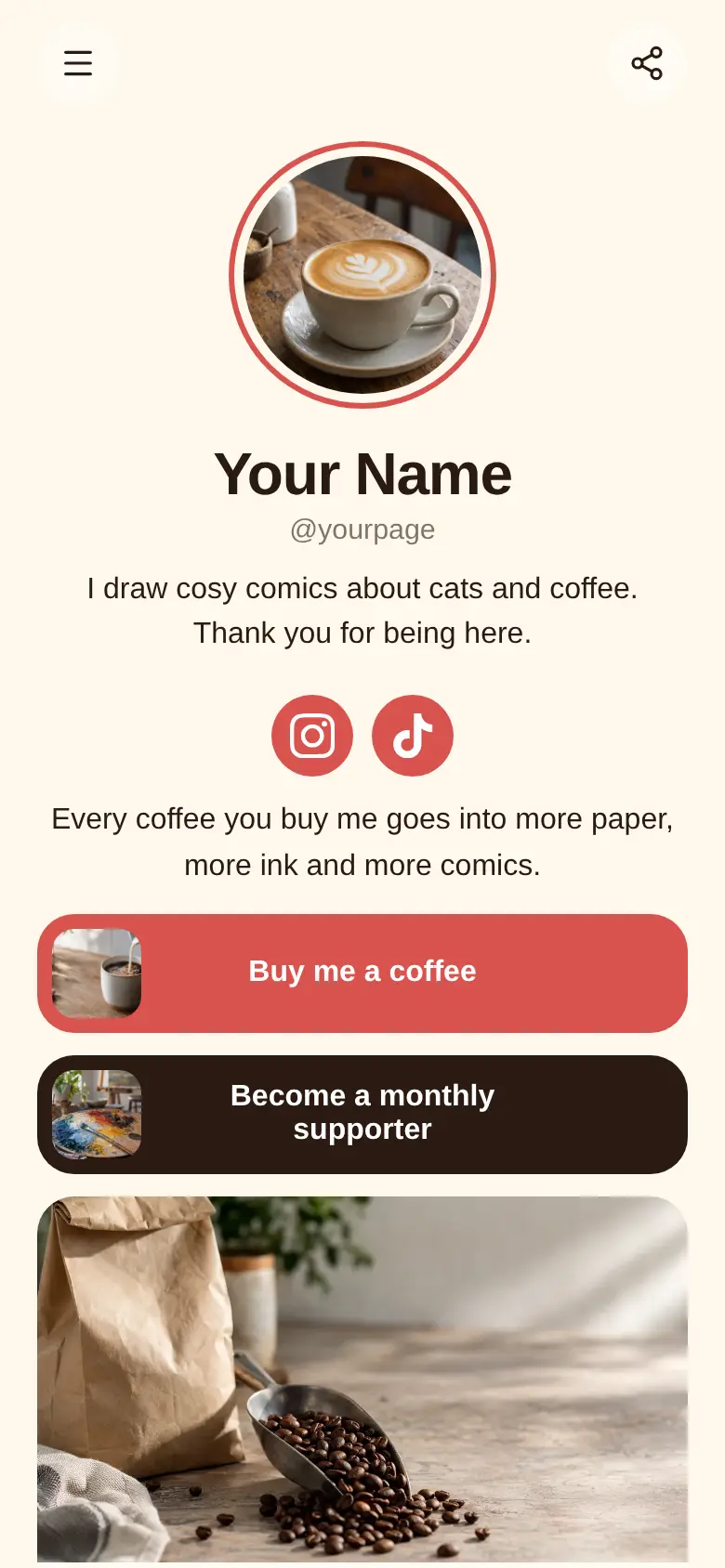
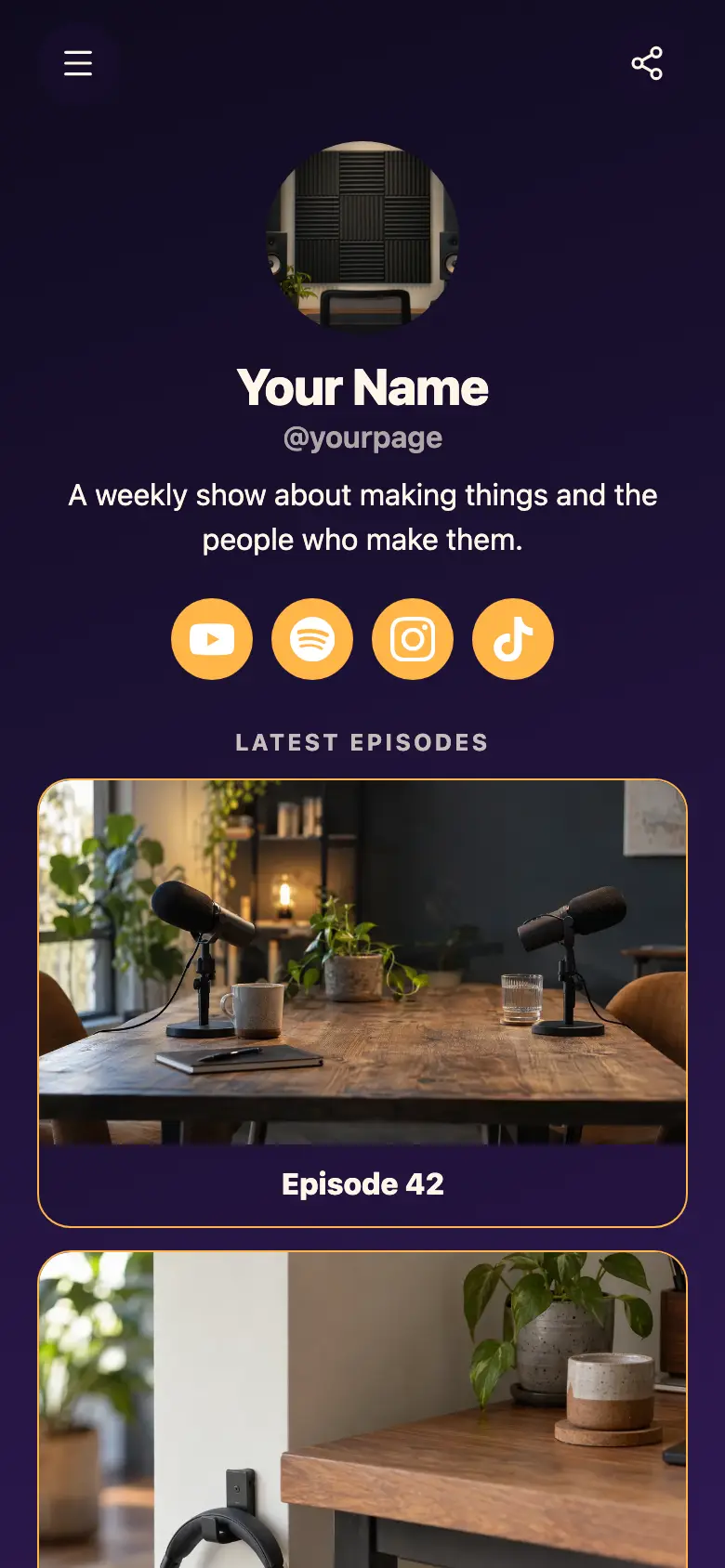
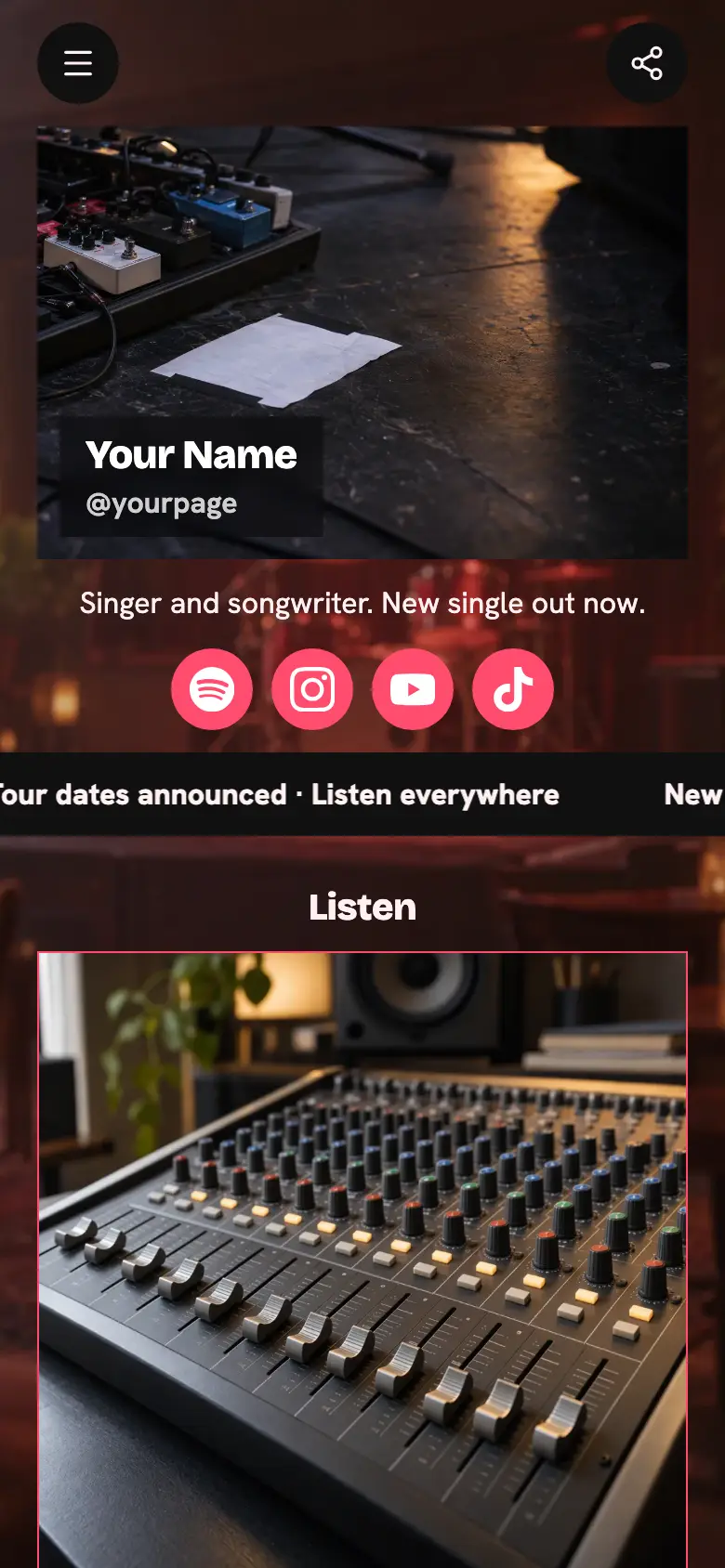
A free fan page template for your community: your latest drop up top, a form fans use to ask you anything, a shoutout request form and links to your community and stream schedule. Put your own drop in, then share one link everywhere.
Your round photo and name sit at the top with one line on what your channel is about, and your channels just below. Then the latest drop as a wide card, the two forms and two links side by side. The page is a deep midnight purple with hot pink pill buttons, white text and big rounded corners.
It’s only a starting point. Every word, photo, colour and block is yours to change, and you can add, remove or reorder anything.
What’s on this page
Latest drop
Up to five photos with a title and a line of text. A card can show your work, an item for sale with a link to buy it, a product you recommend, or a code to copy.
Put whatever is newest here, like stream highlights, a new video or a song, with a line telling fans what to go and watch. Change it each time you post, so the top of your page always feels fresh to people who come back.
Ask me anything
A form with the questions you choose, for enquiries, quotes or feedback. Every answer is saved for you in Keepp.
Fans ask a question with their email, checked with a code so it is a real person. Every question lands in Forms and leads, where you can pick the best ones to answer on stream or in a video, and export them all.
Request a shoutout
A form with the questions you choose, for enquiries, quotes or feedback. Every answer is saved for you in Keepp.
Fans tell you who the shoutout is for and what you should say. Requests land in Forms and leads with their email, so you can reply and record the ones you take on. To charge for shoutouts, make it a product with questions at checkout.
Join the Discord
A web link, shown as a button or as a card with an image.
Send fans to the place your community hangs out between posts. Point the button at your server invite, or swap the label for wherever your people gather, so new fans find the group in one tap.
Stream schedule
A web link, shown as a button or as a card with an image.
Link to the days and times you go live, so fans know when to tune in. Keep it next to the community button, because those are the two things regulars come back to the page for.
Add to it
The boss fight, start to finish
A YouTube video that plays on the page.
Play your newest video right on the page. Paste the YouTube link and fans watch without leaving, then carry on to the forms and links underneath. Swap it whenever you post something new.
Stream crew tee
An item you sell, with photos, a price and a buy button. Buyers pay on the page through your own Stripe account.
Sell merch or a paid shoutout on the page itself. Fans pay by card and the money goes straight to your own Stripe account. A question at checkout asks for a size, or who the shoutout is for and what to say.
Say hi
A chat button that answers visitors' questions from what is on your page and the notes you give it.
A chat button answers the questions fans ask again and again, like when you are live next, from your page and the notes you give it. Link a Telegram group to pick up the conversations you want to answer yourself.
Say hiAI assistantHey! Ask when the next stream is, how shoutouts work or where to find the community.
Questions
What is a fan page?
One page where your community finds everything: your newest content, ways to reach you, extras like shoutouts, and links to where the community hangs out. You share one link and fans find the rest.
Where do fan questions and shoutout requests go?
Every one lands in Forms and leads with the fan's email, checked with a code. Read them there, reply to the ones you pick, and export the lot whenever you like.
Can fans pay for merch or a shoutout on the page?
Yes. Add a product block and fans pay by card without leaving your page. The money goes to your own connected Stripe account, and you are the seller.
I am moving my fan page from another tool. Is this layout familiar?
Yes. Your photo and channels at the top, your latest drop, then ways for fans to ask and request. Copy your links across and publish at your own address.
Start from the Fan Hub template.
It’s only a starting point. Every word, photo, colour and block is yours to change, and you can add, remove or reorder anything.