A Multi-Page Website for Your Small Business, Without Building a Website
Give your menu, services, products and bookings their own pages, joined up by a menu. On Keepp, a small business website builds itself from the blocks on your page.
Most small businesses need the same handful of pages. One says what you offer and what it costs. Another lets people book or order, and another shows where you are and when you’re open. A contact form covers anything else. A website builder hands you a blank canvas and asks you to design every one of those pages, then keep them all up to date.
On Keepp you add those things as blocks on one page, and each of them becomes a page of its own. You get a multi-page small business website without designing a single page.
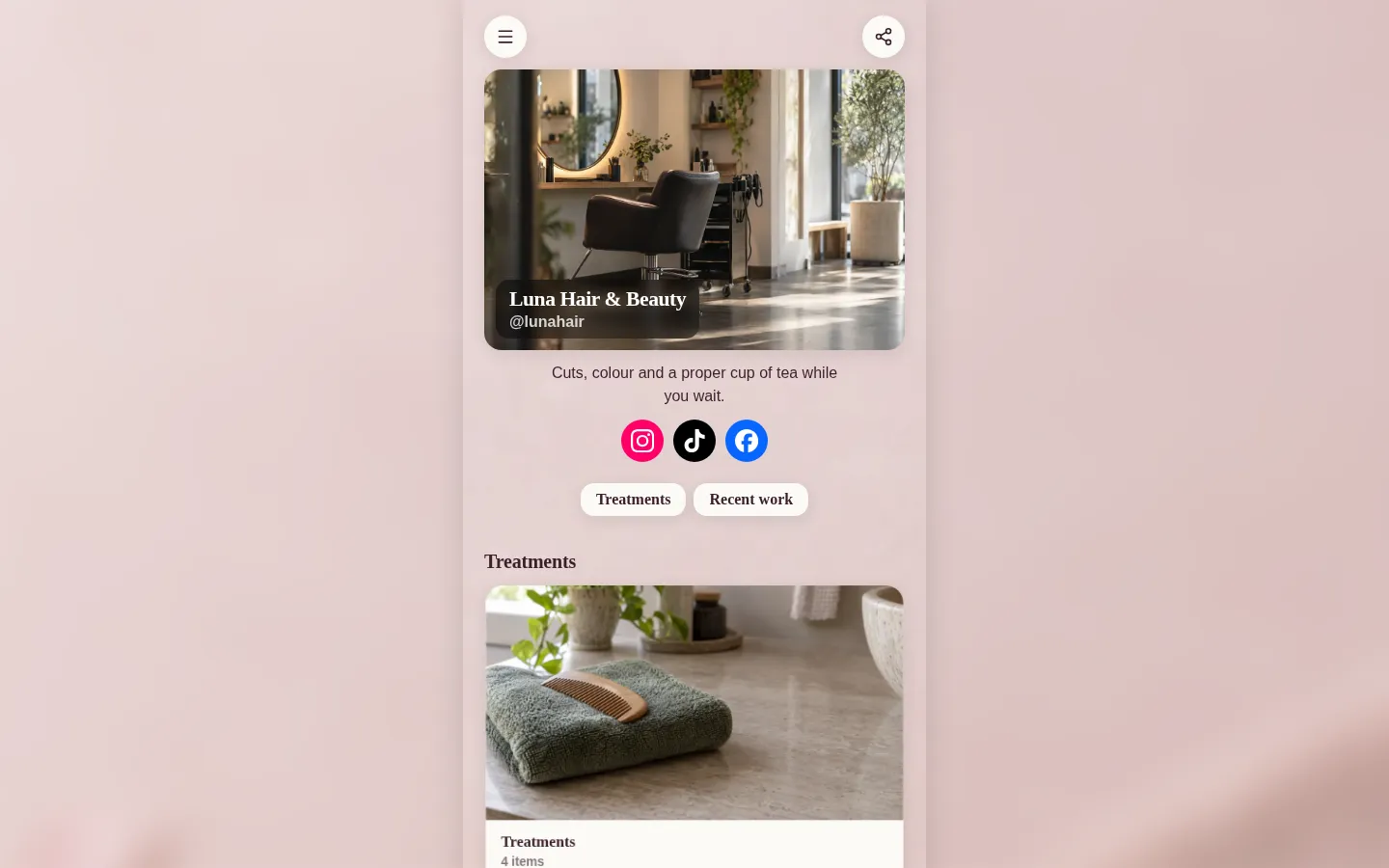
Every part of your business gets its own page
When a customer taps one of these on your page, it opens full screen, at its own link:
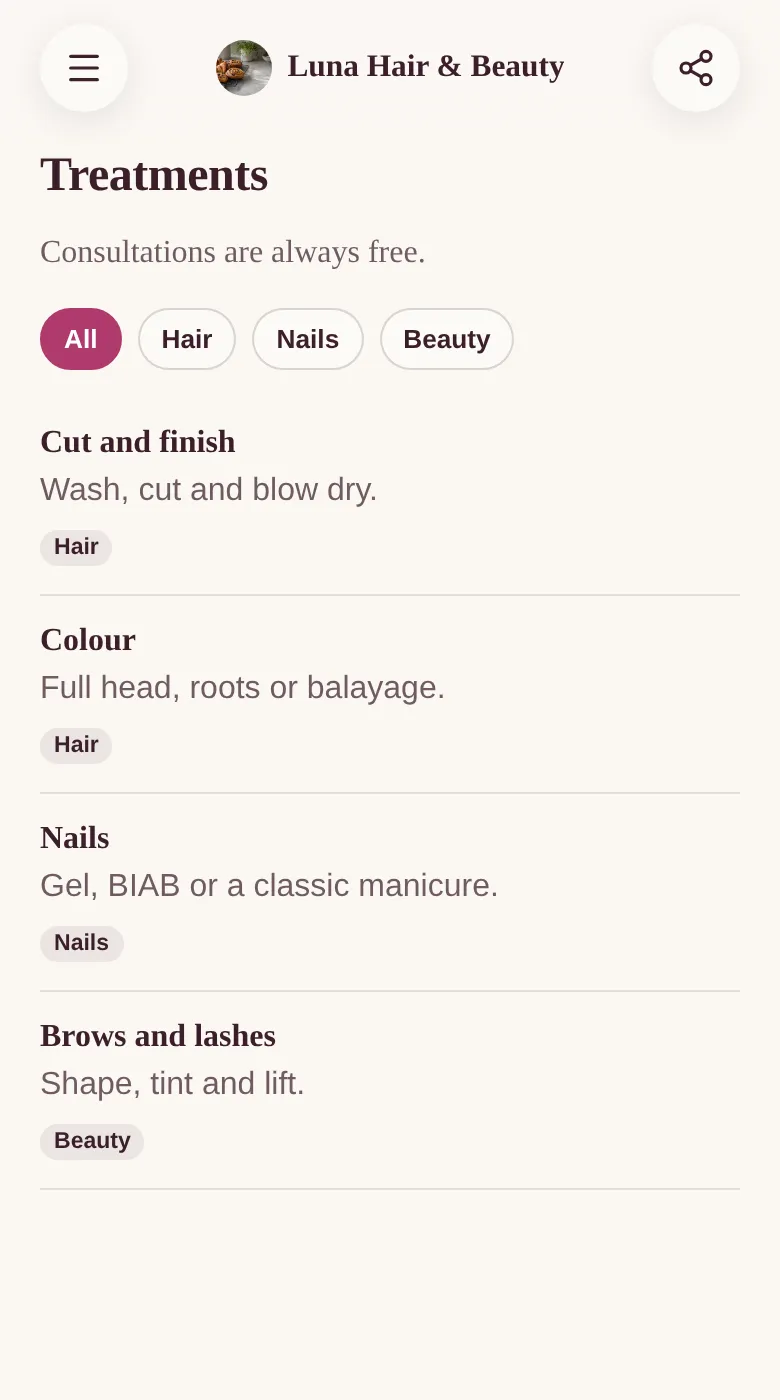
- Your price list or menu. Group items with tags like Hair, Nails and Beauty, and customers can filter to what they came for.
- Services people can book. They pick a time from your real availability and book it. Connect your Google account and bookings land in your calendar, and your busy times are hidden automatically.
- Products with checkout. Customers pay on the product’s page, and the money goes straight into your own Stripe account.
- An enquiry or quote form. Answers arrive as submissions you can read and export later.
- Your location. A full map with your address and opening hours, and a button that opens directions in Google Maps.
- Cards for recent work, this week’s offer or anything else worth a closer look.
Your name and photo sit at the top of every one of these pages, so a customer who arrives from a link someone forwarded always knows whose business they’re looking at.
A menu that joins your pages together
Every page has a menu button in the top left corner. It opens a side menu with Home first, then the sections of your page if you’ve added navigation tabs, then every page, named by its title and in the order it sits on your page.
You never build the menu yourself. Add a service and publish, and it appears. Move it up your page, and it moves up the menu. The back button works the way customers expect, returning them to the spot they left.
It looks like a proper website on a laptop
Your pages are designed for phones first, because that’s where most people will open them. On a laptop, the page sits as a column in the middle of the screen with your own background photo or colour softly blurred on either side, so it looks finished at any size.
A link for each page, wherever customers find you
Each page has its own short link, like keepp.link/yourbusiness/a1b2c3d4, and a Share button that copies it or shows a QR code. That makes it easy to send people straight to the right place:
- Put your page in the website field of your Google Business Profile, where people searching for you nearby click first.
- Print a QR code on the counter or a table that opens your menu or price list directly.
- Link a post about a new treatment straight to its booking page.
When a link lands in a message, the preview shows that page’s own title and photo. Shareable links and QR codes for every block goes into more detail.
See which pages customers use
Analytics shows how many people visited, which blocks they tapped, and how many went on to book, order or send a form. If your price list gets far more taps than your booking page, you know what to move up.
How to set up your small business website
- Claim your page and start from a business template, like the café, salon, plumber or florist. Each one comes with the blocks that trade usually needs.
- Replace the example text and photos with your own, and add your products, services and form.
- If your page is long, add headers and a nav block so it has clear sections. See structure a long page.
- Publish. Every block that opens gets its page and its place in the menu straight away.
Common questions
Do I need to design each page? No. Each page is built from the block you already filled in, in your page’s colours and fonts.
Can customers pay and book without leaving my site? Yes. Checkout and booking happen on the product’s or service’s own page.
Can I change things later? Yes. Edit a block, publish, and its page and menu entry update together. You can also ask for changes in plain words, like “add a gel nails treatment at £35”.
Will it work on phones? It’s built for phones first, and looks right on tablets and laptops too.
Ready to try it? Claim your page at keepp.link and pick a template for your business.