AI Website Builders vs. a Real No-Code Page: What Actually Changes After Launch
Type a prompt, get a site in seconds, AI website builders solve the blank-page problem fast. What they don't solve is what happens after launch: checkout, bookings, and lead capture still need setting up from scratch. Here's the real difference.
Type a sentence, get a full website back in seconds. That’s the pitch behind the current wave of AI website builders, and for the blank-page problem specifically, it works. No template to pick through, no starting from nothing. But “a website exists now” and “a website that can take a payment, hold a booking, or capture a lead” are two different milestones, and the gap between them is where the real comparison actually lives.
What AI builders are genuinely good at
Speed, mostly. Describe what the site is for and get something that looks reasonably professional back almost immediately: copy drafted, layout chosen, images picked. For someone who’d otherwise stare at a blank canvas for an hour deciding where to start, that’s a real problem solved. The design output is generic by nature, but generic-and-done beats polished-and-never-started.
Where it stops being the whole story
An AI-generated site describes a business; it doesn’t run one. Ask most AI builders for “a site for my coaching business” and what comes back is a page that talks about booking a session (a call to action, some copy about scheduling) without an actual calendar behind it. Checkout, if it’s there at all, usually means connecting a separate e-commerce plugin or payment integration after the fact, the same manual setup step you’d have done anyway on a blank page. The AI shortens the design phase; it doesn’t shorten the part where the page has to actually function.
That matters because the design phase isn’t where most creators and small businesses lose time day to day. It’s the ongoing stuff: someone messaging to ask “can I book Thursday,” a sale that has to be manually invoiced, a lead that arrives as a DM instead of landing anywhere trackable. An AI-generated look doesn’t touch any of that.
Checkout specifically is worth being concrete about: when an AI builder does add payment, it’s usually through a bolted-on plugin, and who actually holds the money varies by which one you picked. A page built from working commerce blocks runs a sale through your own connected Stripe account from day one. You’re the merchant of record, not a step removed from it by whatever plugin got wired in after the fact.
The real difference: generating a look versus starting with the functions built in
A Keepp page starts from the other direction. Instead of generating a design and leaving the business logic for later, the blocks that make a page actually work: checkout, bookings with calendar sync and payment, lead-capture forms with exportable results: are already there to add, not something you configure from scratch once the AI-generated shell exists. The design step is still fast (a theme, not a blank canvas, the same “live in minutes” promise AI builders make) but what’s underneath it is a working page from the first block, not a placeholder for one.
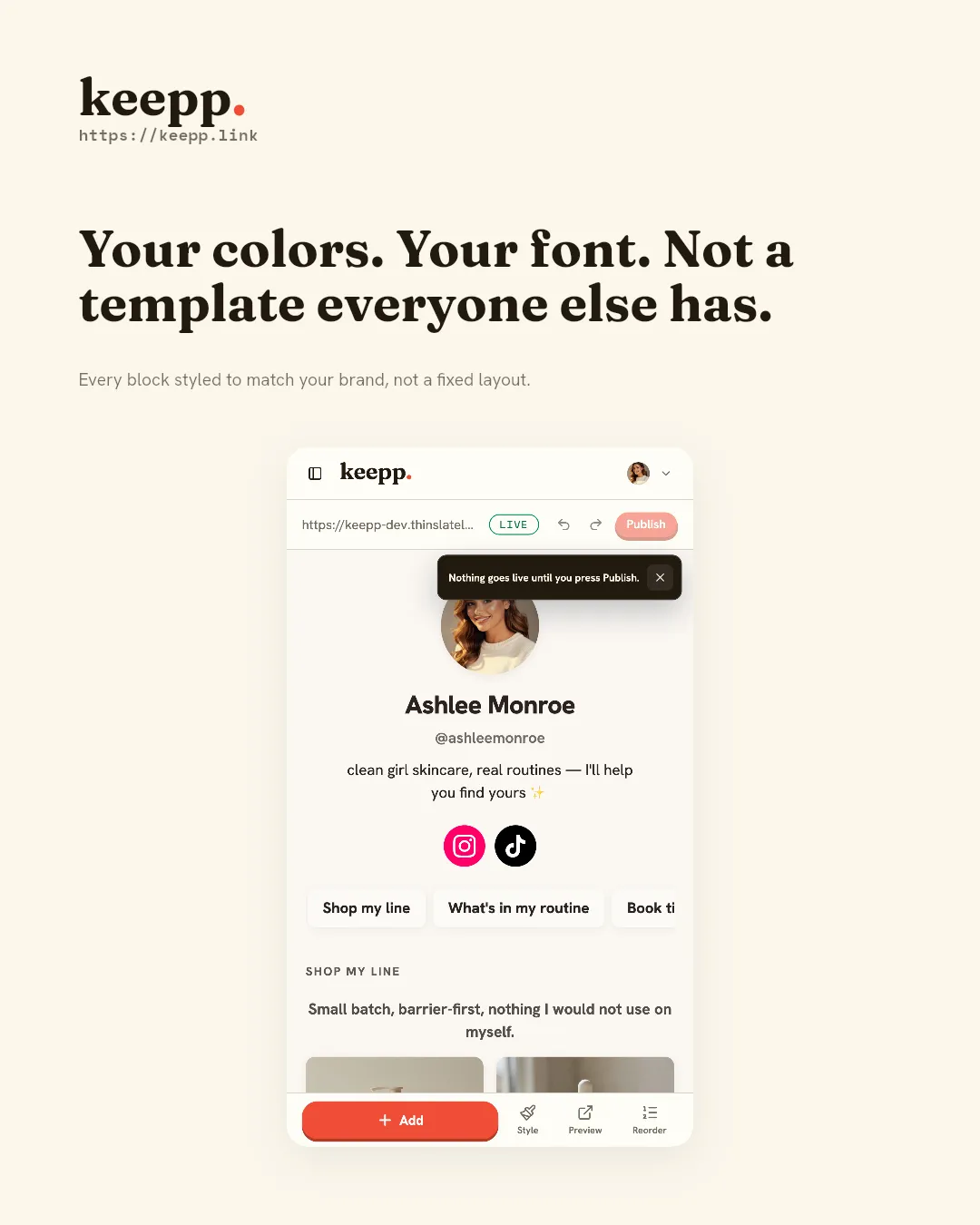
That gap shows up in what’s actually shareable, too. An AI-generated site is one URL for the whole thing. A Keepp page’s individual products, bookings, and forms are each their own real link and QR code from the moment they’re added (with a link preview showing that specific item, not the homepage) because they’re real working blocks, not sections of a generated layout. Every block on your page has its own shareable link and QR code covers the mechanic.
Speed isn’t actually the differentiator
Both approaches get a page live in minutes, so “which one is faster” is close to a wash. The question worth asking instead is what happens the day after launch: does the page already do the thing the business needs it to do, or does it need a second setup pass (connecting a payment processor, adding a scheduling plugin, wiring up a form service) before it actually functions the way the AI-generated copy implied it would?
Where AI does help on a page like Keepp
The distinction worth drawing here: AI generating a page from a prompt is different from AI managing a page that already exists. Keepp’s Agent API lets you hand an assistant your key and describe changes in plain language (“add a header called Shop,” “reorganize this into sections,” “take that sold-out item down”) on a page whose checkout, bookings, and forms are already live and already yours. That’s AI doing the tedious editing work on a working page, not AI guessing at what the page should be able to do in the first place.
Who should use a pure AI builder
If the site is purely informational (nothing to sell, book, or capture as a lead) an AI builder’s speed is a real advantage and there’s no functional gap to worry about closing later. A single-purpose landing page, an about-me page, a project showcase with no transaction involved: the generated result is often good enough as-is.
Common questions
Can’t I just add a payment plugin to an AI-generated site afterward? Usually, yes, but that’s the same manual setup work you’d do on any blank page, just deferred to after the AI-generated shell exists rather than skipped entirely. The speed advantage was in the design step, not the functional one.
Does Keepp use AI to generate the page itself? Not by default: a page starts from a theme and blocks you choose and arrange, not a generated layout from a prompt. The AI angle is managing an existing page conversationally once it’s live, which is a different job than generating one from scratch.
Which is actually faster to get to “done”? Depends on the definition of done. Faster to something that looks like a website: an AI builder. Faster to something that can take a payment or a booking without a second setup pass: a page built from working blocks.
Where to start
If the page needs to sell something, hold a booking, or capture a lead, start from blocks that already do those jobs instead of a generated shell that will need them added afterward. Claim your page at keepp.link: free to start, live in minutes.
Claim your page at keepp.link: free forever, no card required.