Live Show & Tour website template
A free concert website template for a band or solo act on tour, with your next show up top, a ticket button, every tour date, merch and a sign-up for new dates. Add merch you sell through your own Stripe account and a live clip that plays on the page.
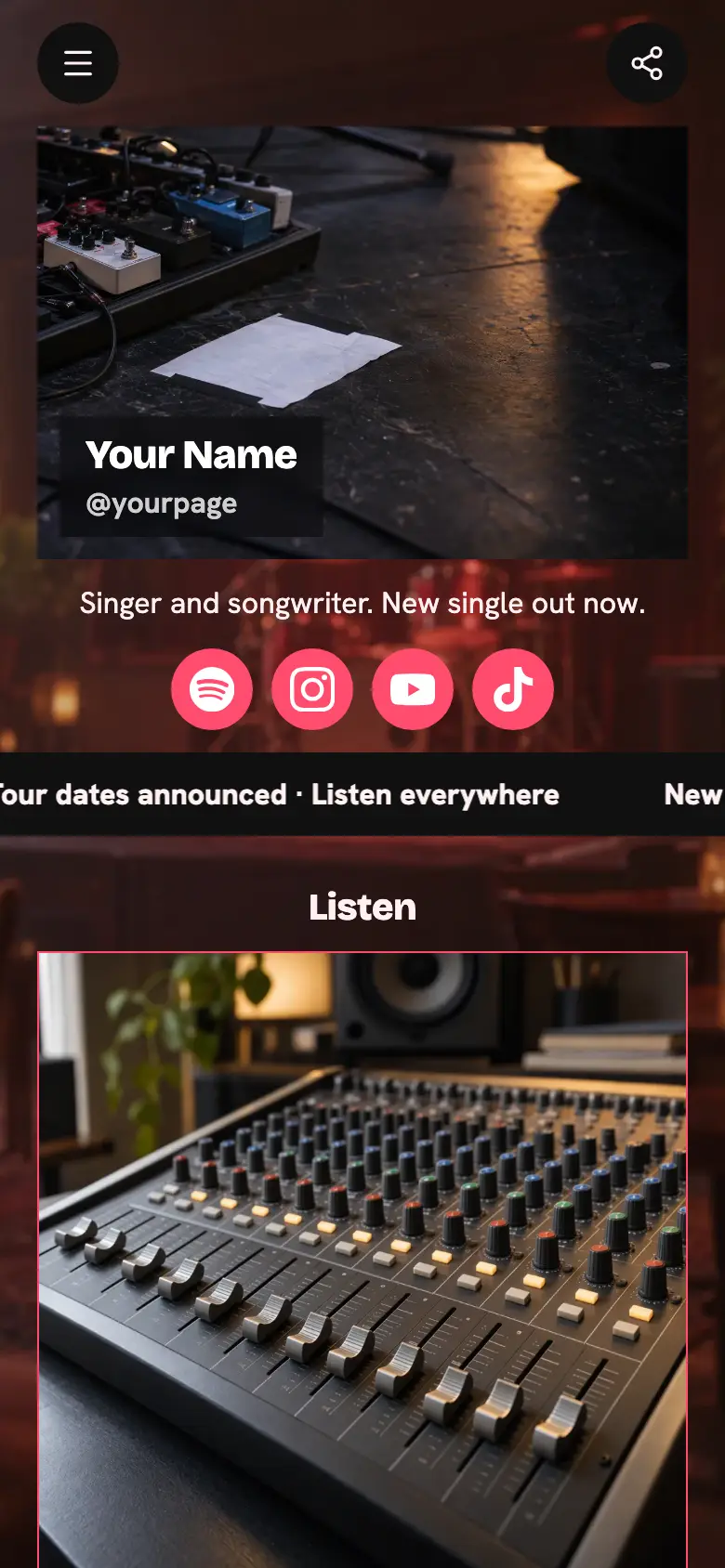
Your photo sits in a circle at the top with your name and a line like "on tour this autumn", then Instagram, Spotify, YouTube and TikTok. The page fades from deep red to orange like a gig poster, with square buttons and a bright yellow ticket button.
It’s only a starting point. Every word, photo, colour and block is yours to change, and you can add, remove or reorder anything.
What’s on this page
The Show
Up to five photos with a title and a line of text. A card can show your work, an item for sale with a link to buy it, a product you recommend, or a code to copy.
Put your next show here with the best photo you have of the room or the stage, and the city, the date and the door time in the line underneath. The card shines on a loop, so it is the first thing people see.
Get tickets
A web link, shown as a button or as a card with an image.
Point this at the ticket page for the show on the card above. It is filled in yellow so fans find it straight away, and you only need to change the link when the next show goes on sale.
Tour dates
A list of what you offer, each item with a description, a price and tags. Visitors tap it to open the full list and filter it by tag.
List every city on the run in order, with the venue and a short note like "second night added" or "standing only". Tag each date with its month so fans can find the night near them at a glance.
Tour merch
A web link, shown as a button or as a card with an image.
Use a photo of the merch table or the gear on stage and link to where the tour shirts and posters are sold. Fans who missed the stand at the show look for it here the next morning.
First to hear about new dates
A form with the questions you choose, for enquiries, quotes or feedback. Every answer is saved for you in Keepp.
This sign-up asks for an email only, and the fan confirms it before they join, so your list is made of real people. Write to them when you add a city or a second night.
Add to it
Live from the last night of the tour
A YouTube video that plays on the page.
A clip from a real show helps someone decide to buy a ticket. Paste the YouTube link and it plays on the page, right under the dates, without sending anyone away.
Tour tee
An item you sell, with photos, a price and a buy button. Buyers pay on the page through your own Stripe account.
Sell the tour shirt on the page itself, paid through your own Stripe account, and ask for a size at checkout. Fans in cities you are not playing can still get one.
Ask about the show
A chat button that answers visitors' questions from what is on your page and the notes you give it.
A chat button answers the questions fans ask before every show, like what time doors open, whether it is all ages or who is supporting, from your page and what you write in its settings. Anything it cannot answer can go to you in Telegram after you link a group.
Ask about the showAI assistantHi! Ask about doors, age limits or the support act.
Questions
What should a concert website include?
Your next show with the date and venue, a ticket link, every tour date, merch and a way for fans to hear about new dates. This template has all of them in that order, so you only swap in your own.
Can I list a whole tour?
Yes. The tour dates list takes every city with a venue and a short note, and each date can carry a tag like the month. Fans open it from one button and see the whole run.
Can I sell merch on the page?
Yes. Add a product for each item and fans pay by card through your own Stripe account. A question at checkout can ask for a size.
How do fans hear about new dates?
The sign-up form collects emails, and each fan confirms their address before joining. Their emails wait for you in your dashboard when you announce the next run.
Start from the Live Show & Tour template.
It’s only a starting point. Every word, photo, colour and block is yours to change, and you can add, remove or reorder anything.