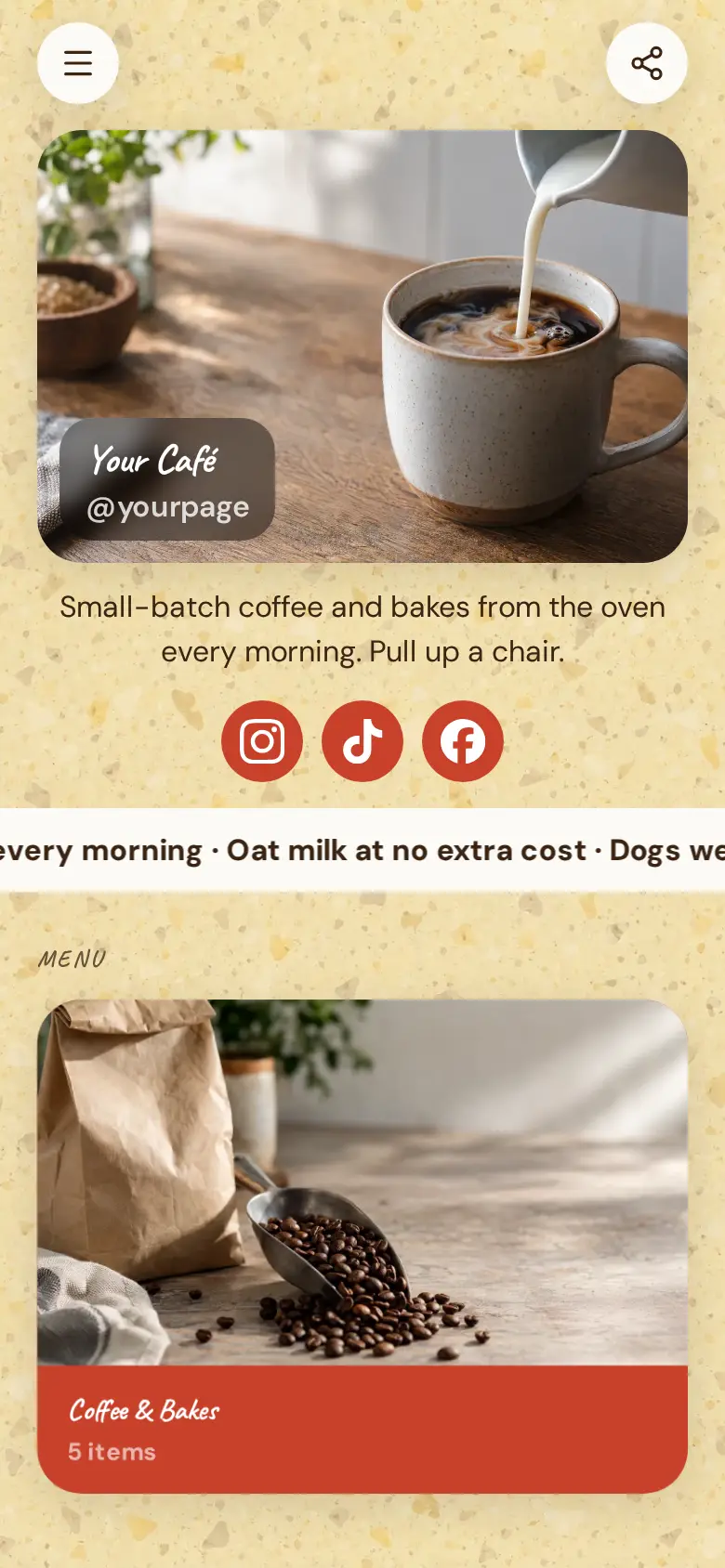
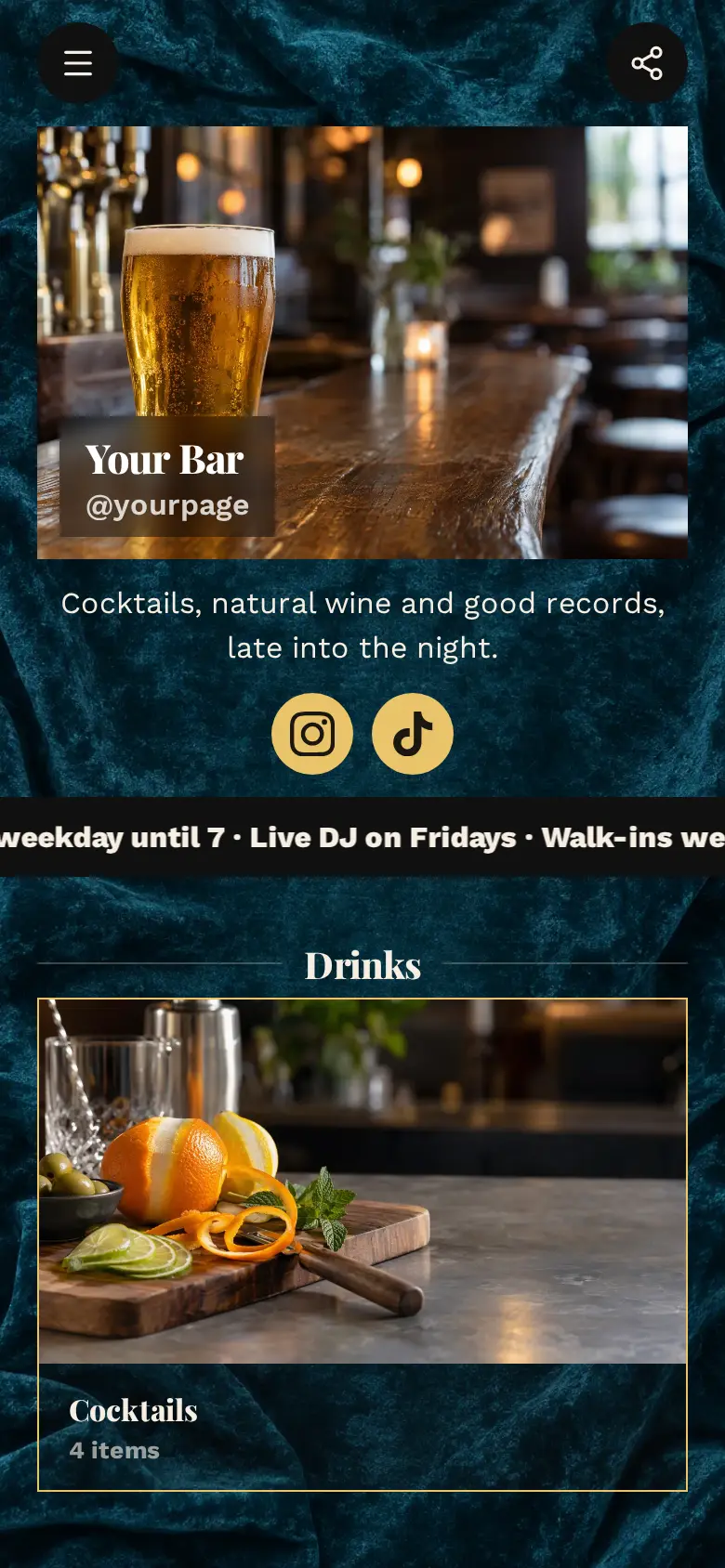
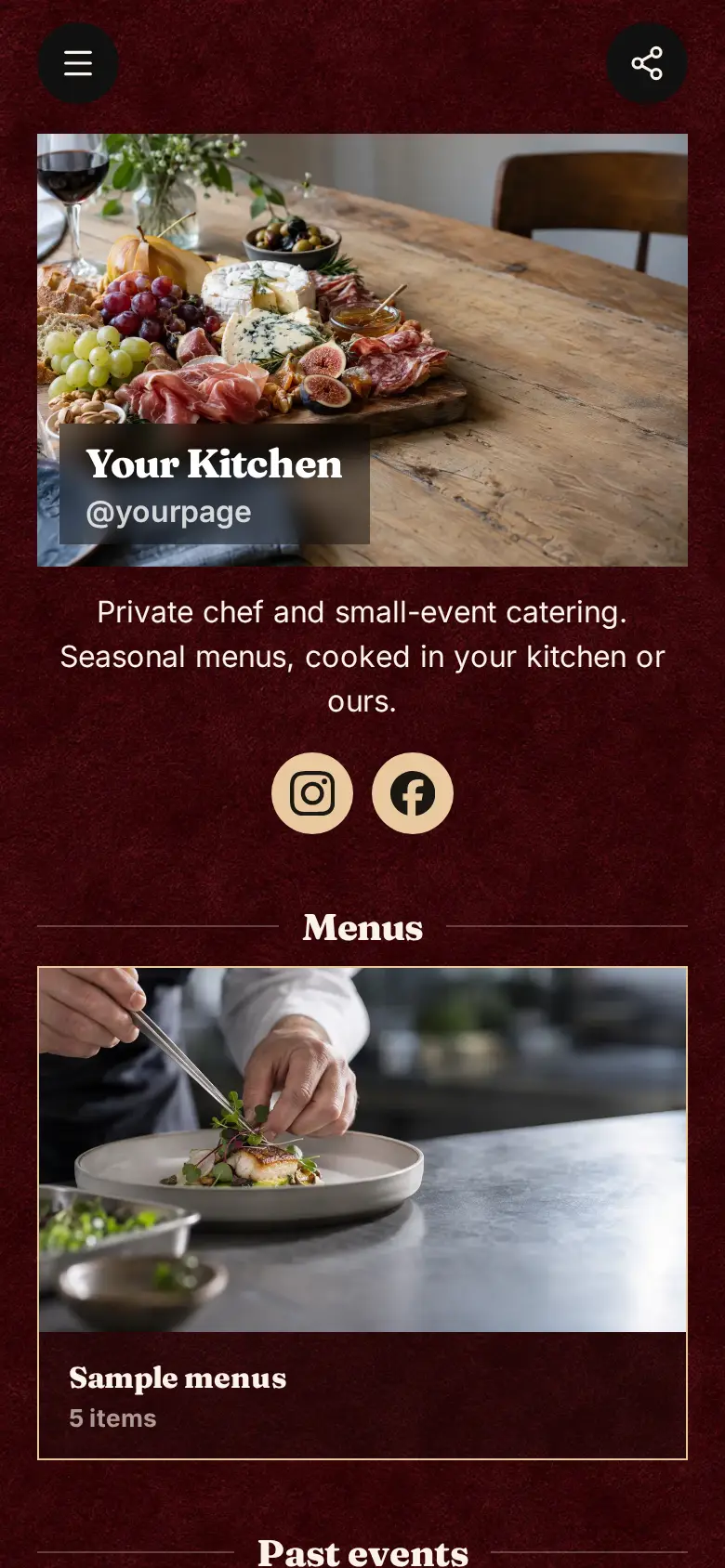
Menu Board website template
A free digital menu template for a restaurant, café or kitchen with a short menu that changes. The menu sits at the top of the page, then a photo of the room and a map with your hours. Once your dishes are in, put the menu's QR code on every table.
This template has no cover photo or name block at the top: a short line says how the menu works, and the menu comes straight after. Your Instagram, TikTok and Facebook sit in a row just under it.
What’s on this page
Tonight's menu
A list of what you offer, each item with a description, a price and tags. Visitors tap it to open the full list and filter it by tag.
Add each dish with a line on what is in it and a price, and tag them Starters, Mains and Desserts so a guest can jump to pudding. When the market changes the menu, edit the items or replace the lot from a spreadsheet saved as CSV. The menu has its own link and QR code, so the code on the table opens the menu itself rather than the top of the page.
The room
Up to five photos with a title and a line of text. A card can show your work, an item for sale with a link to buy it, a product you recommend, or a code to copy.
One wide photo of the room shows what kind of evening it is, low light and a long table or bright and busy at lunch. Use the line under it for something guests look forward to, like the seats at the open kitchen.
Come and eat
A Google Maps pin with your address and opening hours. Tapping it opens a bigger map and a button for directions.
Paste your pin and write your days and hours, since a short menu like this often only runs in the evening. If you hold tables for booked guests and take walk-ins for the rest, say so here as well as at the top.
Add to it
Ask for a table
A form with the questions you choose, for enquiries, quotes or feedback. Every answer is saved for you in Keepp.
A table request form asks for the date, the time and how many are coming, with a box for allergies. You confirm each request yourself, which suits a small room where the tables are juggled by hand on the night.
Ask the kitchen
A chat button that answers visitors' questions from what is on your page and the notes you give it.
Guests ask the same few things all evening, like whether there is a vegetarian main or if you charge corkage. A chat button answers from the dishes on your menu and the notes you give it, such as whether the menu changes nightly, and when a question is not covered it says so rather than guessing. If you link a Telegram group, those questions are sent there for someone on the floor to answer.
Ask the kitchenAI assistantHi! Ask about tonight's menu or tables.Dinner gift voucher
An item you sell, with photos, a price and a buy button. Buyers pay on the page through your own Stripe account.
A gift voucher sells easily from the same page as the menu. Customers pay through your own Stripe account and say at checkout who it is for, and you send the voucher on and tag the order once it has been used.
Questions
How do I put my menu online?
Type the dishes into the menu block, or import them from a spreadsheet, then publish. The menu opens as a full list on any phone, and you can change it as often as the kitchen does.
Can customers scan a QR code to see it?
Yes. The menu has its own link and QR code. Print the code for the tables or the window, and scanning it opens the menu on the guest's phone.
Can I change prices any time?
Yes. Edit a price or a dish and publish, and everyone who scans sees the new version. The QR code stays the same, so there is nothing to reprint.
Does it work for a café or a food truck?
Yes. Rename the menu, swap the photo of the room for your counter or your truck, and use the hours on the map for where and when you trade.